NanoVibe logo

Creative Generator & Editor

Generate concept images from scratch or edit existing reference visuals and campaign directions with top-tier AI models.

Powered by GPT Image 2, Nano Banana 2 and Seedream

Login

Text to imageReference editingMulti-referenceCampaign creative

Creative Directions You Can Start Here

NanoVibe is not just for generic AI art. It helps fashion and ecommerce teams generate fresh campaign directions, edit from real references, and turn rough ideas into visuals that are much closer to usable creative.

Text to image

Generate a premium product poster with readable brand copy

This is the kind of top-of-funnel creative teams often need first: a polished campaign visual with believable materials, clear composition, and short text that already feels close to usable.

Prompt

Create a premium skincare campaign poster for a fictional brand called LUMA. A frosted glass serum bottle stands on a pale stone pedestal with soft morning light, subtle shadows, realistic reflections, and clean studio depth. Add elegant readable text in the composition: "LUMA Vitamin C Serum" and a smaller subheading "Brightening daily care". The layout should feel like a real beauty campaign, with restrained typography, balanced negative space, natural material textures, and polished commercial photography quality.

Output
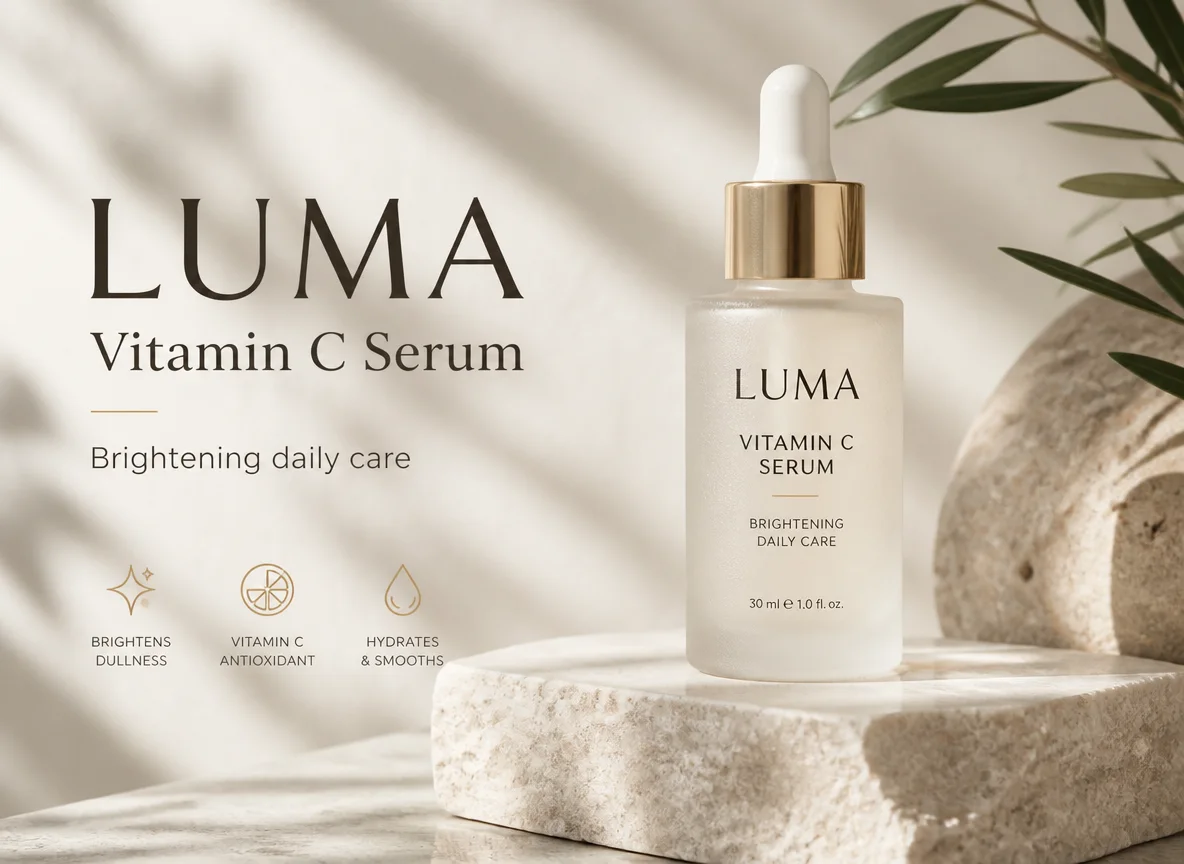
AI-generated skincare campaign poster with readable product typography and polished studio composition
Reference editing

Turn one outfit into a multi-shot fashion lookbook

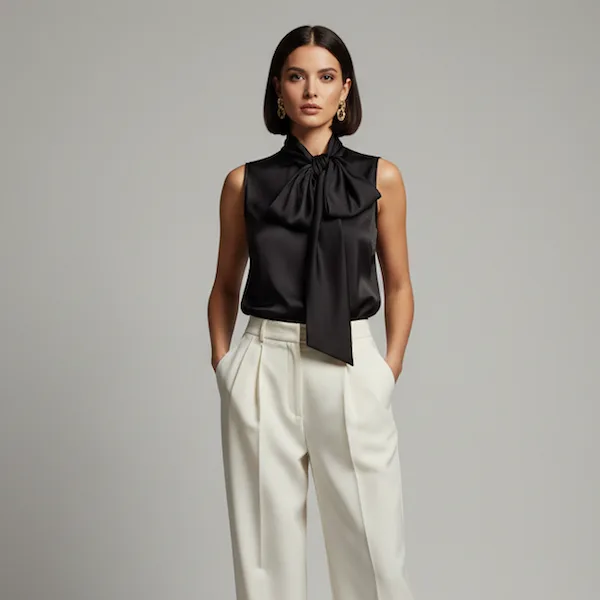
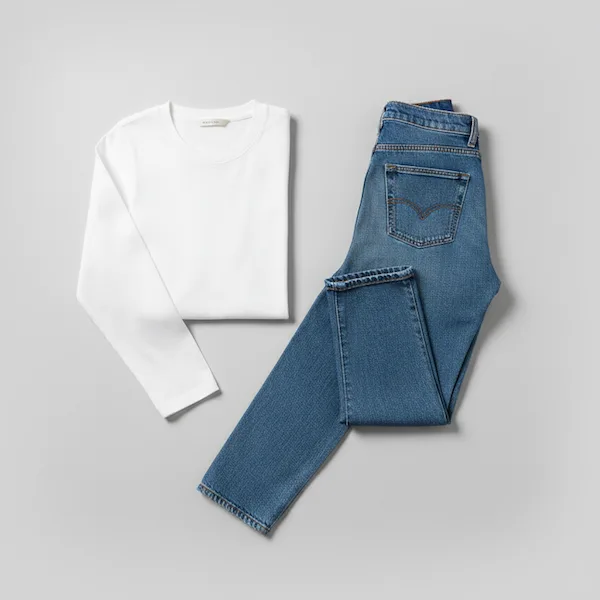
Start with a real model image and an outfit reference, then turn them into a cohesive editorial set that feels ready for lookbooks, PDP modules, and social launch assets.

Inputs

Turn one outfit into a multi-shot fashion lookbook reference 1
Turn one outfit into a multi-shot fashion lookbook reference 2

Prompt

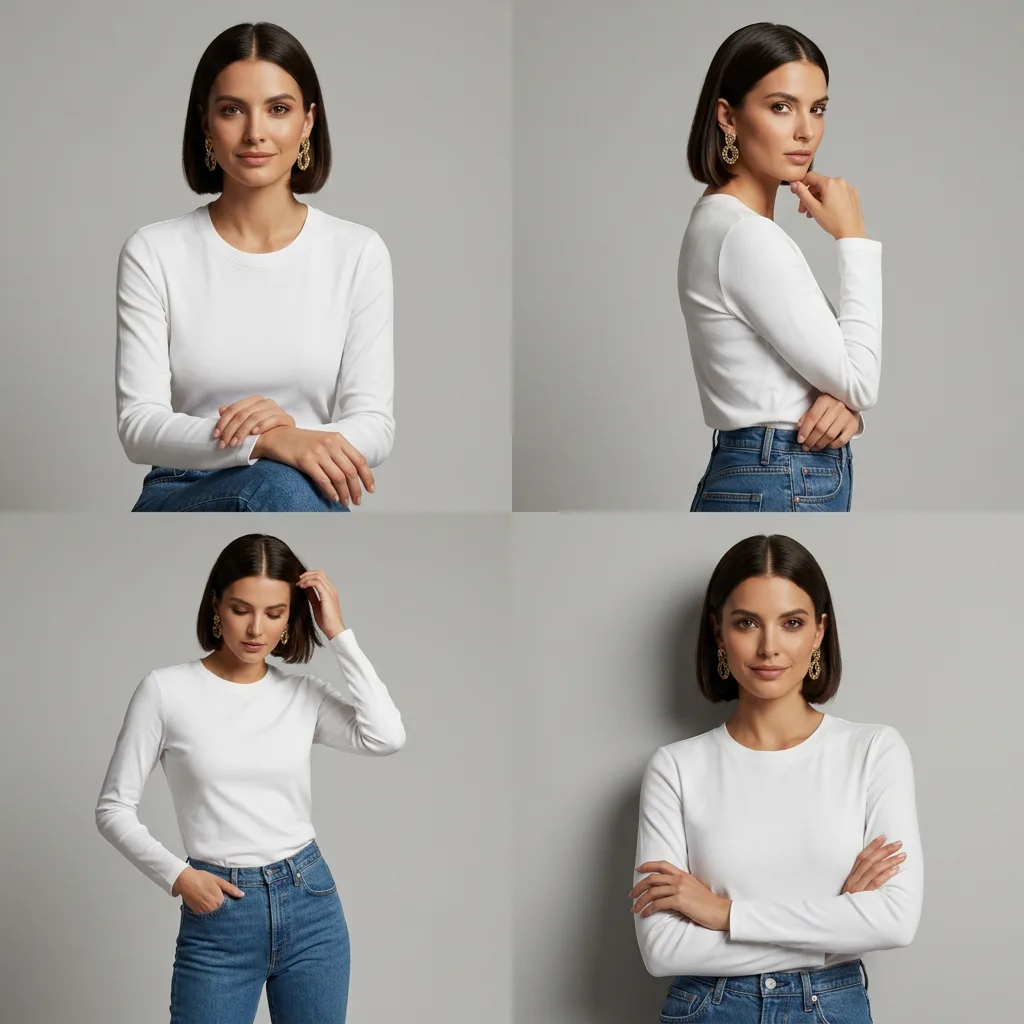
A 2x2 grid layout, four-panel split view, professional fashion photography. The female model from Image 1 is wearing the outfit from Image 2. Each panel features a different professional upper body modeling pose. Soft studio lighting. Background is perfectly solid seamless neutral grey studio wall, completely empty. High-end commercial fashion aesthetic, 8k resolution, ultra-realistic, cinematic skin texture.

Output
AI-edited fashion collage that combines a model reference and outfit reference into a multi-shot editorial result
Reference editing

Convert one portrait into a shoppable editorial collage

Preserve the person, outfit, and overall styling, then reframe the image into a content format that feels closer to creator commerce, campaign planning, or merchandising previews.

Inputs

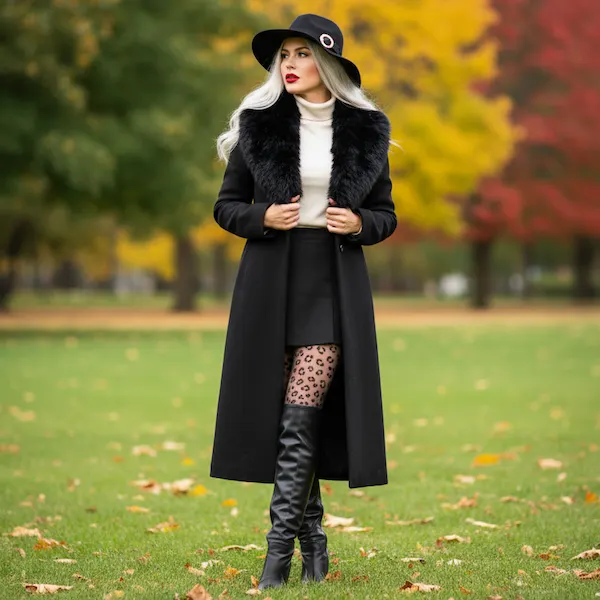
Convert one portrait into a shoppable editorial collage reference 1

Prompt

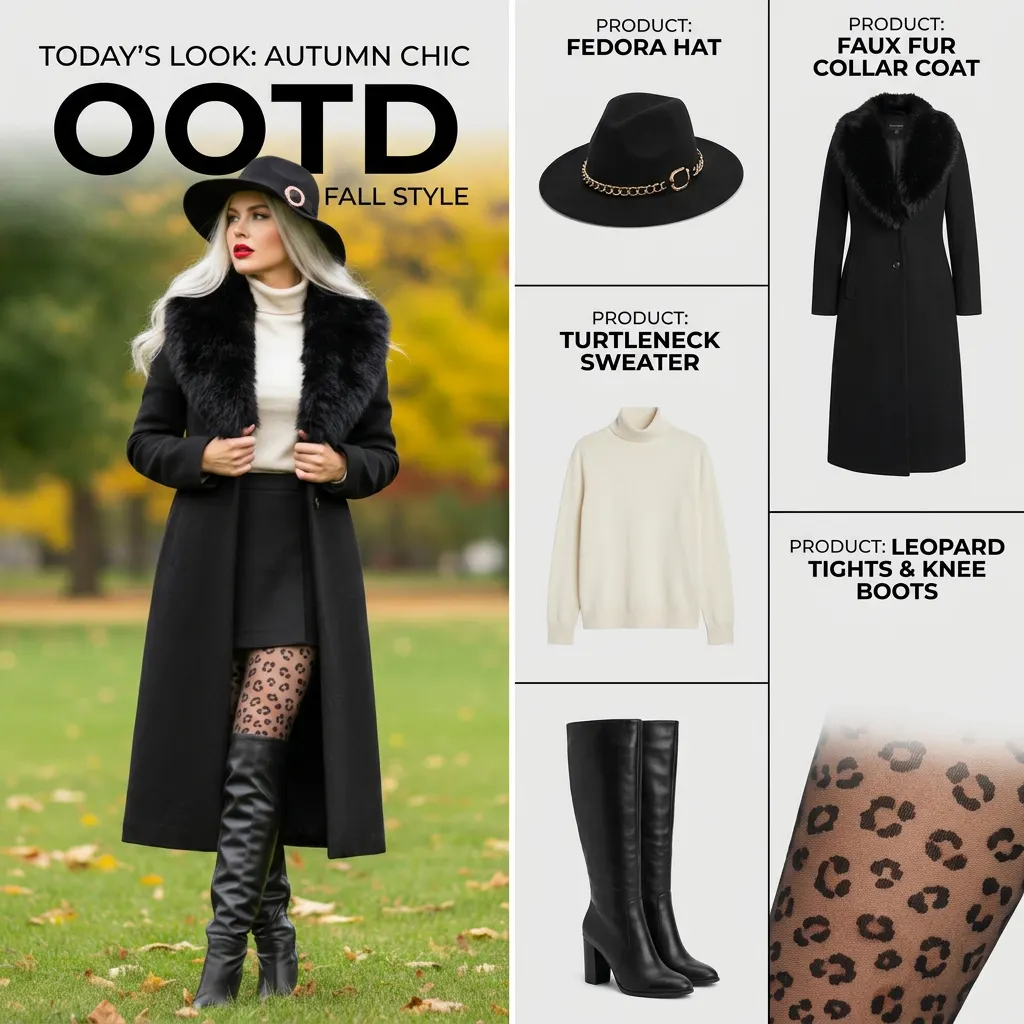
A professional fashion magazine OOTD collage layout. The composition is split into two distinct vertical sections. Left Side: Feature the person from the provided image, strictly preserving their original face, hairstyle, and exact outfit. The atmosphere is bright, clean, and high-quality editorial, capturing a candid and stylish vibe. Right Side: A minimalist white background featuring a vertical grid of individual fashion items. These items must be directly extracted from the outfit worn by the person in the left image. Each item module includes: a clean e-commerce style cutout of the product, a descriptive product name, no price. Typography: Modern, clean sans-serif fonts with bolded prices. Overall Aesthetic: Professional, airy, and sophisticated, mimicking a high-end influencer's Instagram editorial or a contemporary fashion zine.

Output
AI-edited fashion collage that turns one portrait into a creator-style editorial shopping layout
Multi-reference

Apply packaging to multiple ad-ready product scenes

Use a design reference plus a product reference to create several campaign directions at once. This is ideal for testing launch concepts before moving into dedicated poster or product-scene workflows.

Inputs

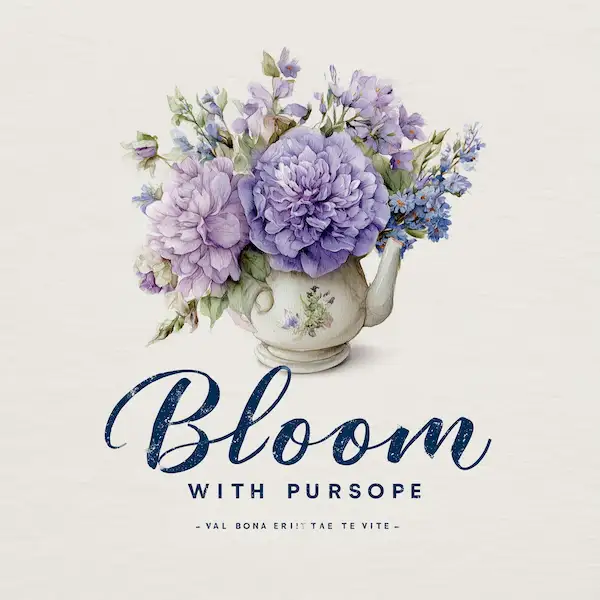
Apply packaging to multiple ad-ready product scenes reference 1
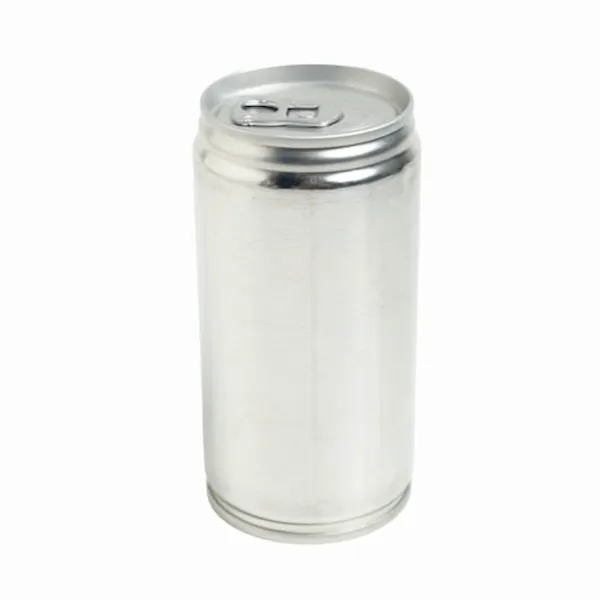
Apply packaging to multiple ad-ready product scenes reference 2

Prompt

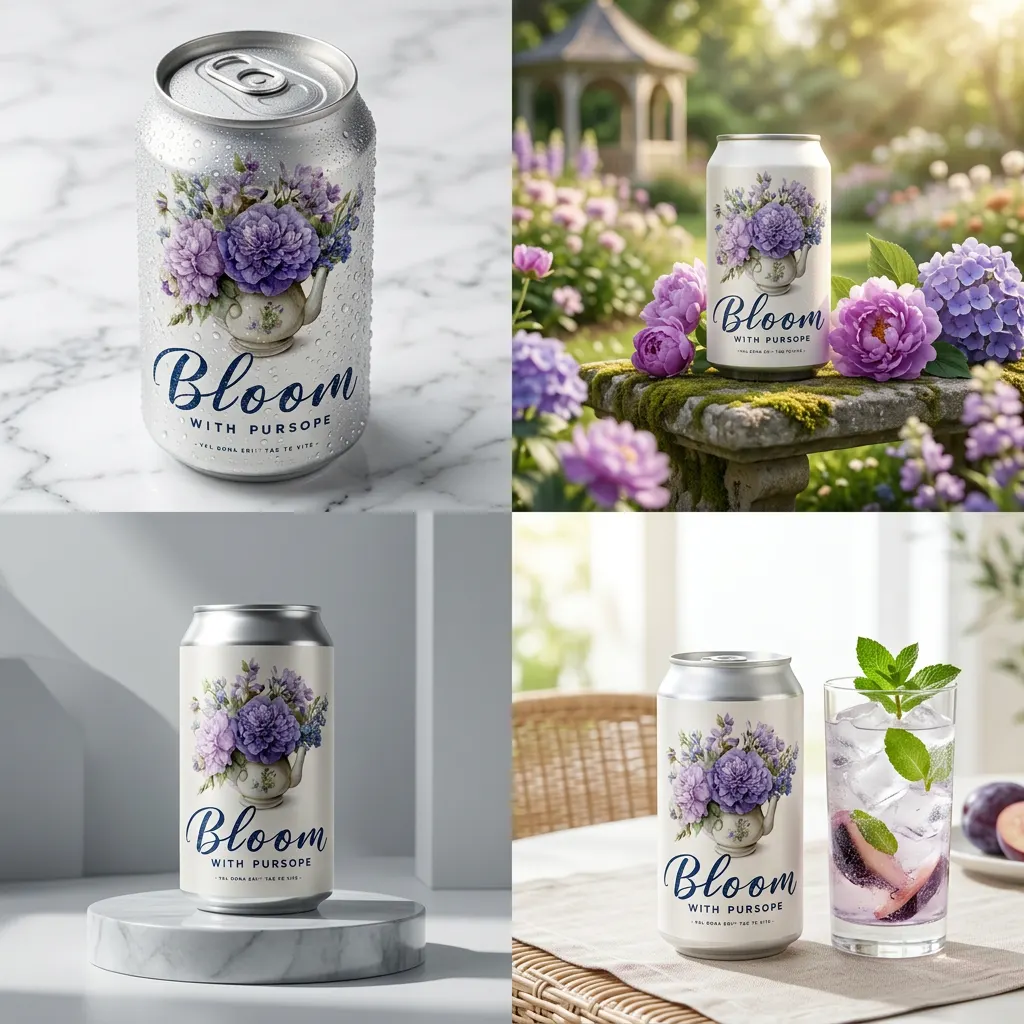
A 2x2 grid collage of four distinct, high-end commercial advertisement posters for a premium soda can. The Product: Apply the design from Image 1 to the can in Image 2. The 4 Grid Layout: Top Left: A macro close-up of the can on a white marble surface, showing realistic condensation droplets and crisp details of the watercolor texture. Top Right: The can placed in a sun-drenched spring garden, surrounded by real purple flowers, soft bokeh background, natural morning light. Bottom Left: A minimalist studio shot on a reflective light-grey pedestal, dramatic side lighting highlighting the metallic sheen of the can top. Bottom Right: A lifestyle shot of the can next to a clear glass of ice and a sprig of mint, bright and refreshing aesthetic, high-key lighting.

Output
AI-edited soda can creative board with multiple campaign-ready product scenes
Campaign creative

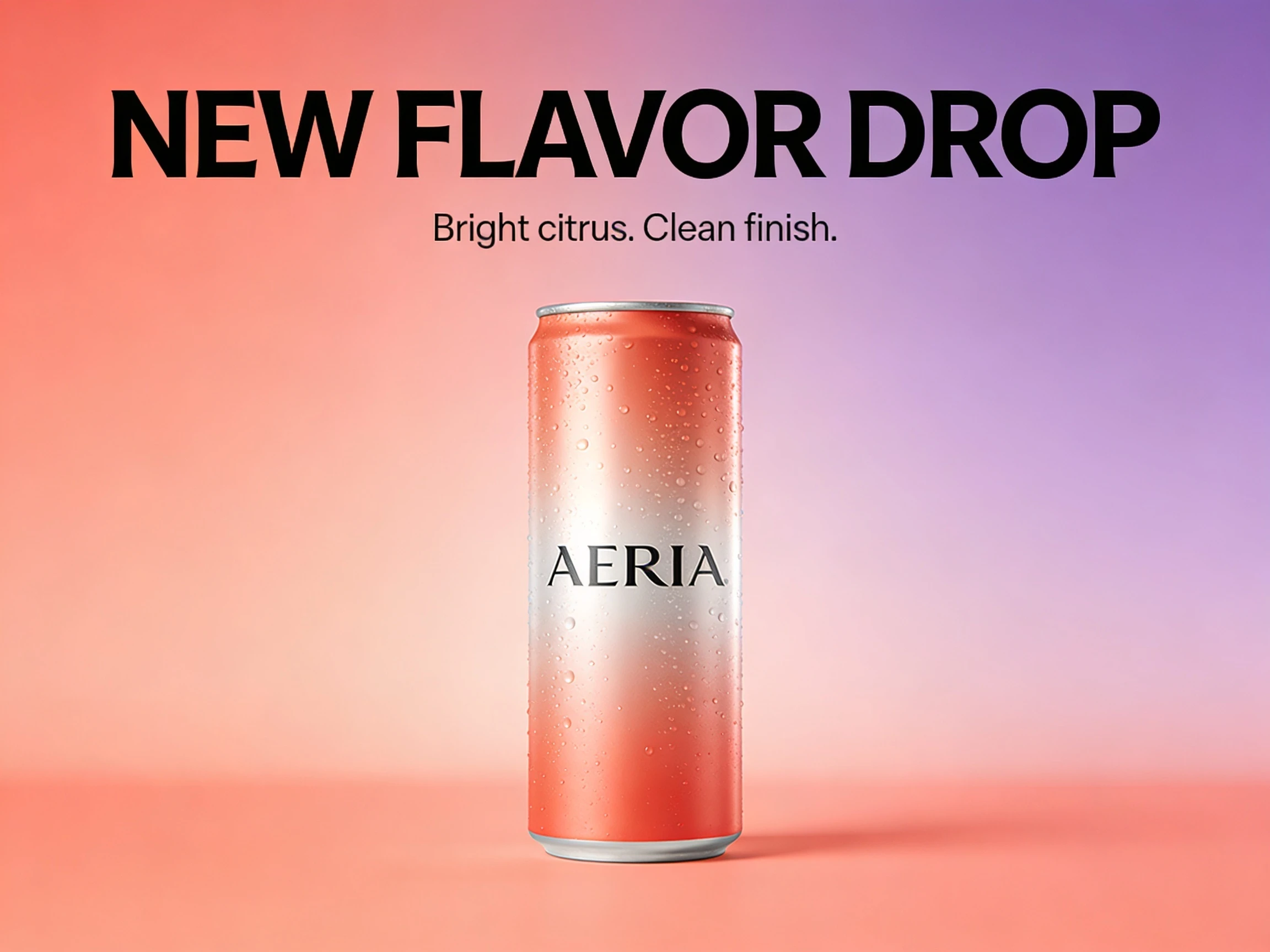
Generate launch banners that already look like ad creative

When the goal is to explore campaign direction quickly, strong layout and text rendering matter as much as image quality. This type of output helps teams test hooks before formal production.

Prompt

Create a premium product launch banner for a fictional sparkling drink brand called AERIA. Show one can centered against a soft coral-to-lilac gradient background with realistic highlights and condensation. Add bold readable headline text: "NEW FLAVOR DROP" and smaller supporting copy: "Bright citrus. Clean finish." Use polished commercial composition, sharp typography, and balanced ad layout.

Output
AI-generated product launch banner with commercial layout and clear advertising text

Generate, Edit, and Refine Creative Directions in One Workflow

NanoVibe helps fashion and ecommerce teams go from blank prompts to reference-based edits in one place. Compare models, iterate faster, and shape visuals that are closer to real campaign-ready creative.

Generate from Prompt or Edit from References

Start from a blank prompt, upload one reference, or combine several inputs in the same workflow. NanoVibe helps teams move between concept generation and controlled editing without switching tools.

Match the Right Model to the Creative Job

Different briefs need different strengths. Use top-tier models for cleaner product posters, reference-based edits, multi-image fusion, or campaign exploration without rebuilding your process each time.

Turn Rough Ideas into Usable Campaign Creative

Build concept visuals, campaign references, and first-draft ads that feel much closer to production-ready. It is a faster way to explore directions before moving into product scenes, posters, or model-photo workflows.

Creative Tool

Ready to generate or edit your next creative?

Start with a prompt, upload a reference, or combine both. Use NanoVibe to explore campaign directions, polish product visuals, and build better inputs for your downstream ecommerce workflows.

Explore more AI tools