
NanoVibe logo

AI Product Beautifier

Enhance photo quality, sharpen details, and increase image resolution in seconds. NanoVibe's AI Image Enhancer helps you turn low-quality product photos into clean, professional visuals ready for e‑commerce stores, marketplaces, and social selling.

Login

Upload Photo

Click or drag to upload photo

Supports JPG, PNG, WEBP formats, up to 10MB. Supports products, portraits, landscapes and more.

Prompt (Optional)

Improve product photos without manual editing

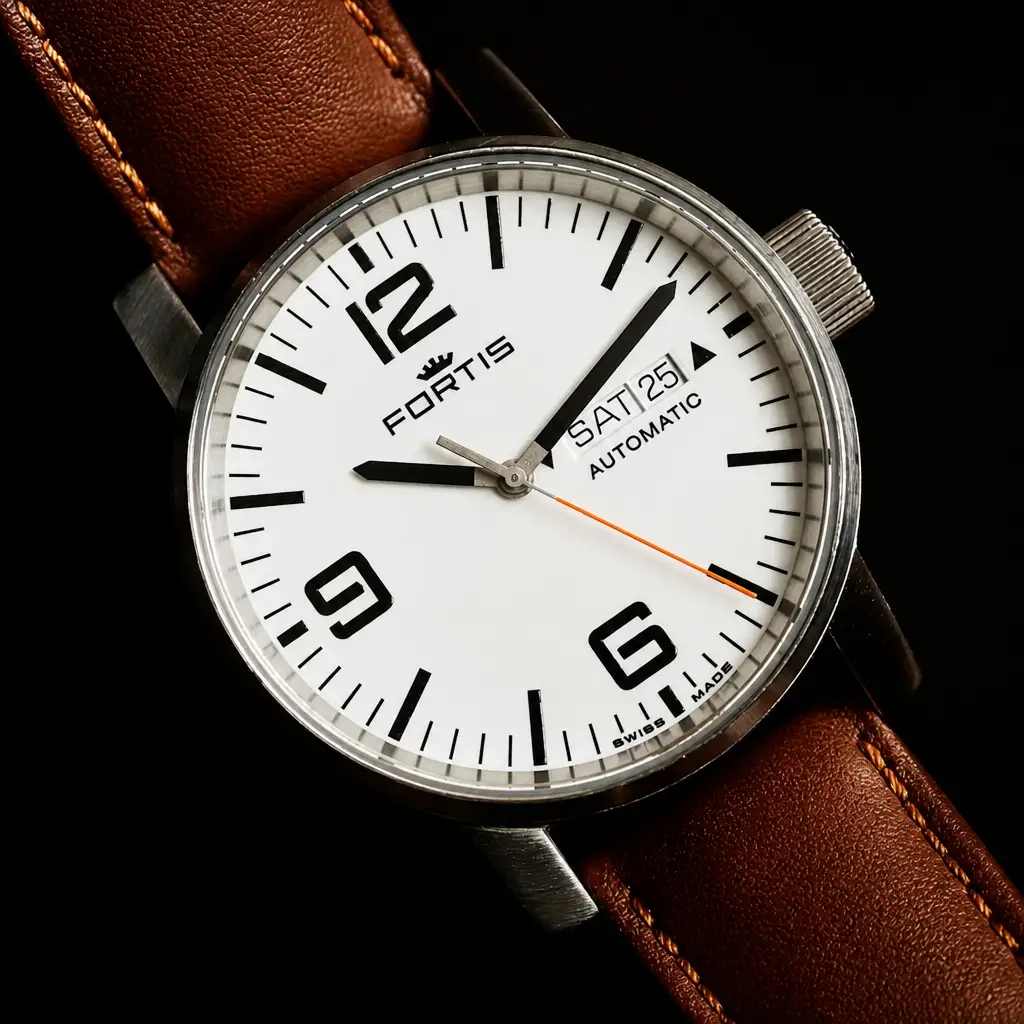
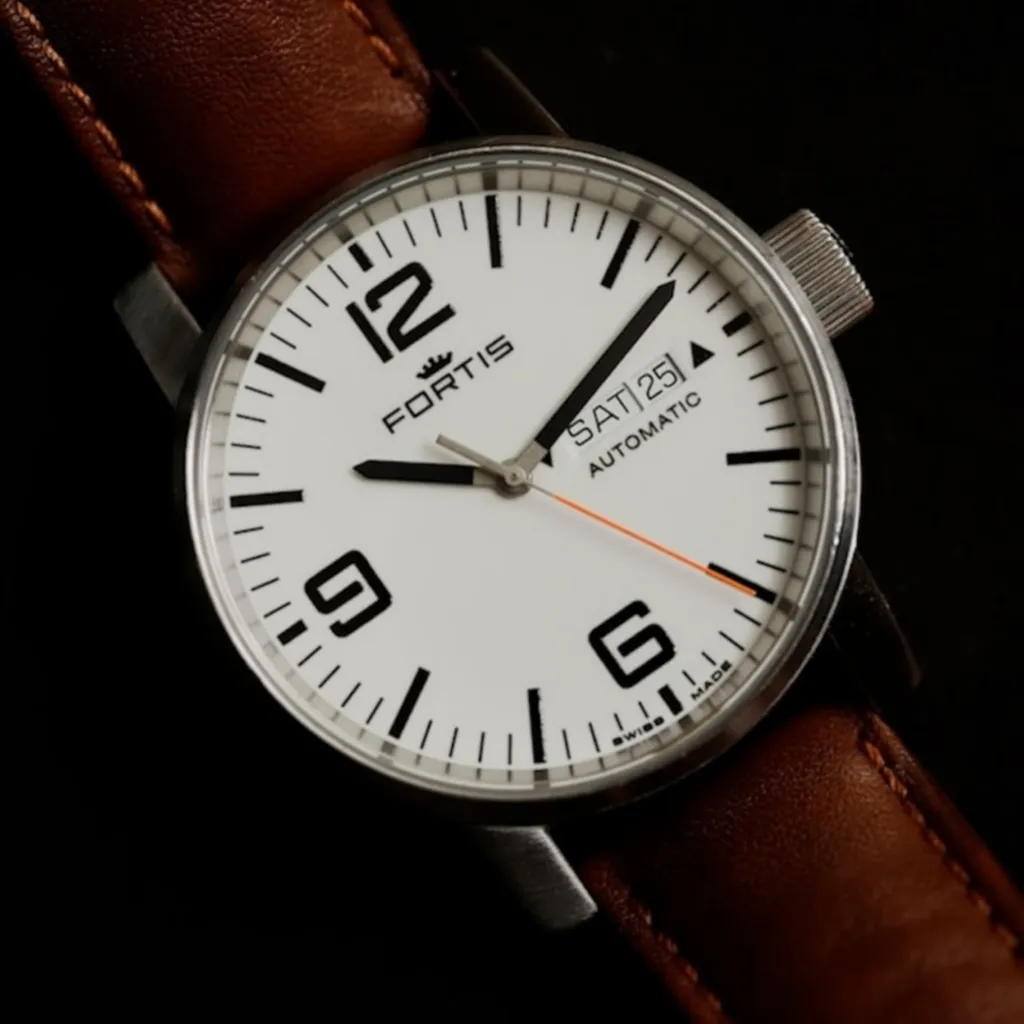
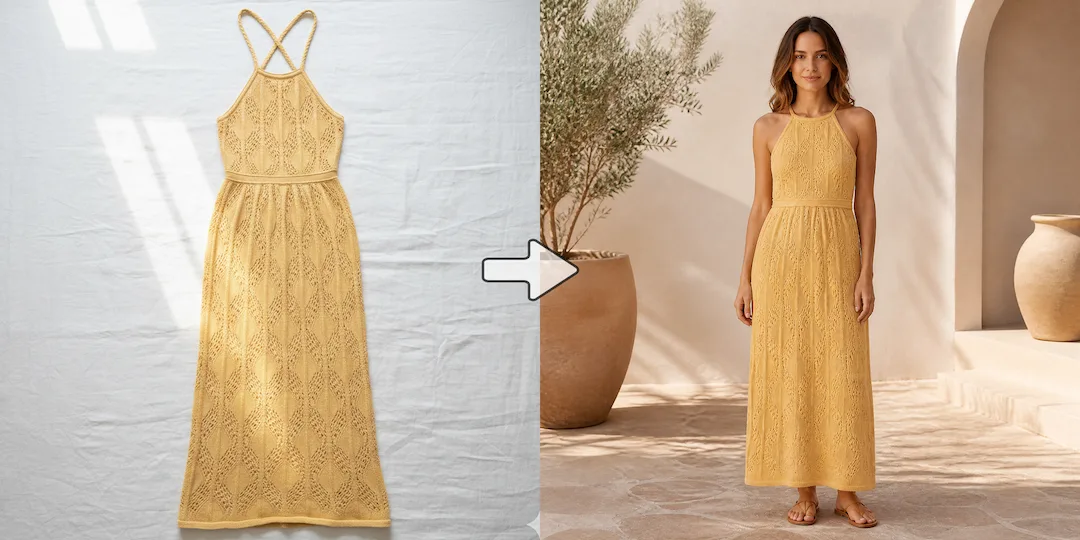
product image detail recovery after example 1
product image detail recovery before example 1

Increase image resolution without losing product detail

Low-resolution product photos can look soft, pixelated, or thin on modern storefronts. NanoVibe rebuilds texture, edges, and material detail so your images feel sharper and more premium without looking artificially over-edited.
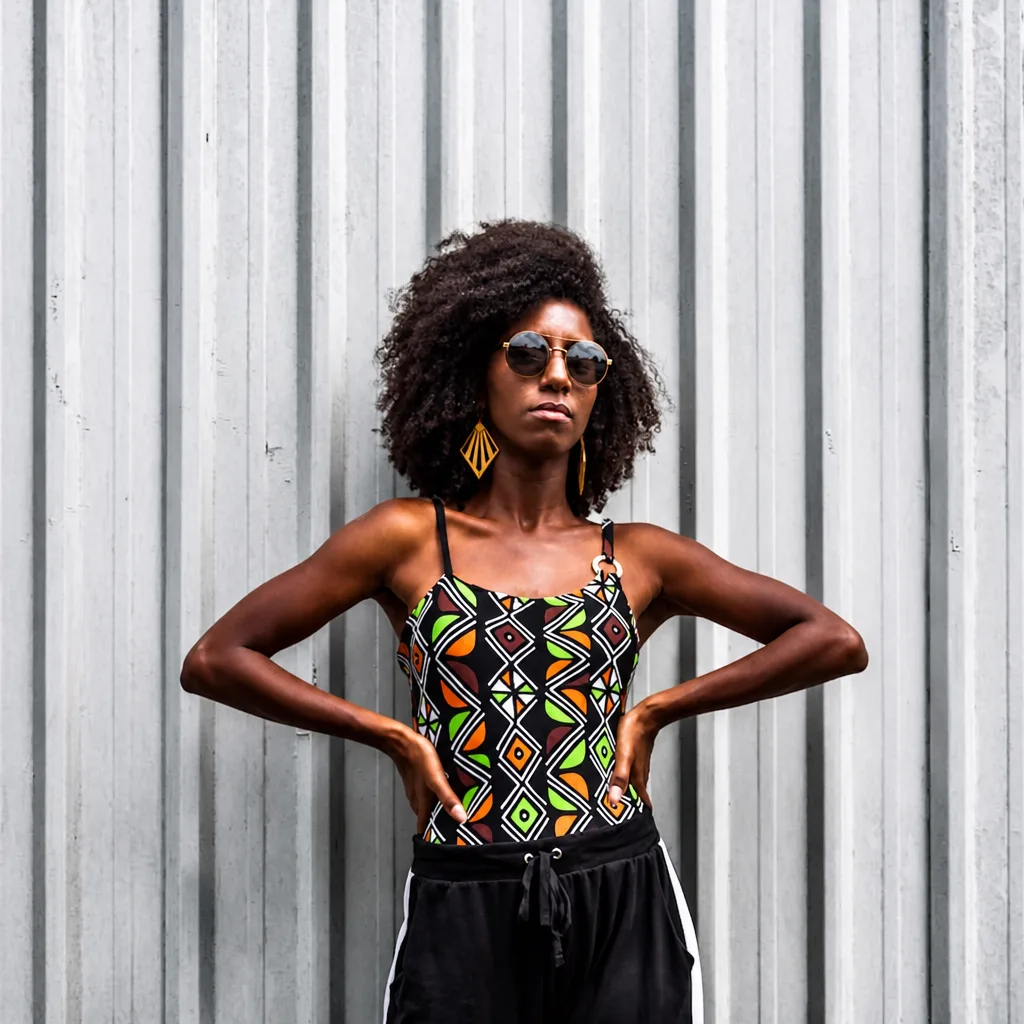
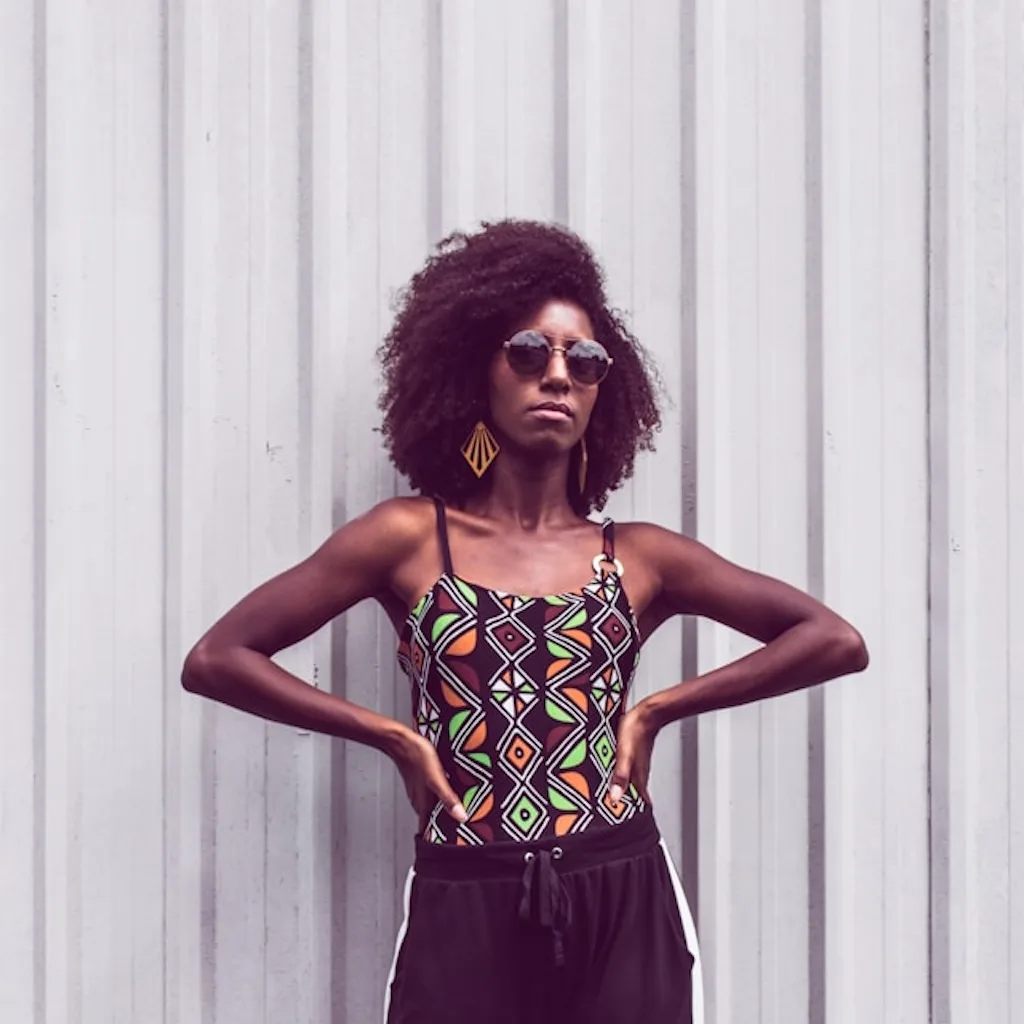
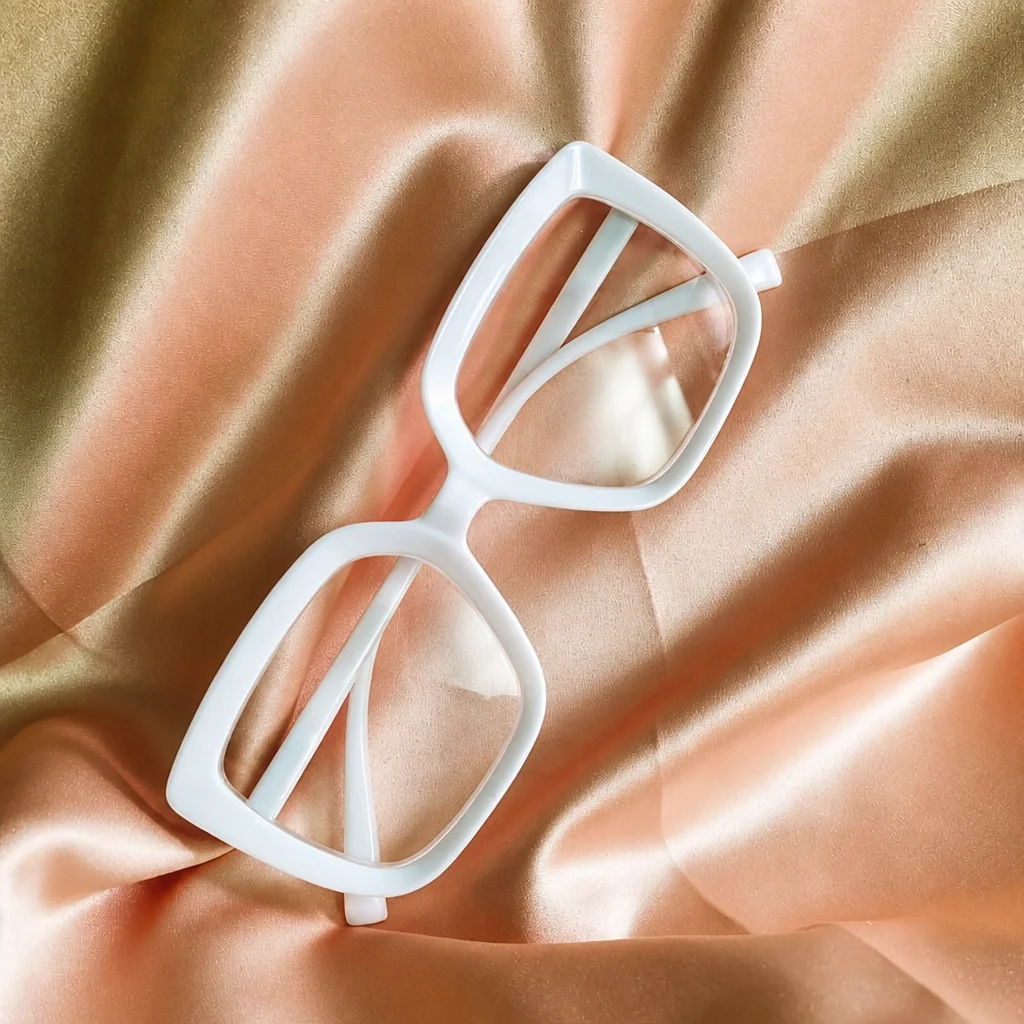
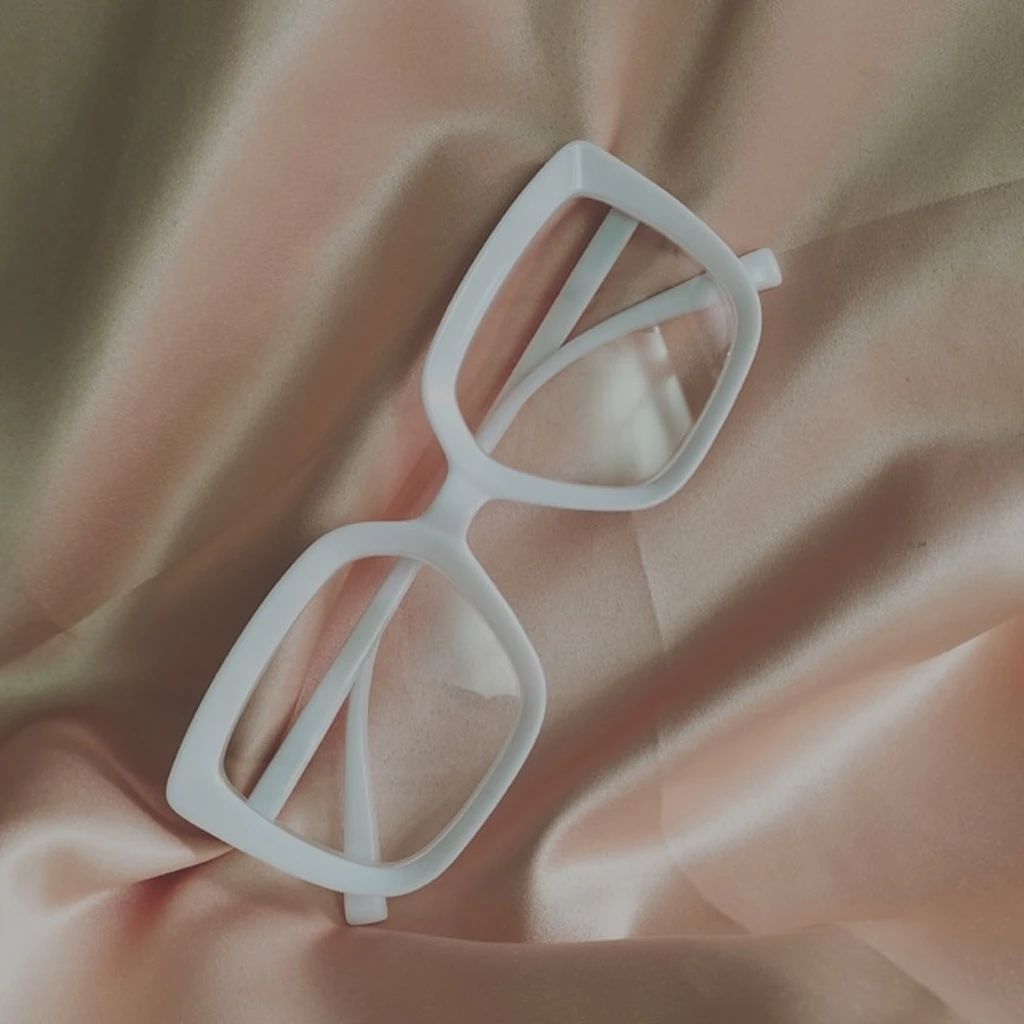
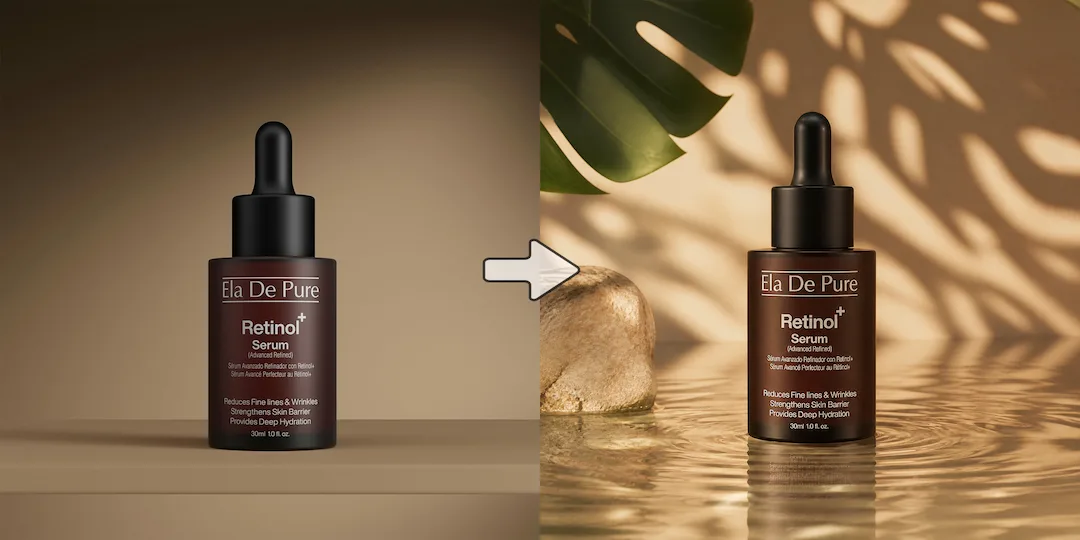
product photo enhancement after example 2
product photo enhancement before example 2

Fix photos limited by real-world shooting conditions

Not every shoot happens under perfect lighting or camera settings. Recover lost structure, rebalance clarity, and clean up weak captures so products look more polished and studio-ready after the shot.

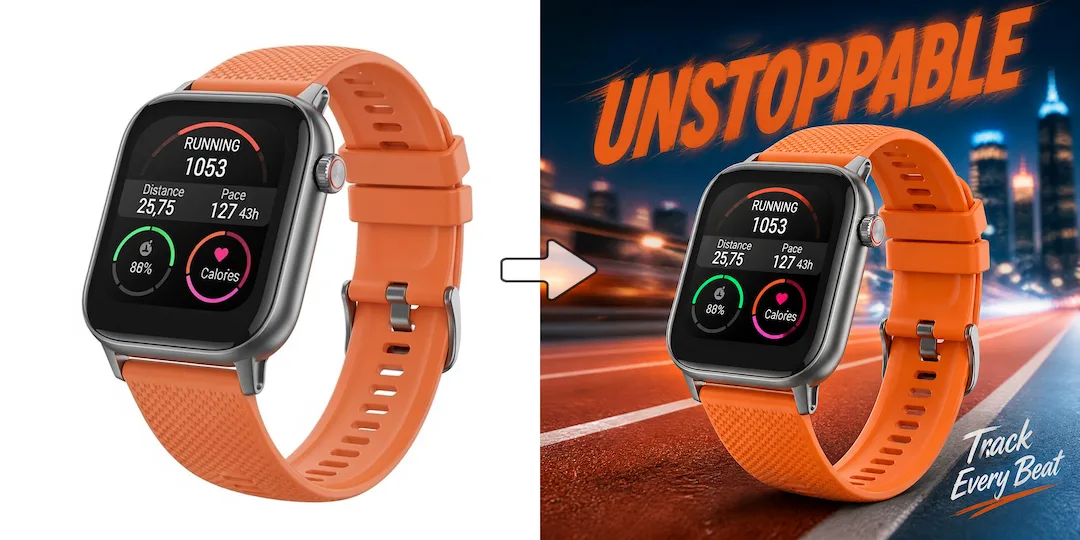
listing image quality improvement after example 3
listing image quality improvement before example 3

Make your listings look sharper and more competitive

On marketplaces, category pages, and product grids, clearer visuals win attention faster. Stronger detail and cleaner surfaces help your products look more trustworthy, more premium, and more ready to click.

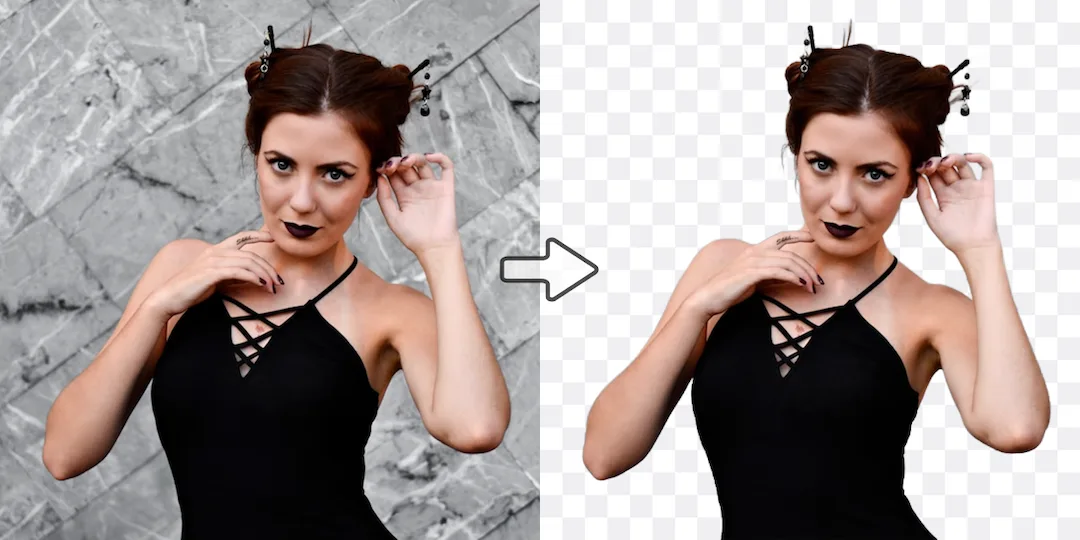
catalog image consistency after example 4
catalog image consistency before example 4

Seamlessly Unify Your Product Visuals

Product images often vary depending on how and where they're captured. Differences in lighting, contrast, or color balance can easily make a catalog feel inconsistent. NanoVibe's Image Enhancer helps rebalance these photos so they appear perfectly uniform alongside each other. This is especially useful when combining self-shot images with studio photography, or when photos from different sources need to sit cleanly together across your product pages or catalog.

Improve product photo quality in three simple steps

Step 1

Upload your product photo

Start with any product photo, even if it looks dull, low resolution, or uneven.

Step 2

Enhance and upscale with AI

Use the Image Enhancer to improve contrast, color balance, and clarity while increasing image resolution. The AI refines the photo so it appears sharper and more balanced without changing the product itself.

Step 3

Download and use anywhere

Export the enhanced image and use it across ecommerce listings, marketplaces, and social channels. You can also continue editing with other AI product photography tools if needed.

Product Enhancement Tool

Ready to turn weak product photos into assets that sell?

Enhance contrast, color balance, and clarity while boosting image resolution across listings, campaigns, launches, and every customer touchpoint.

Start Enhancing Photos

Explore more AI tools