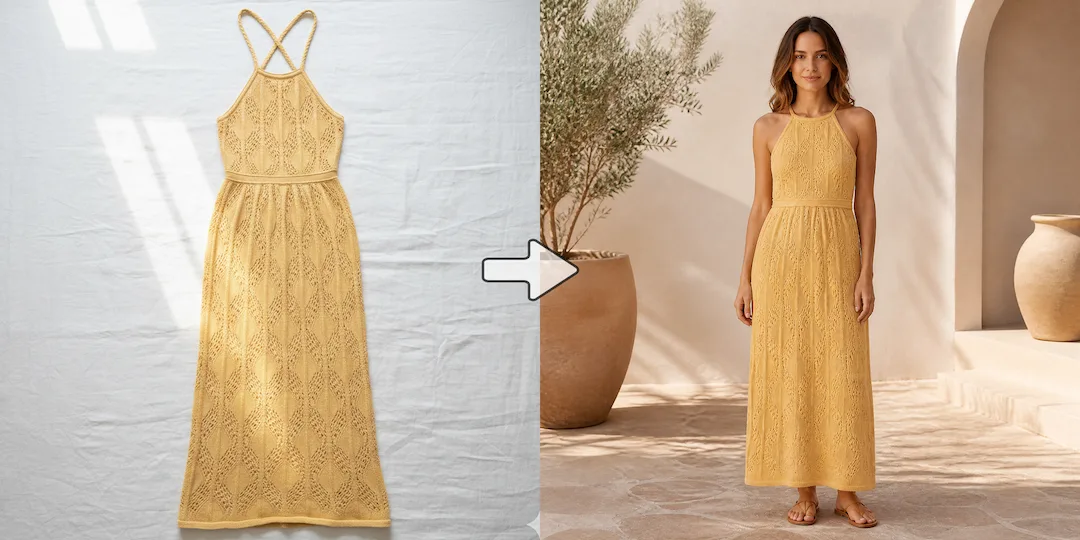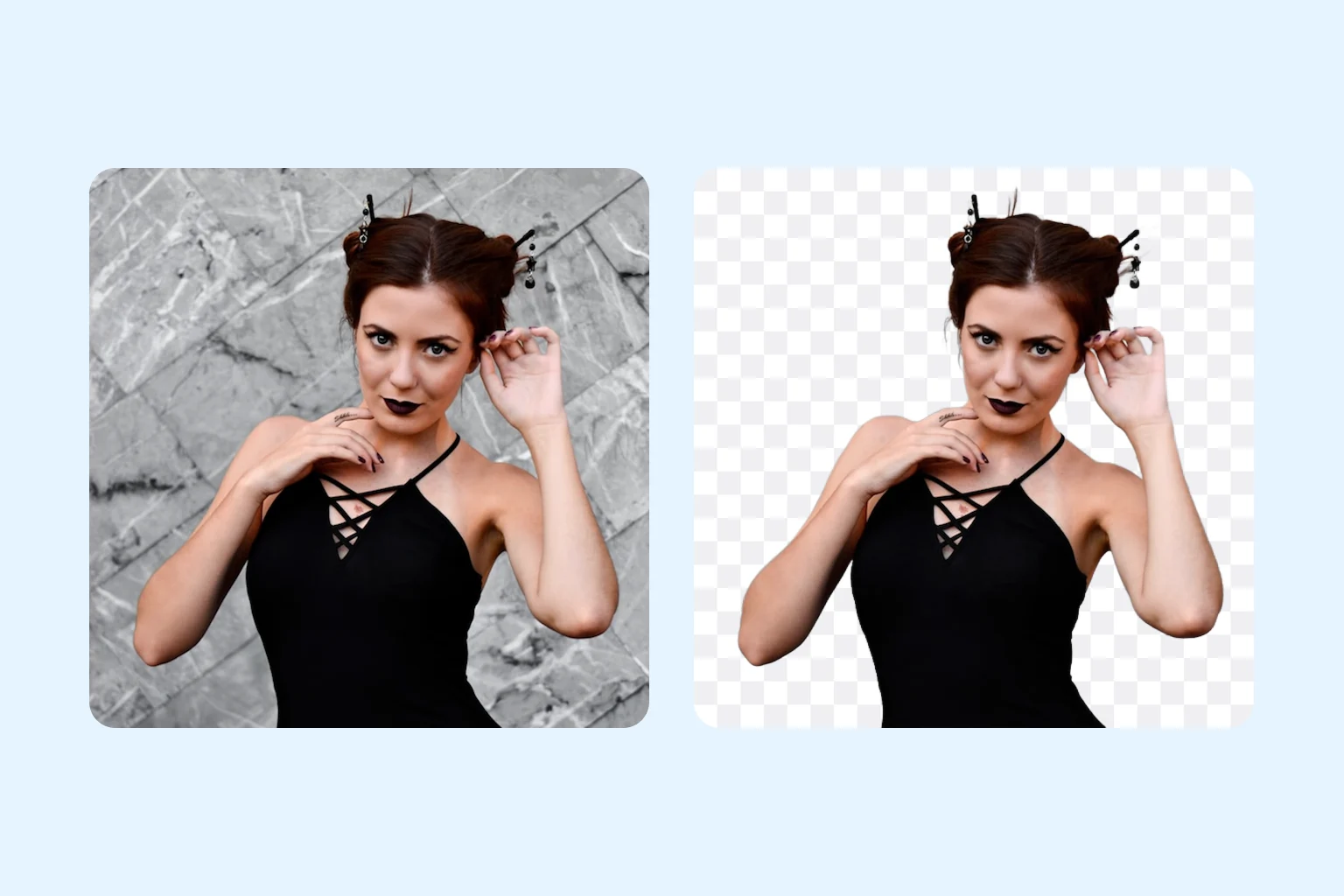
Save time, money, and manual effort
Skip costly and time-consuming editing. Remove backgrounds in one click for product images, personal photos, social content, and daily design tasks.
Get started for free
Turn any photo into a clean, transparent PNG, then replace the background with custom images. Perfect for products, portraits, graphics, and more.
Upload Photo
Click or drag to upload photo
Supports JPG, PNG, WEBP formats, up to 10MB and 3840 x 2160 px. Best for products, portraits and clean subject cutouts.
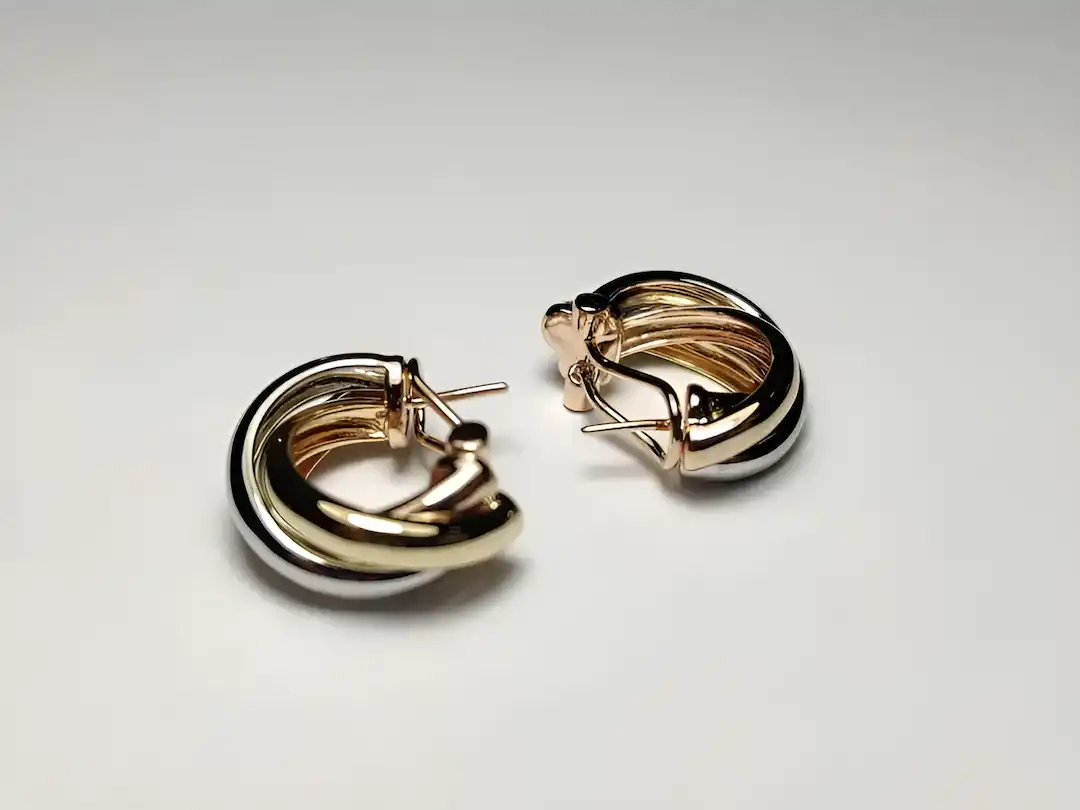
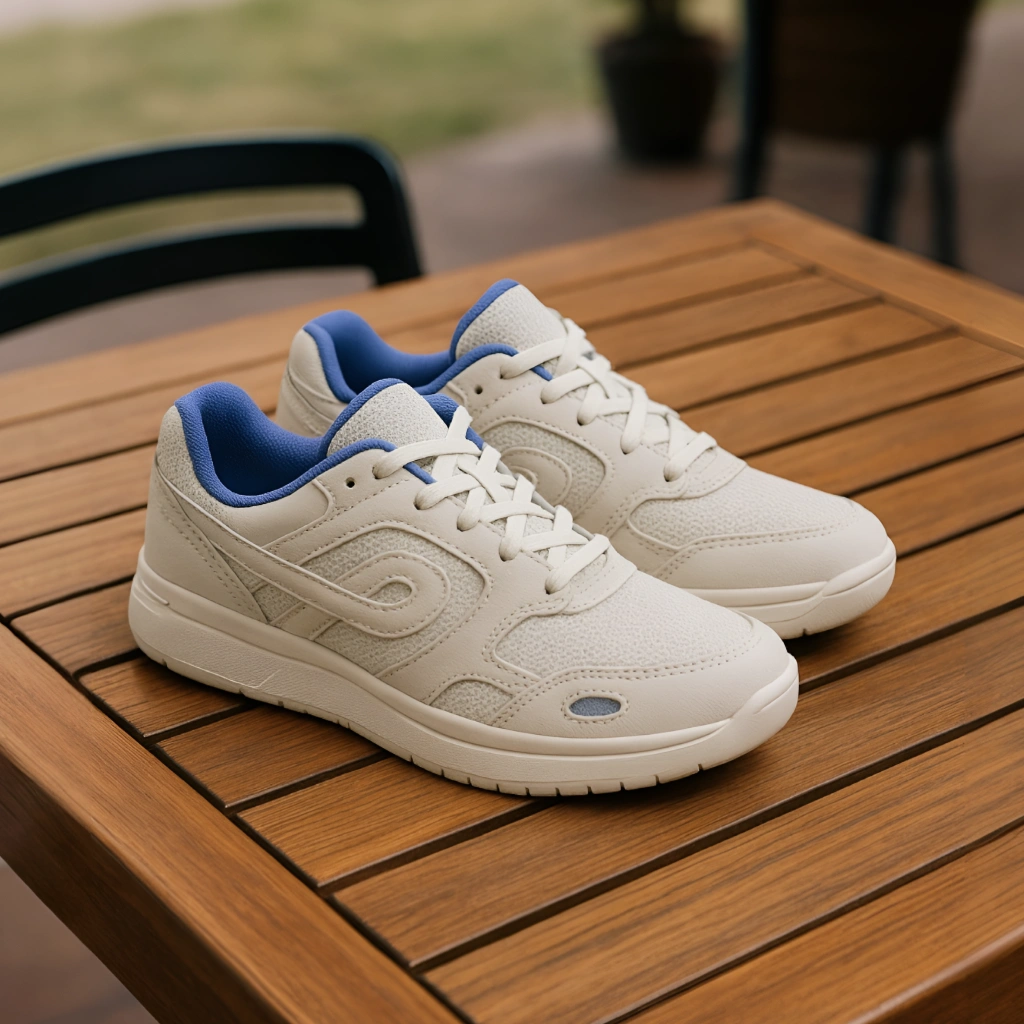
No images? Try one of these


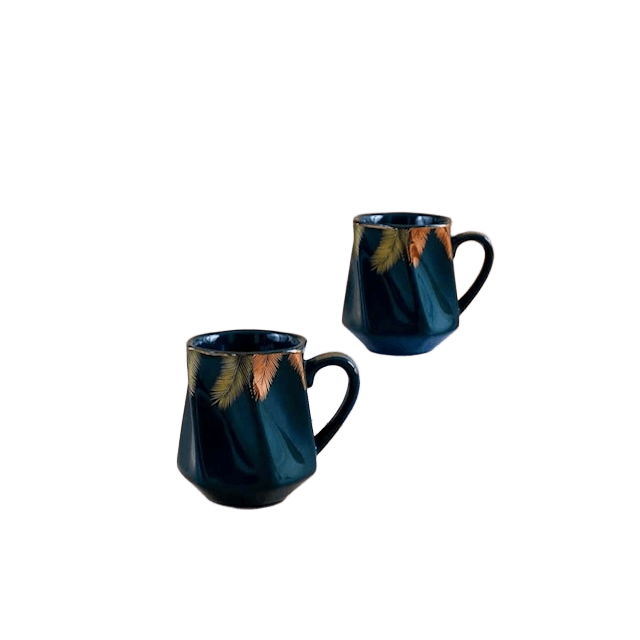
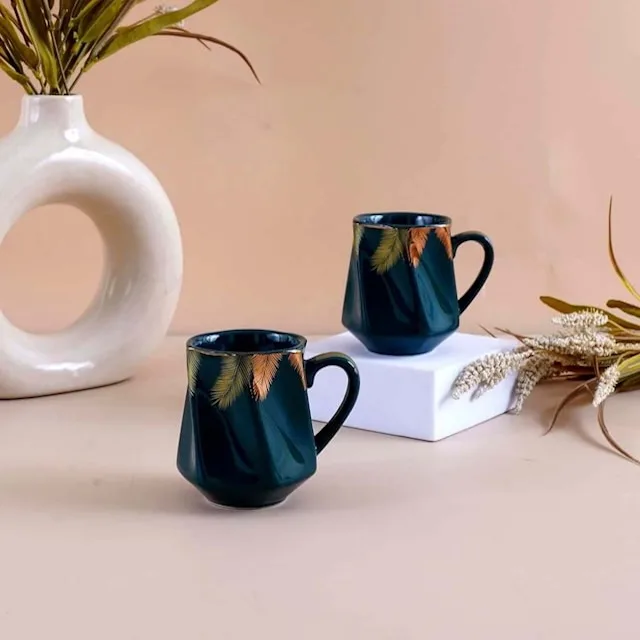
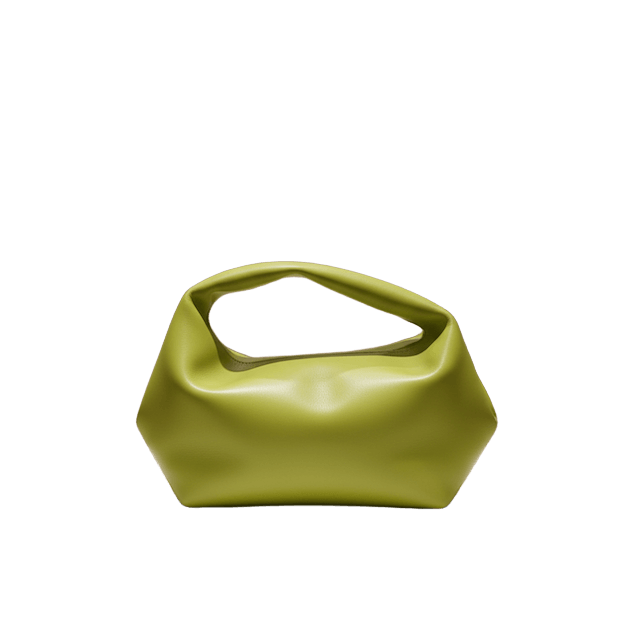
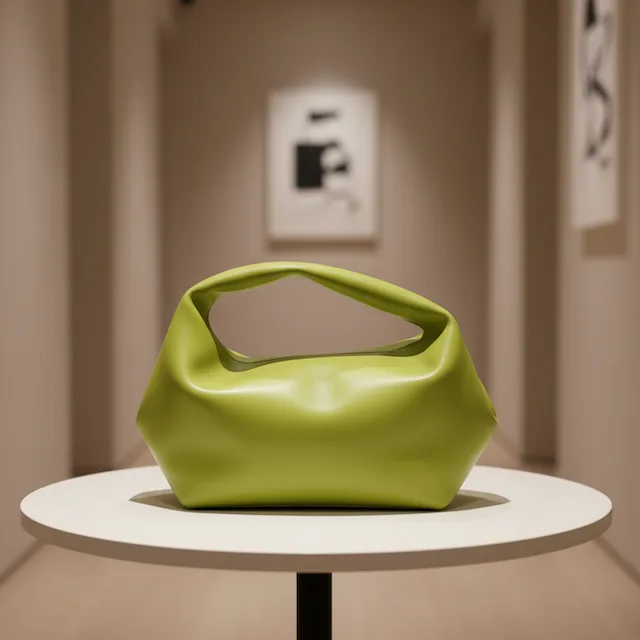
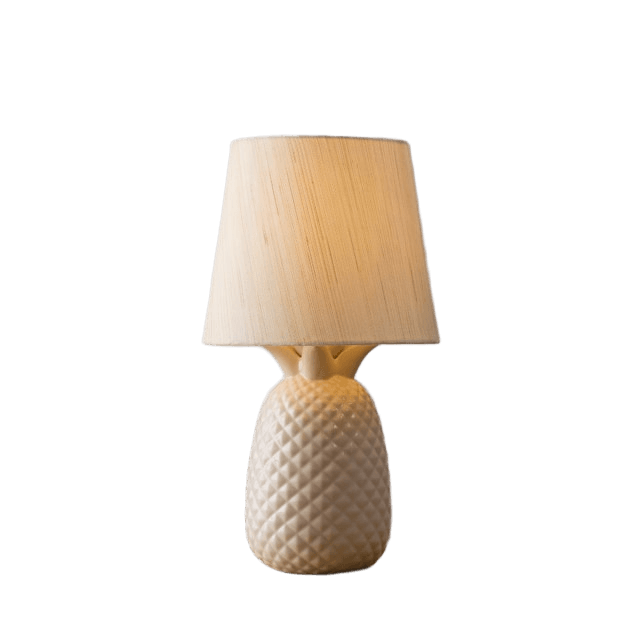
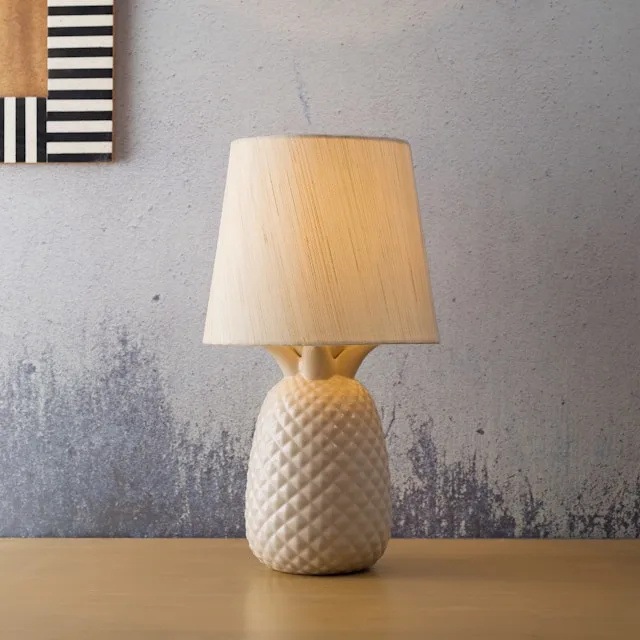
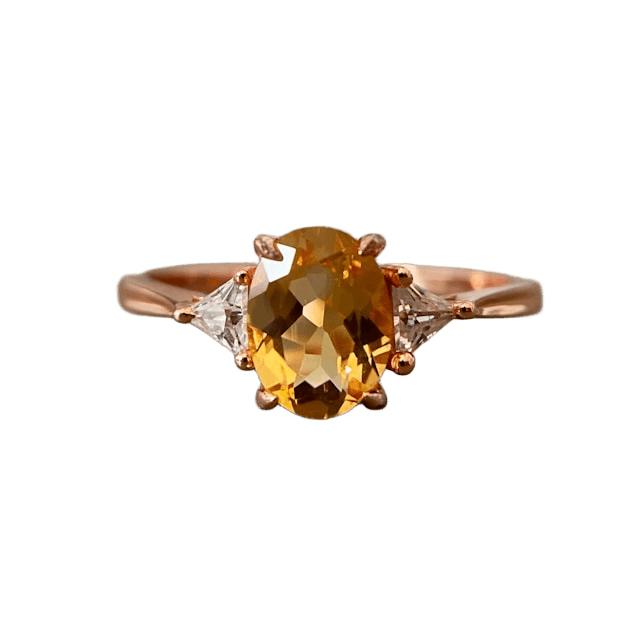
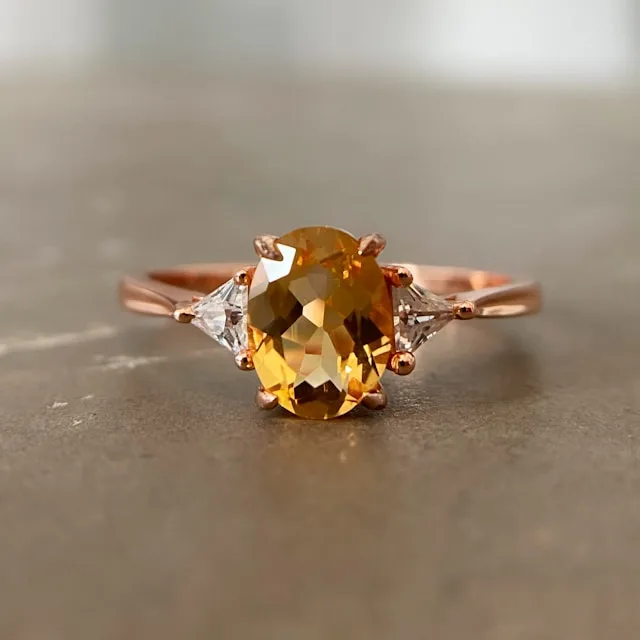



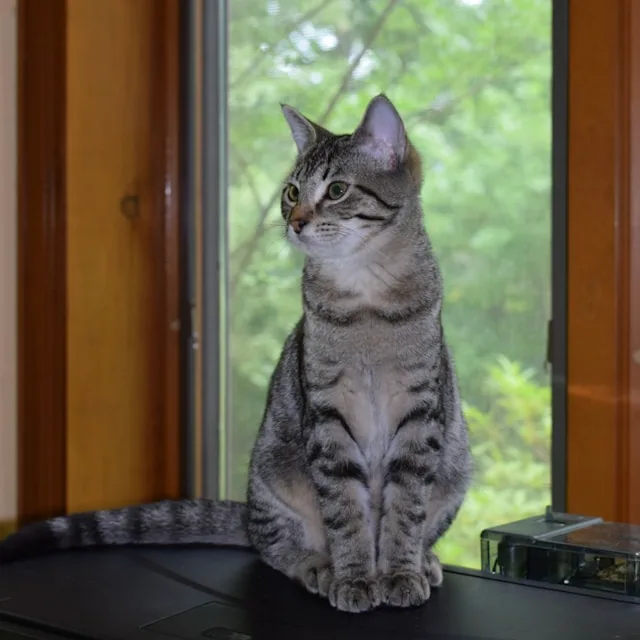
Skip costly and time-consuming editing. Remove backgrounds in one click for product images, personal photos, social content, and daily design tasks.
Get started for free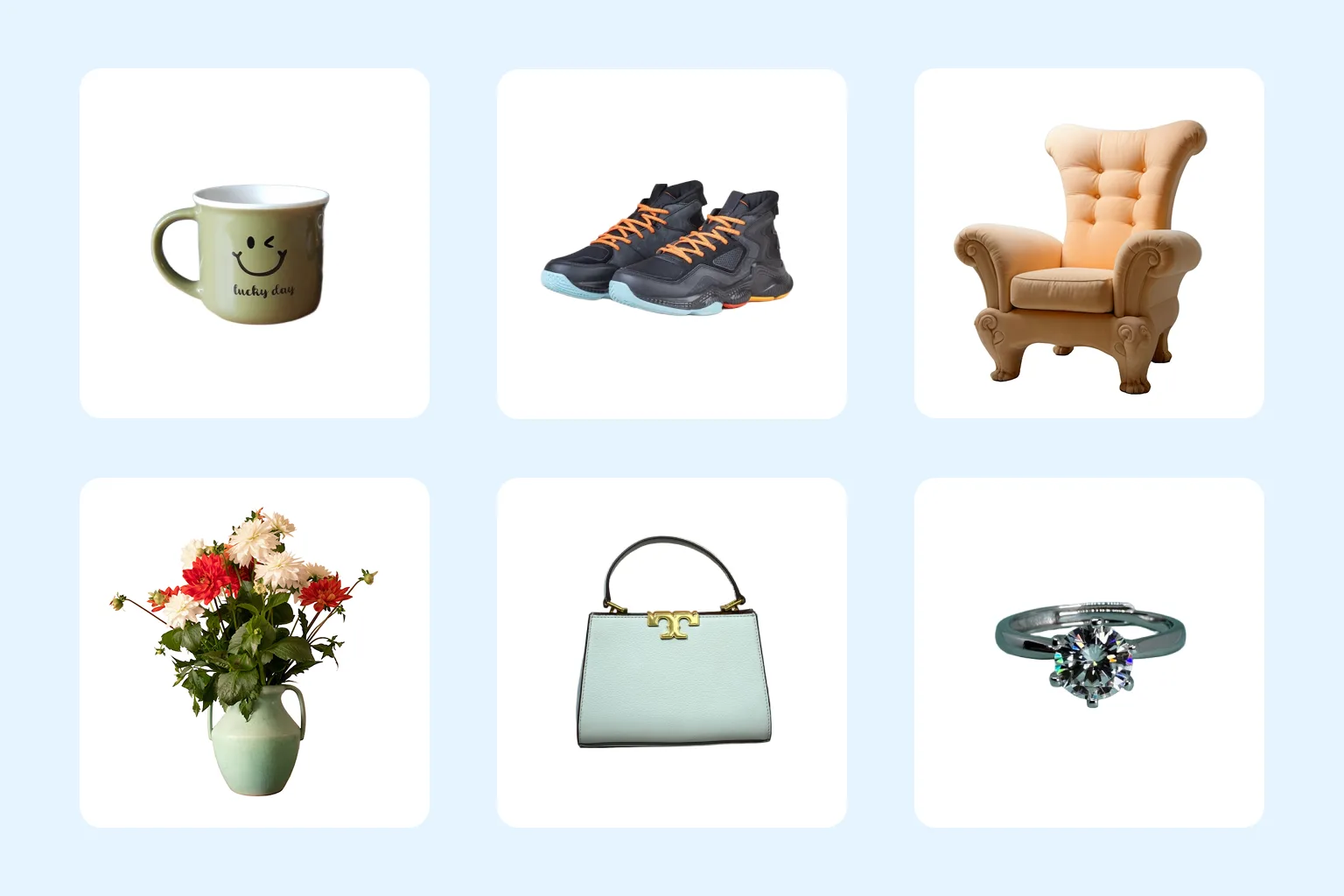
Generate clean, consistent product images at scale. Move from raw photos to storefront-ready listings without complex design workflows.
Get started for free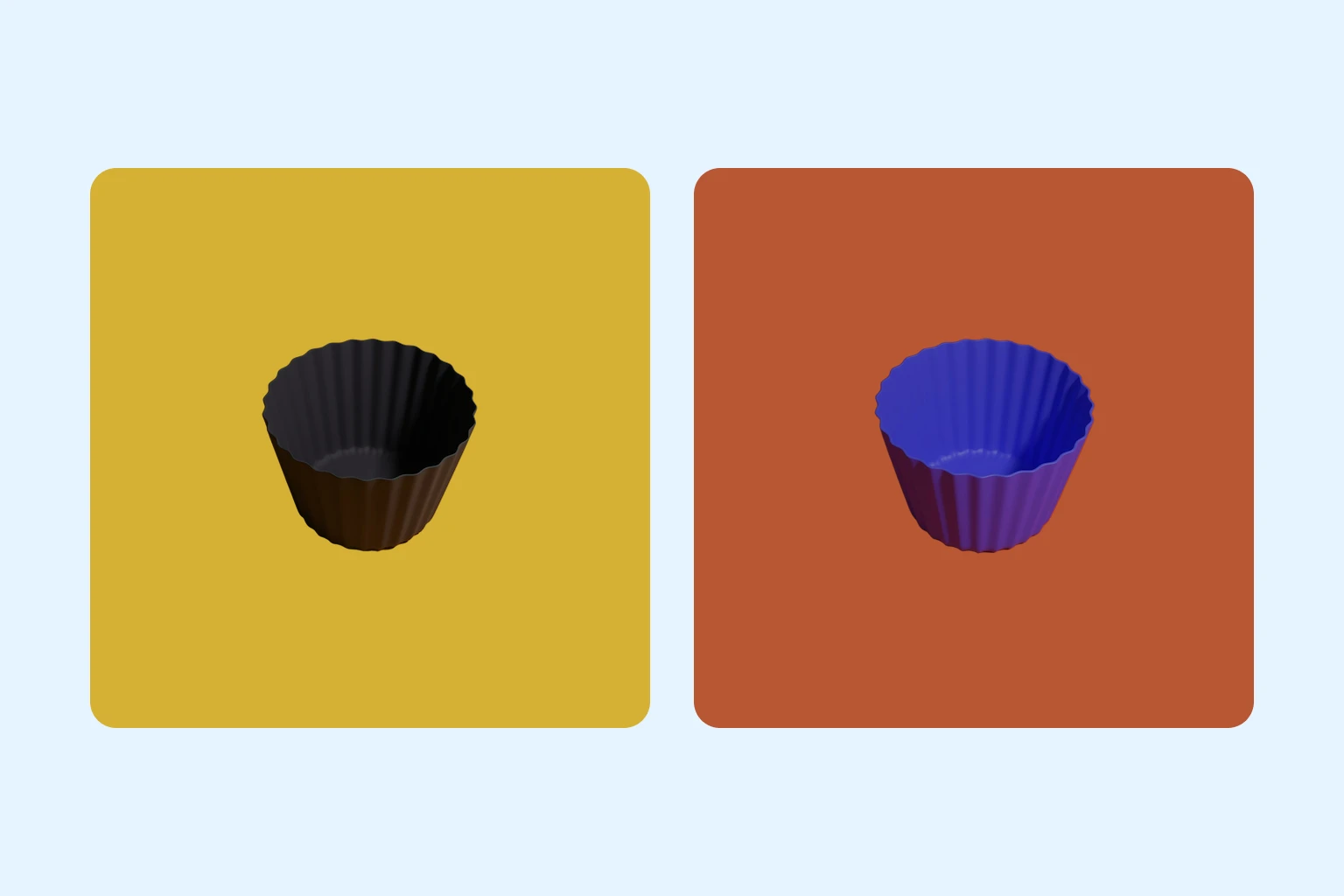
Switch to white or brand-color backdrops, upload your own background images, or generate new scenes with AI to keep product listings, ads, and social posts polished and consistent.
Get started for freeUpload your image in JPG, PNG, or WEBP format. Product shots, portraits, and social images all work.
Our model detects the subject and removes the background automatically while preserving fine details and edges.
Download a transparent PNG, or apply a clean solid background, then publish to stores, ads, profile pages, or social media.
Turn any photo into a clean visual for online stores, ads, social posts, resumes, or profile pictures in just a few clicks.
Start removing background now