Build more scenes from one approved product image
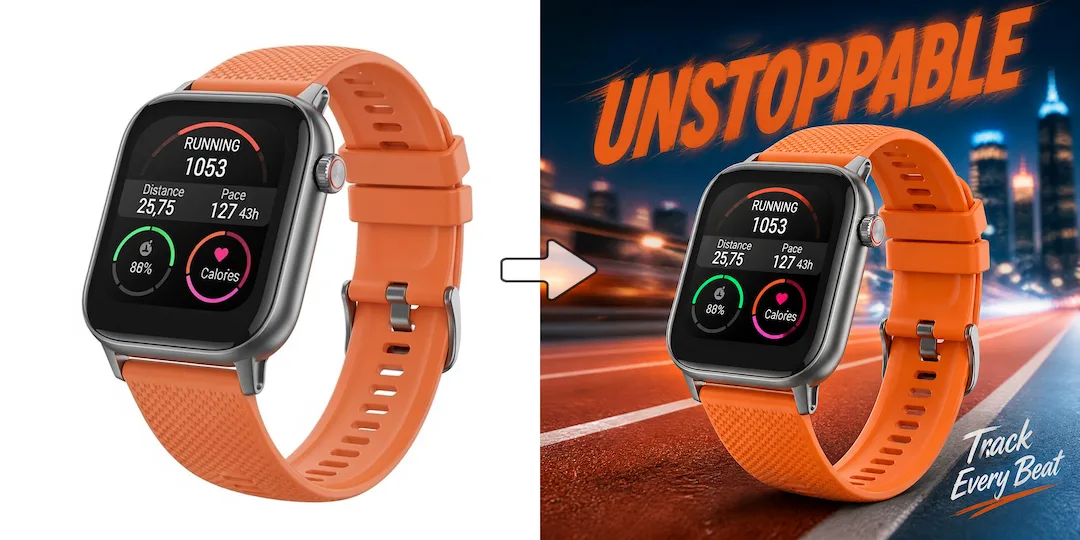
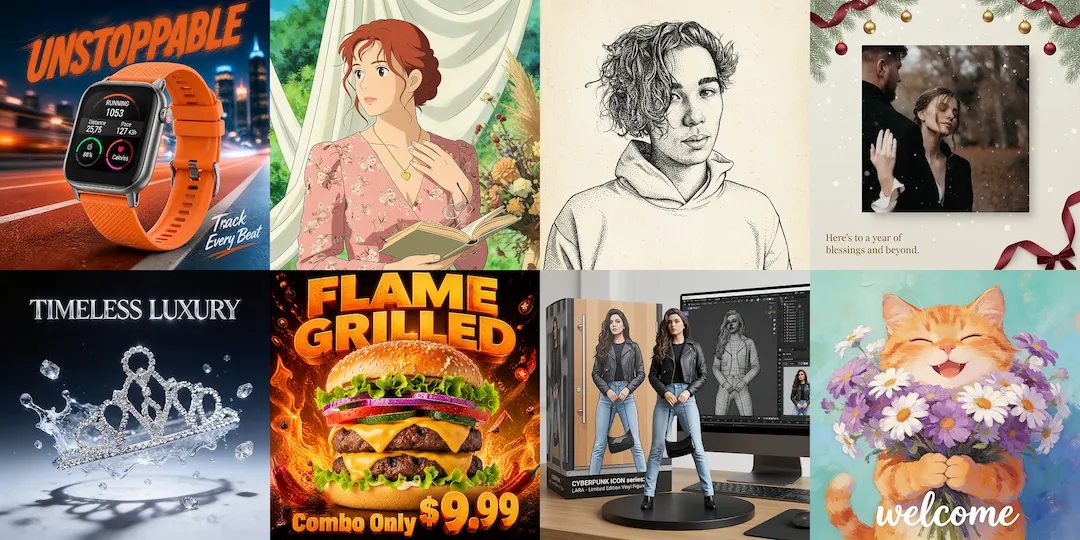
One product image can support studio-style scenes, lifestyle visuals, and launch assets instead of forcing the team to create each asset through a separate shoot.

AI product photoshoot
NanoVibe helps fashion and ecommerce teams create product photography assets that sit between a plain packshot and a full traditional shoot. It is strongest when you need studio-style scenes, lifestyle product visuals, or launch-ready merchandising assets from a product image you already have.
Try it out
Upload your image below and let our AI do the heavy lifting. No design skills required.
Product Image
Click or drag to upload product image
Supports JPG/PNG/WEBP, up to 10MB.
No images? Try one of these
Prompt (Optional)
Benefits
One product image can support studio-style scenes, lifestyle visuals, and launch assets instead of forcing the team to create each asset through a separate shoot.
Teams can create fresh product-photography directions without rebuilding props, surfaces, and set styling for every new campaign or channel.
The same workflow can feed product pages, launches, ads, and supporting marketplace visuals when each channel needs a slightly different presentation style.
How it works
Start with a clear packshot, plain studio photo, or simple product image.
Choose the studio, lifestyle, or campaign environment you want to generate.
Publish the final visual across stores, ads, launch pages, and merchandising workflows.
Start now
Join thousands of professionals and creators who use NanoVibe to power their creative workflows.
Get Started For FreeFAQ
It works best for products that already have a clear source image and need stronger presentation for ecommerce, launches, merchandising, or campaign use.
Yes. Teams often create several directions from the same source image, such as cleaner studio scenes, richer lifestyle visuals, and broader merchandising assets.
Both can work. Clean packshots and cutouts often provide a stronger starting point, but plain product photos can also be useful when the product shape and details are already clear.
Yes. Many teams use AI product photography to keep launches moving when a full shoot is delayed, too expensive, or unrealistic for every SKU.
This page is the broader product-photography workflow. Marketplace-specific pages narrow the job further around platform needs like Amazon main images, secondary images, or listing education.
Explore
Create pre-order product images for launches, landing pages, and paid ads. Build launch-ready visuals before final inventory or full photography is ready.
Stage jewelry product photos in premium editorial and ecommerce scenes. Turn ring, necklace, and earring images into richer visuals faster.
Create premium watch product photography for ecommerce, campaigns, and launches. Stage cleaner hero shots and detail-led watch visuals faster.
Create premium handbag product photography for ecommerce, campaigns, and launches. Turn plain bag photos into richer fashion-ready visuals faster.
Stage shoe product photos for ecommerce, launches, and campaigns. Turn sneaker, boot, and heel images into richer product scenes faster.
Generate product backgrounds for ecommerce, ads, and launch scenes. Turn one product image or cutout into stronger visual settings faster.
Create AI product posters for launches, promos, and campaign assets. Turn existing product images into stronger creative faster.
More tools