Job Photo Maker
Turn any selfie into a polished, professional headshot for LinkedIn, resumes, and job applications. Upload your photo, choose a look, and generate a realistic studio portrait in seconds.
Your generated headshot
After you generate, the latest result appears here.
Tip: Use a clear, front-facing photo with good lighting for the most realistic results.
Before & after: selfie to LinkedIn headshot
The tool keeps your identity and facial proportions, then applies a professional outfit, studio lighting, and a clean backdrop. Drag the slider to compare.


Selfie → Studio headshot
Clean lighting, centered framing, and a professional look suitable for LinkedIn and resumes.


Casual photo → Interview-ready
A realistic job-photo style portrait with a crisp backdrop and a confident vibe.

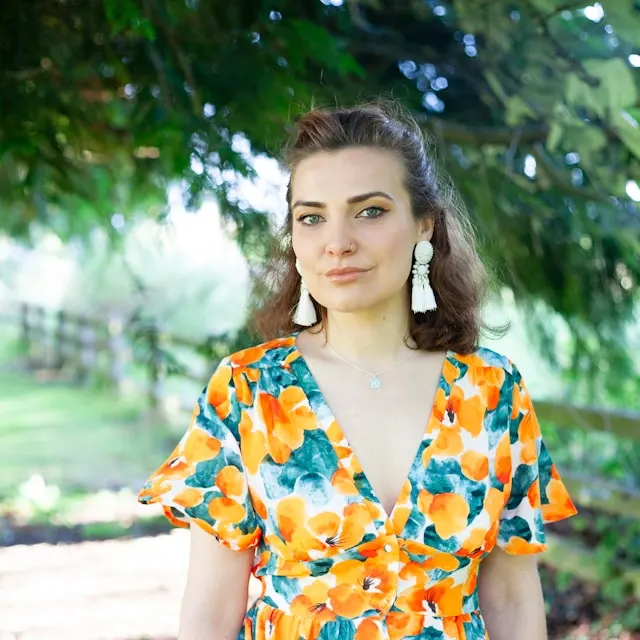
Everyday look → Polished profile picture
Professional grooming, consistent lighting, and a clean studio background in a 1:1 crop.
How to create a professional job photo
Create a realistic, studio-style headshot in three simple steps. Perfect for LinkedIn profile photos, resumes, and job applications.
1) Upload a clear photo
Use a front-facing photo with good lighting. Avoid heavy filters and strong shadows for the most natural result.
2) Pick the look & backdrop
Choose an outfit style, studio background, and vibe. You can also type a custom option to match your industry.
3) Generate & use anywhere
Generate your headshot and download it. Use it on LinkedIn, your resume, or any professional profile.
Explore more AI image tools