Restore Old Photos
Bring old memories back to life with AI photo restoration. Upload a scan, reduce noise and blur, enhance details, and colorize the image — while preserving the original identity and scene.
Your restored photo
After you generate, the latest result appears here.
Tip: Upload the highest-resolution scan you have. Cropping and straightening can improve restoration quality.
Before & after: AI photo restoration
Clean up old photos while keeping the original story. Drag the slider to compare.
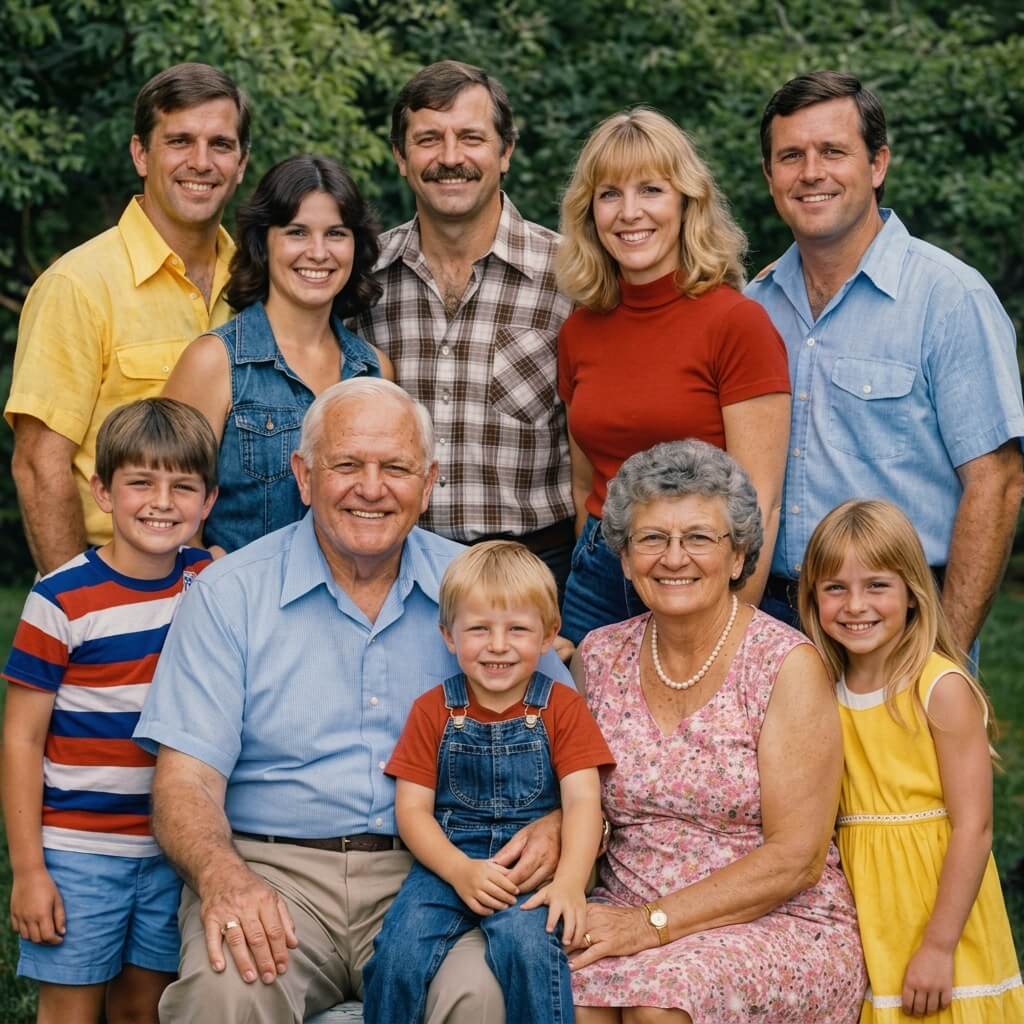
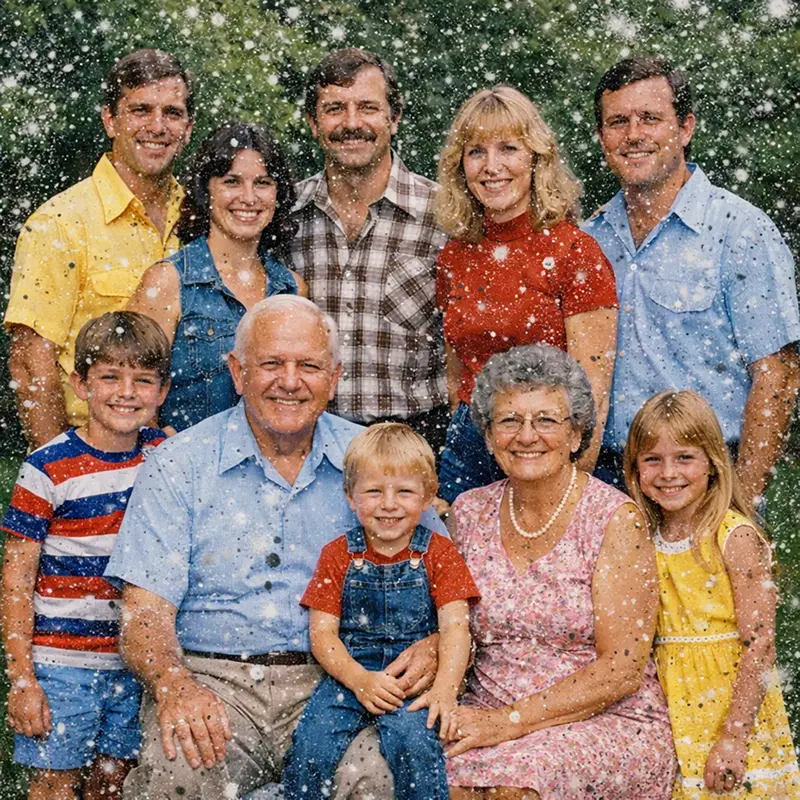
Dusty scan → Clear & sharp
Reduce grain, improve sharpness, and bring back fine details naturally.
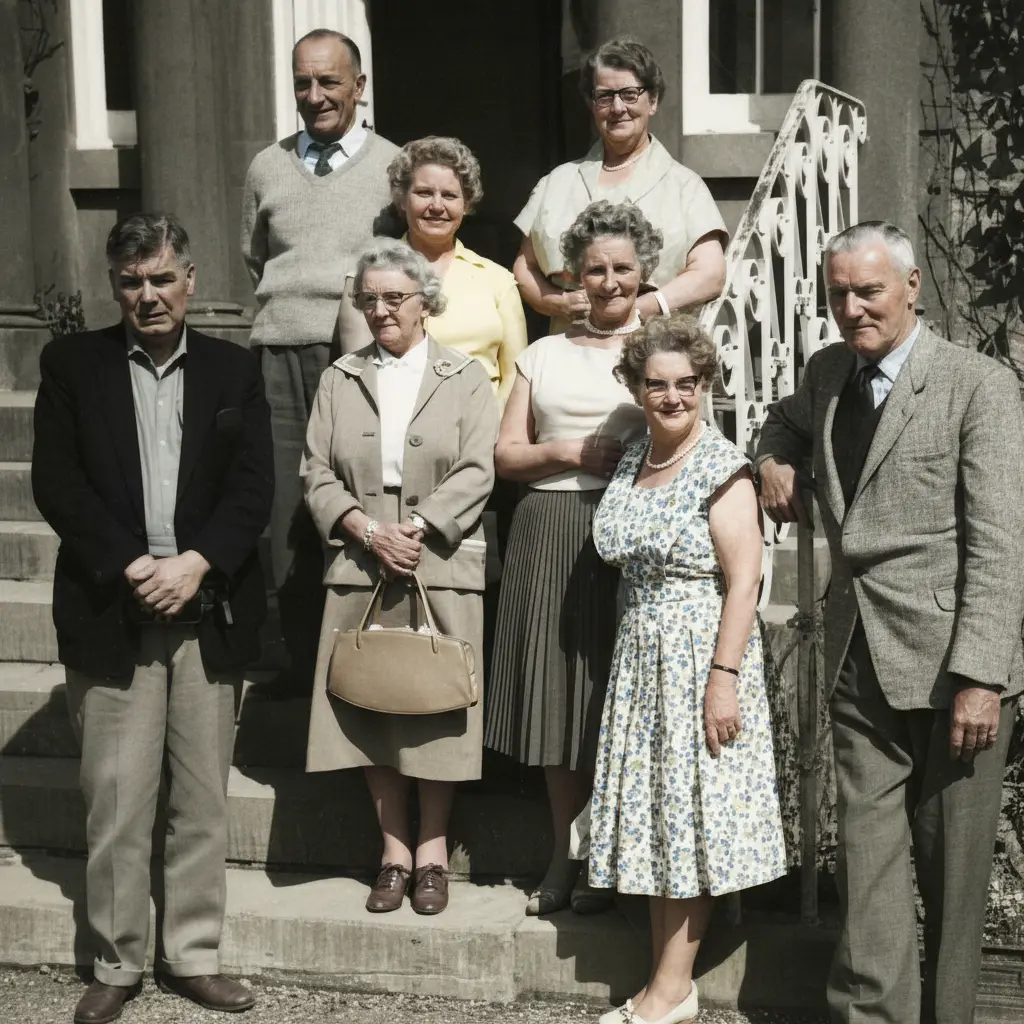
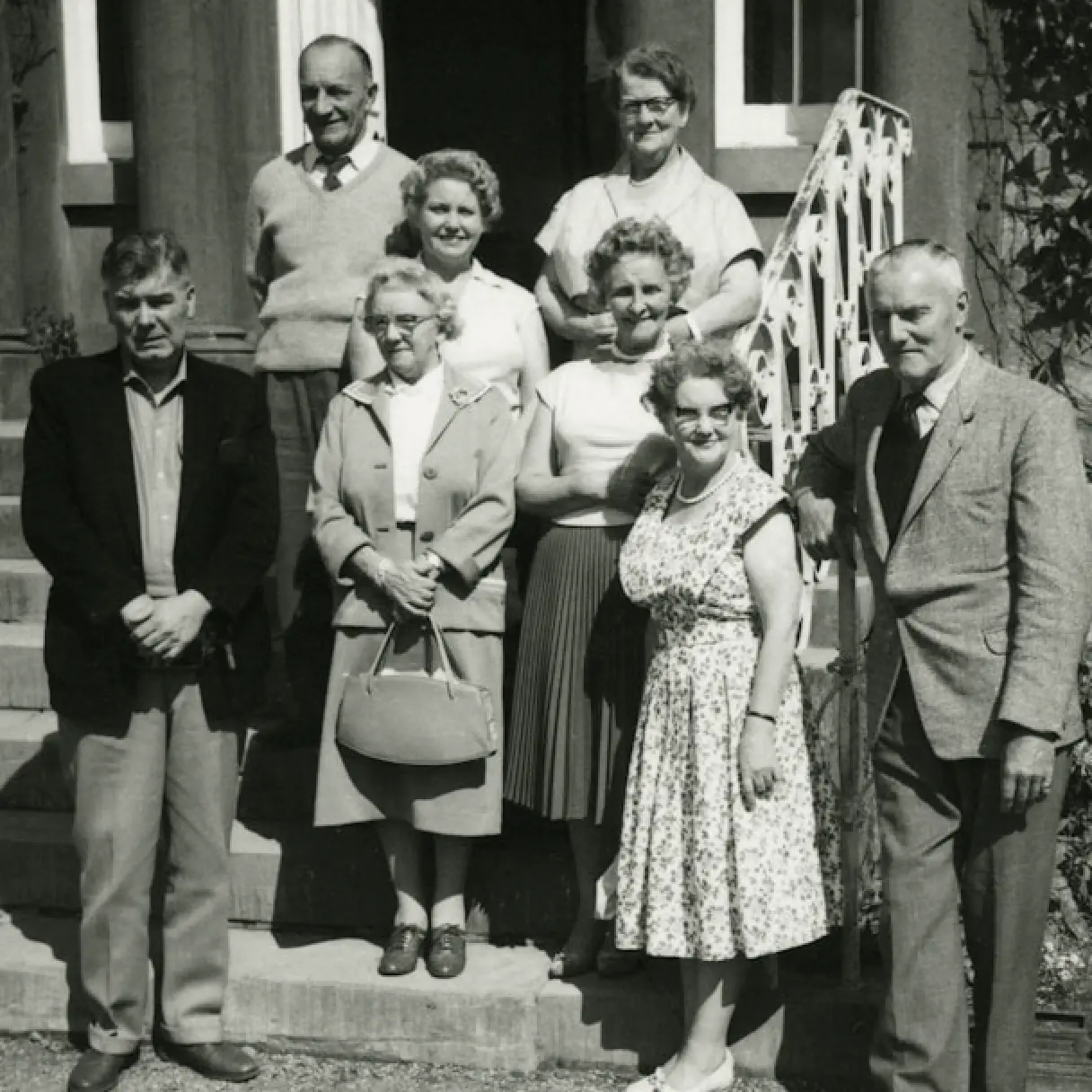
Faded tones → Natural color
Colorize gently with realistic skin tones and balanced contrast.
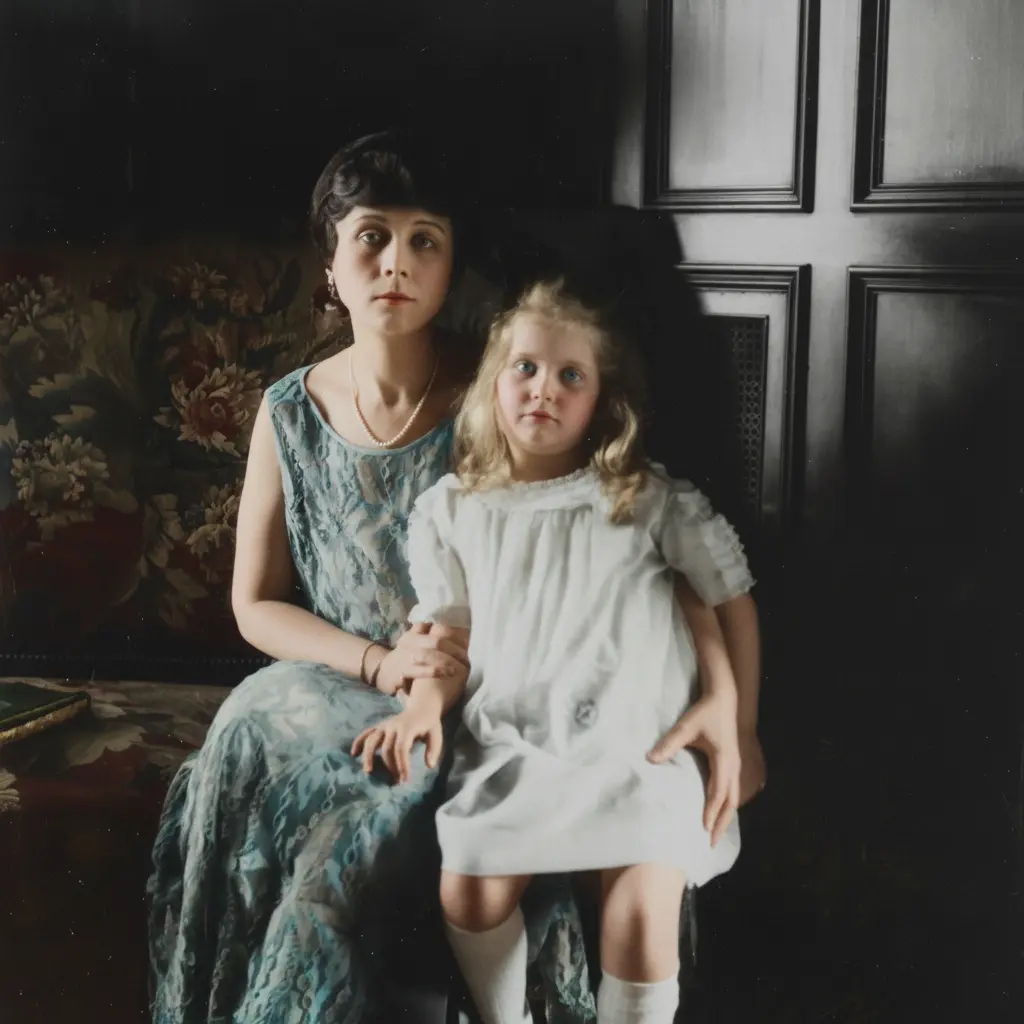
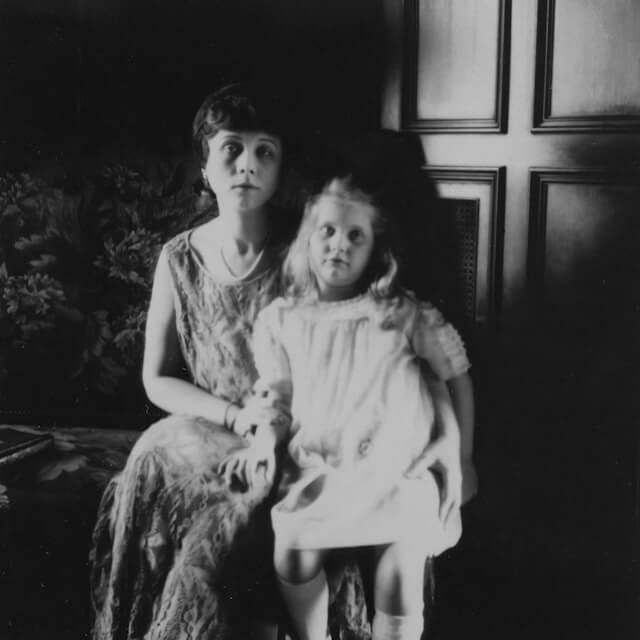
Soft focus → HD look
Enhance edges and clarity without changing the subject's identity.
How to restore old photos with AI
Restore and colorize your photo in three simple steps.
1) Upload your photo
Upload a scanned print or a digital old photo. Higher resolution helps.
2) Generate the restoration
The tool enhances detail, reduces noise, and colorizes while keeping identity intact.
3) Download & share
Download the restored image and share it with family, print it, or archive it safely.
Explore more AI image tools