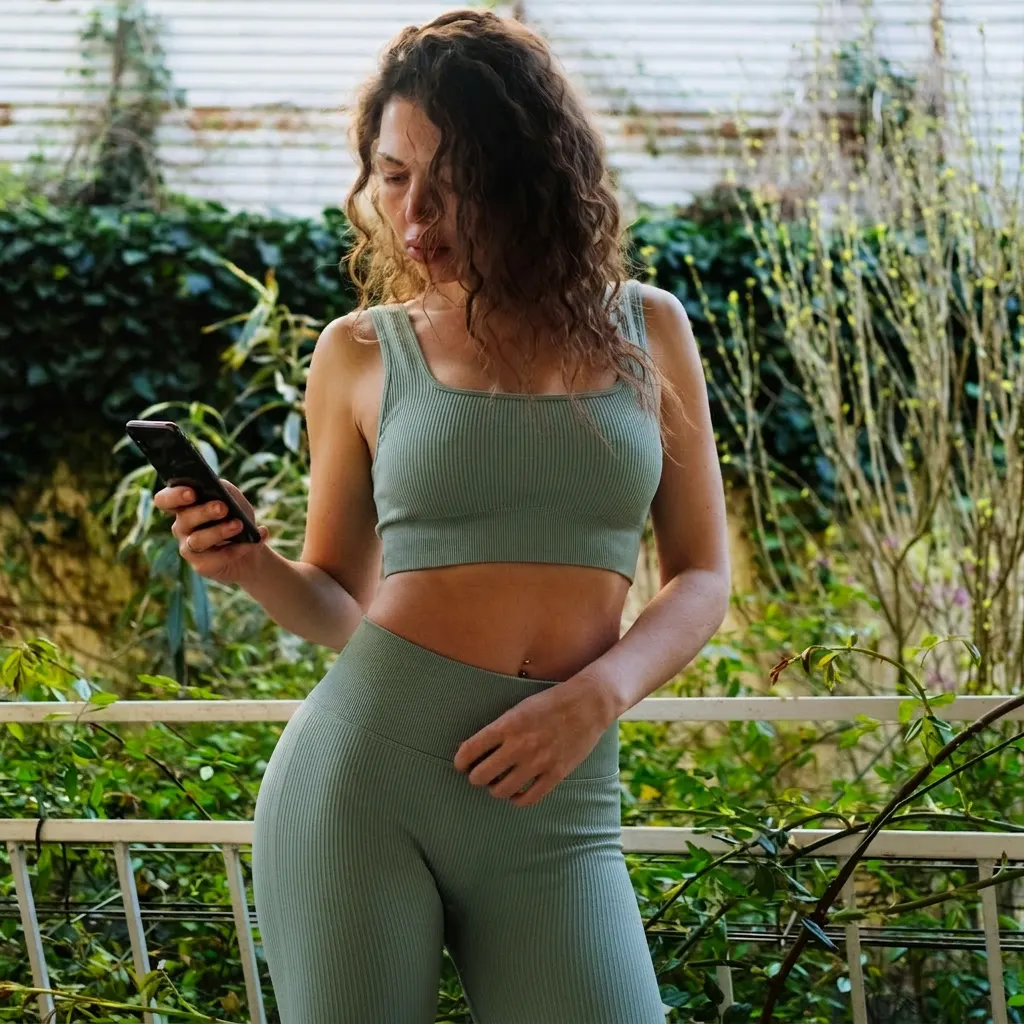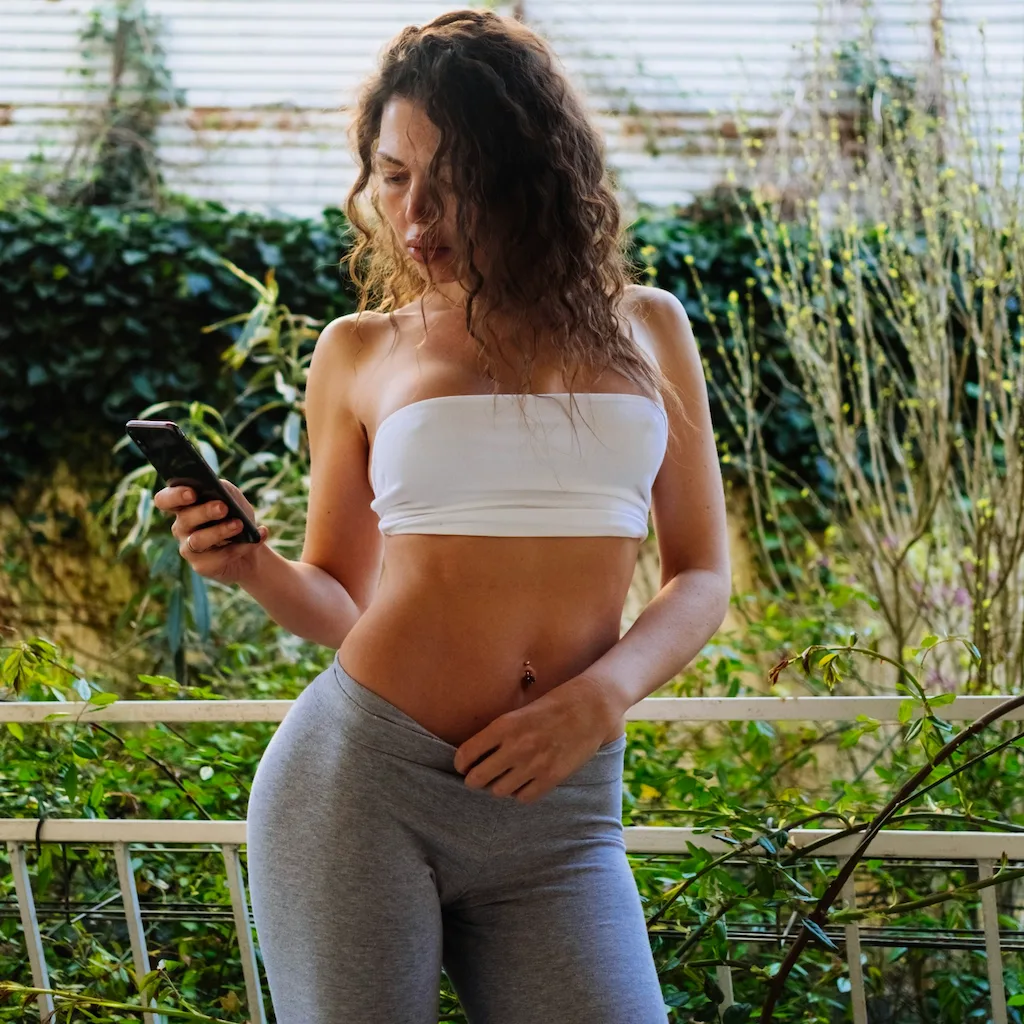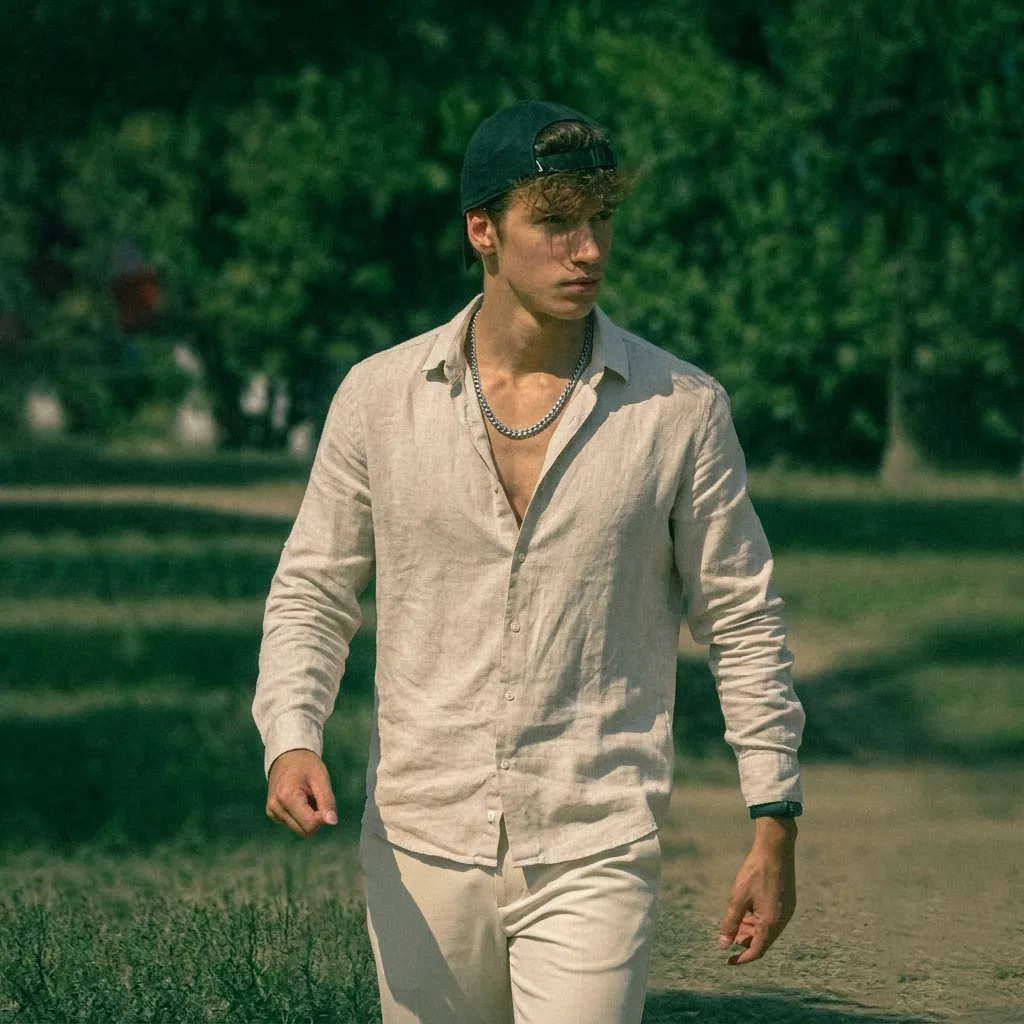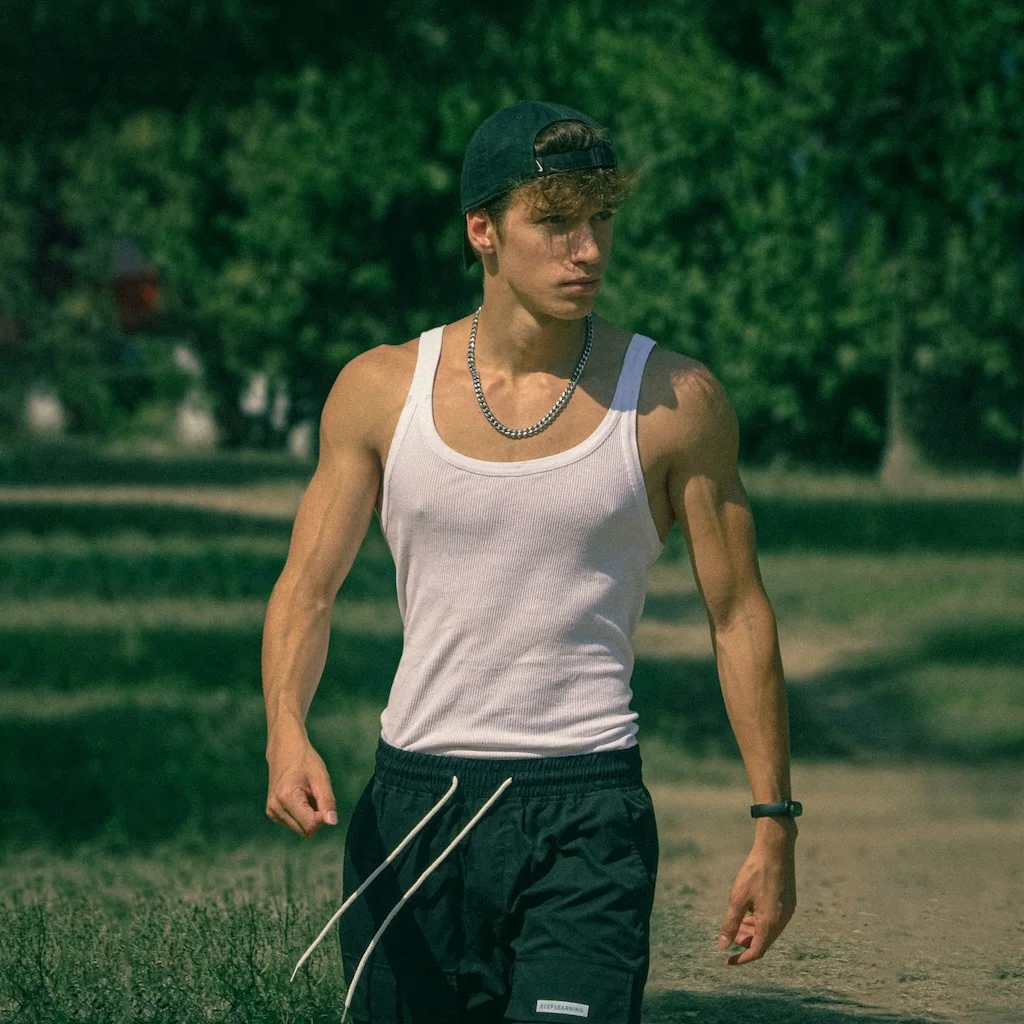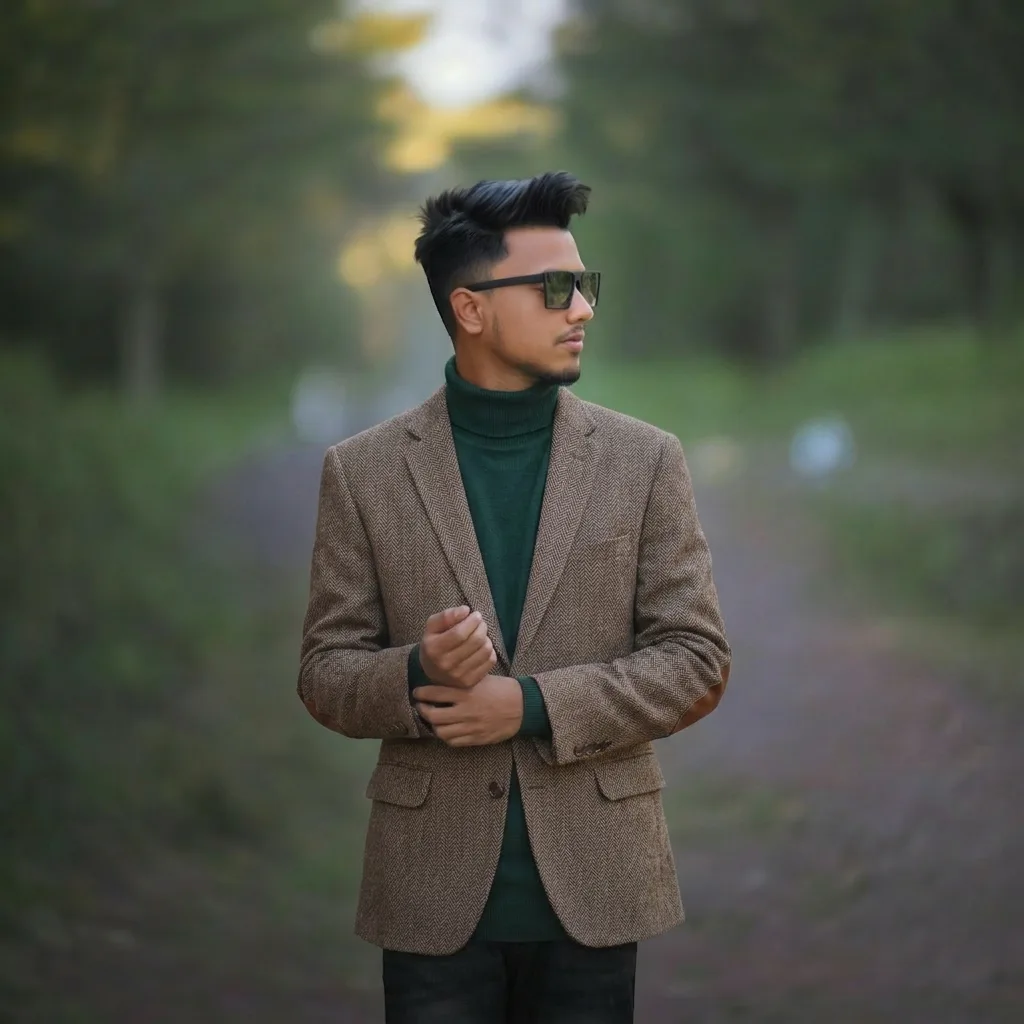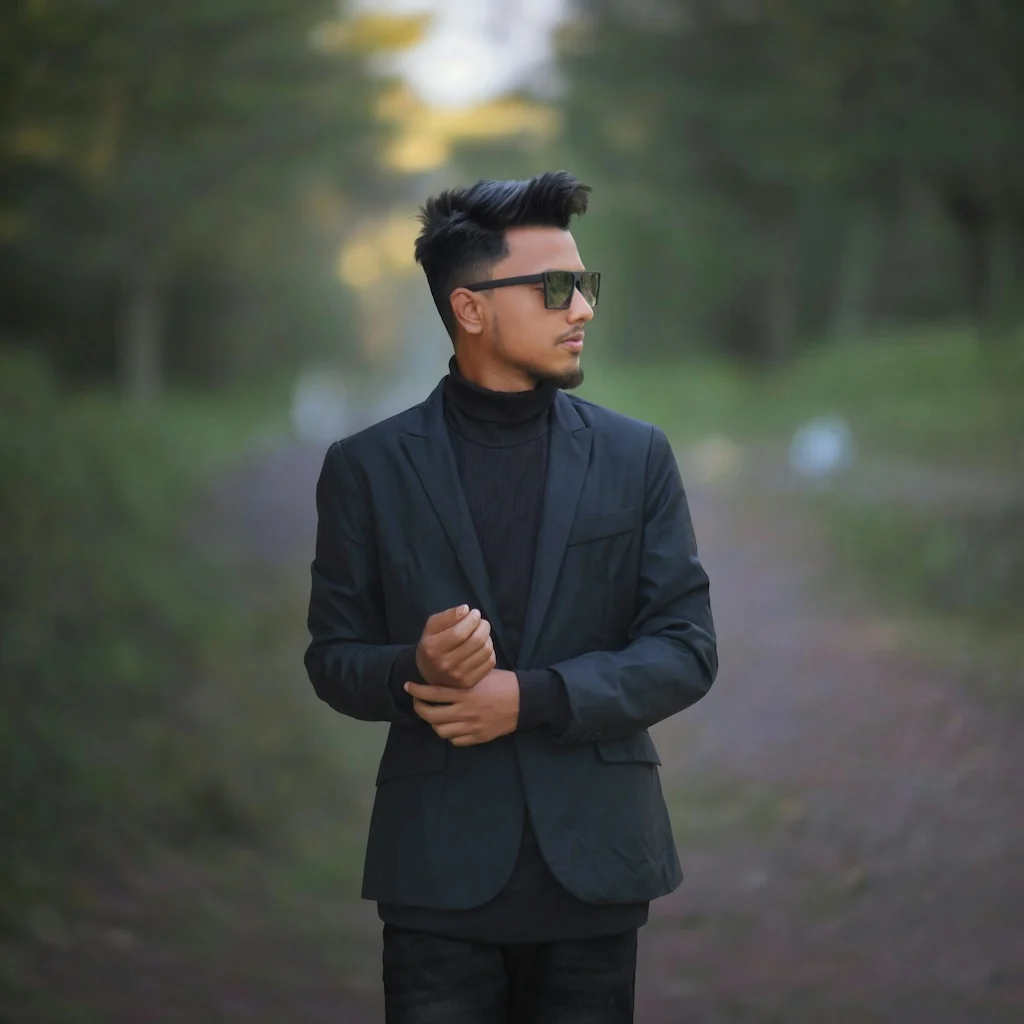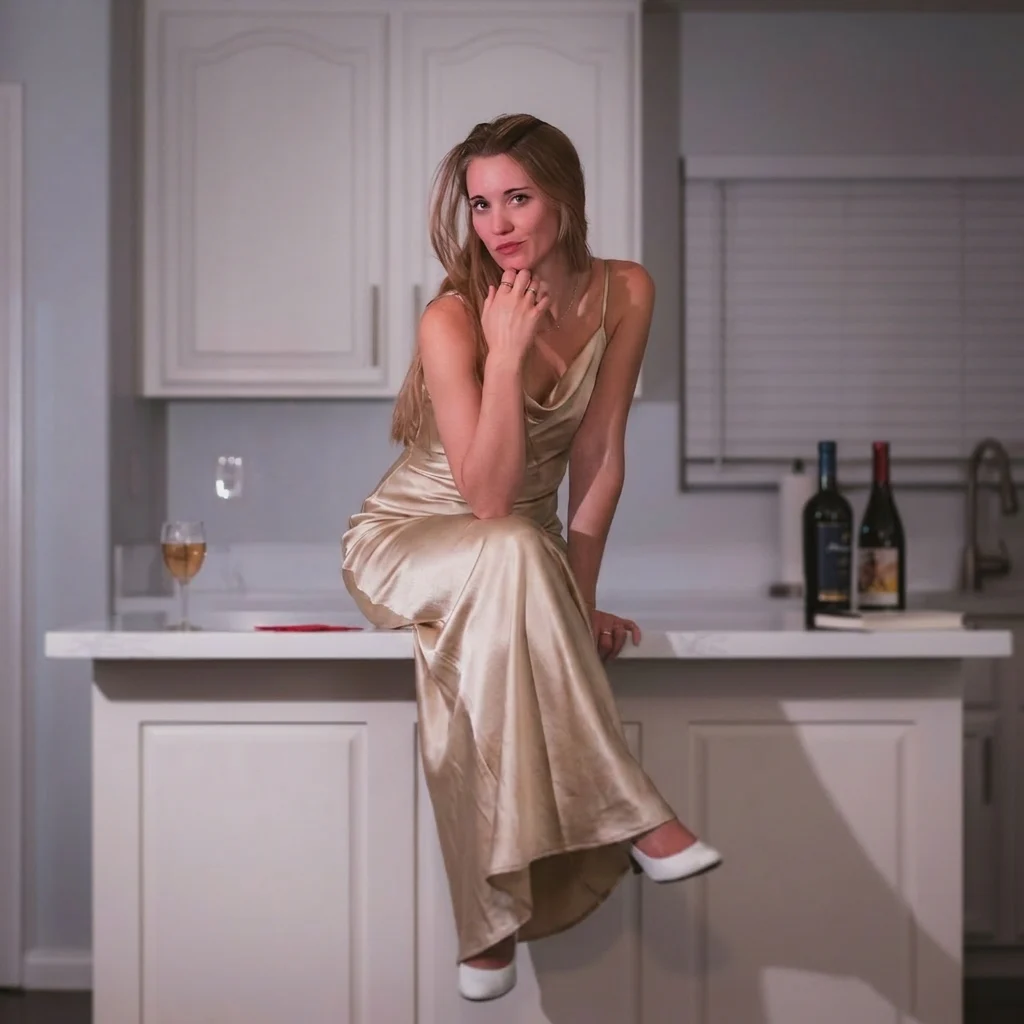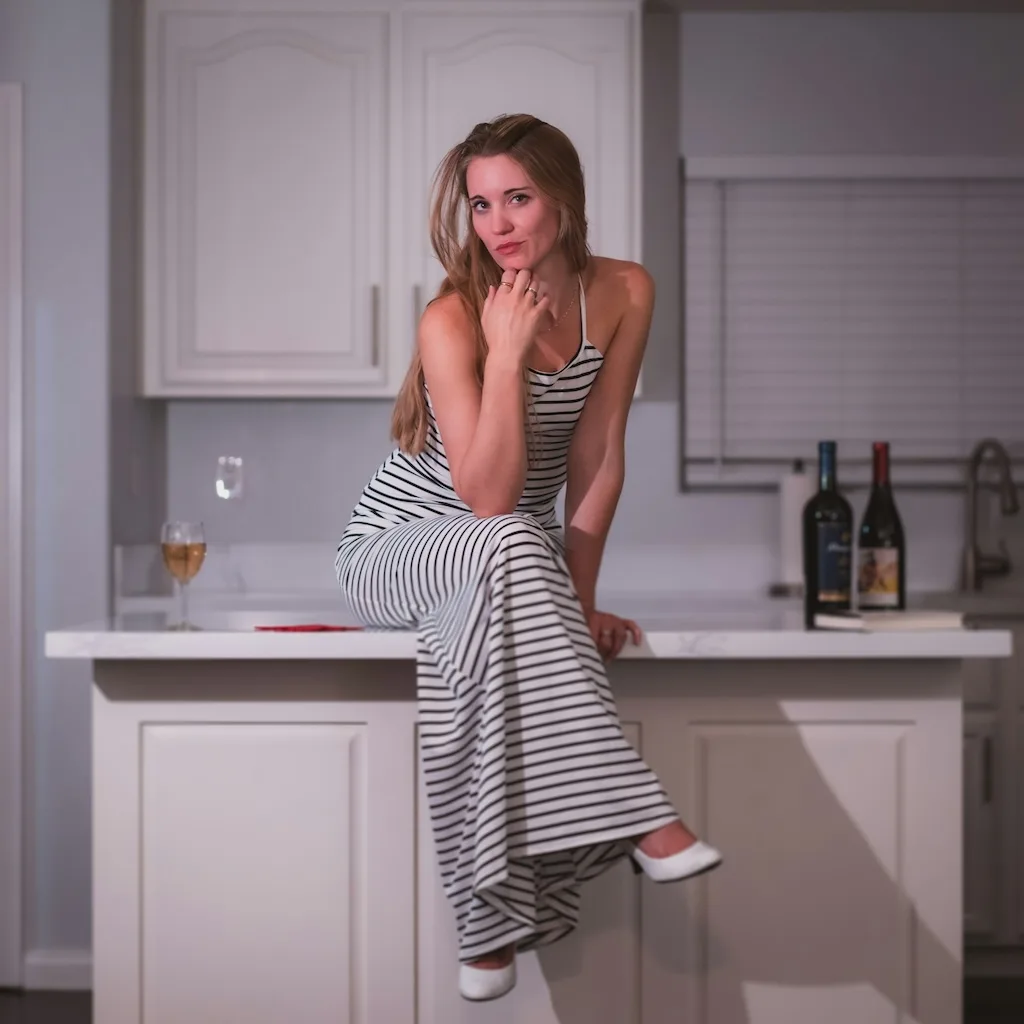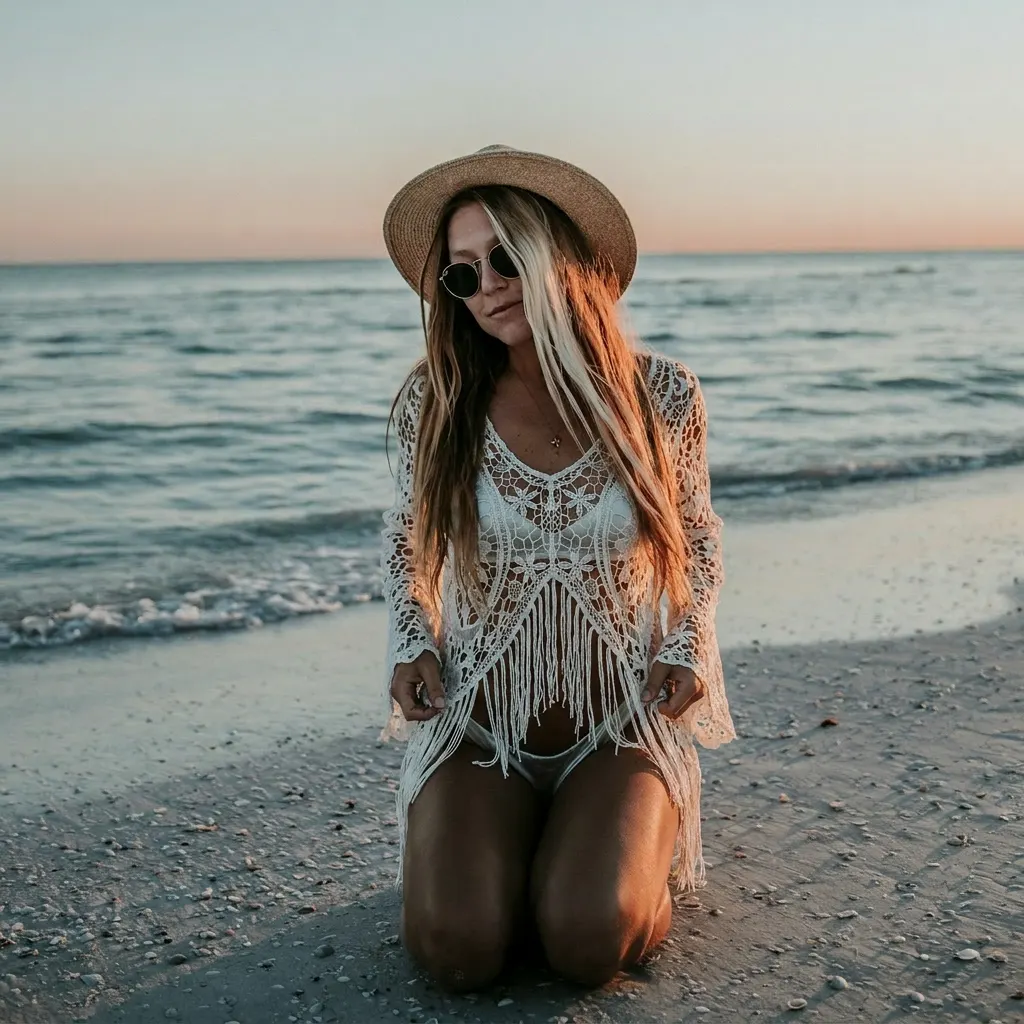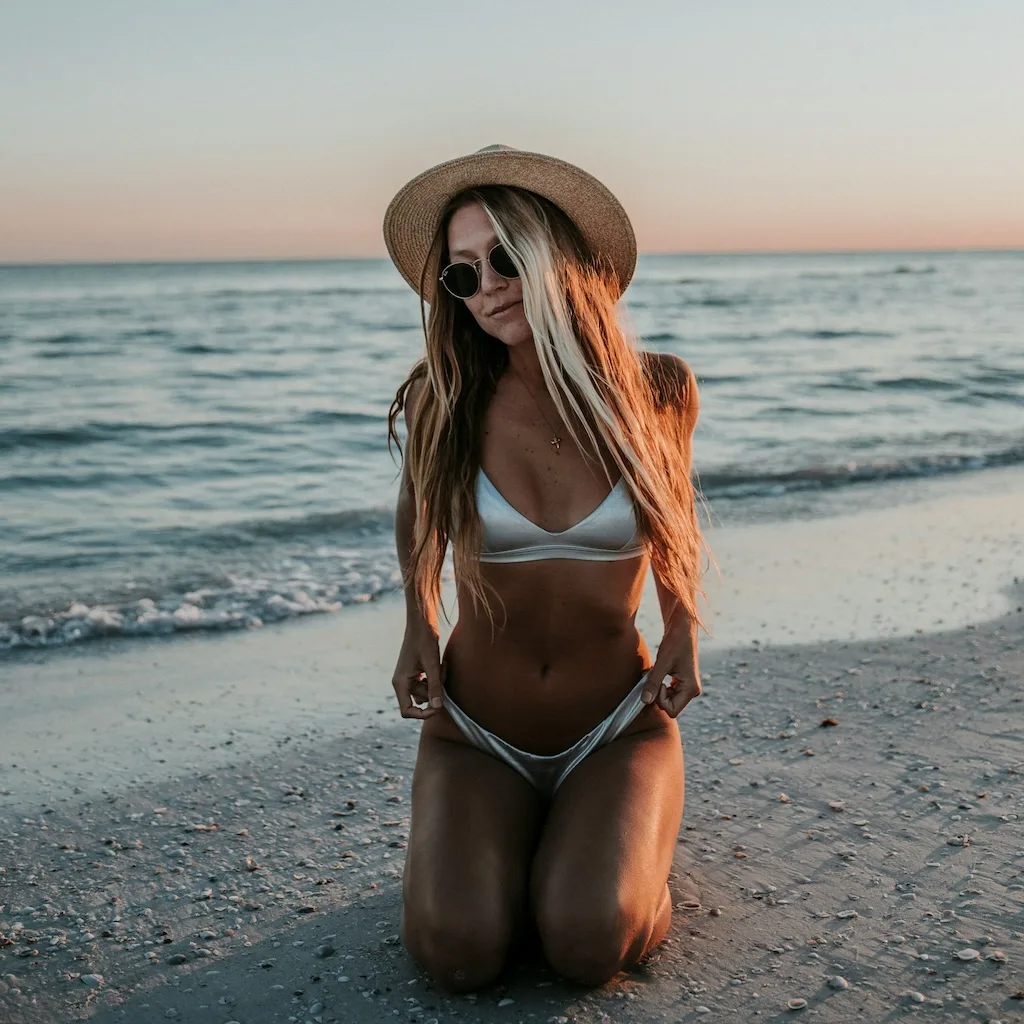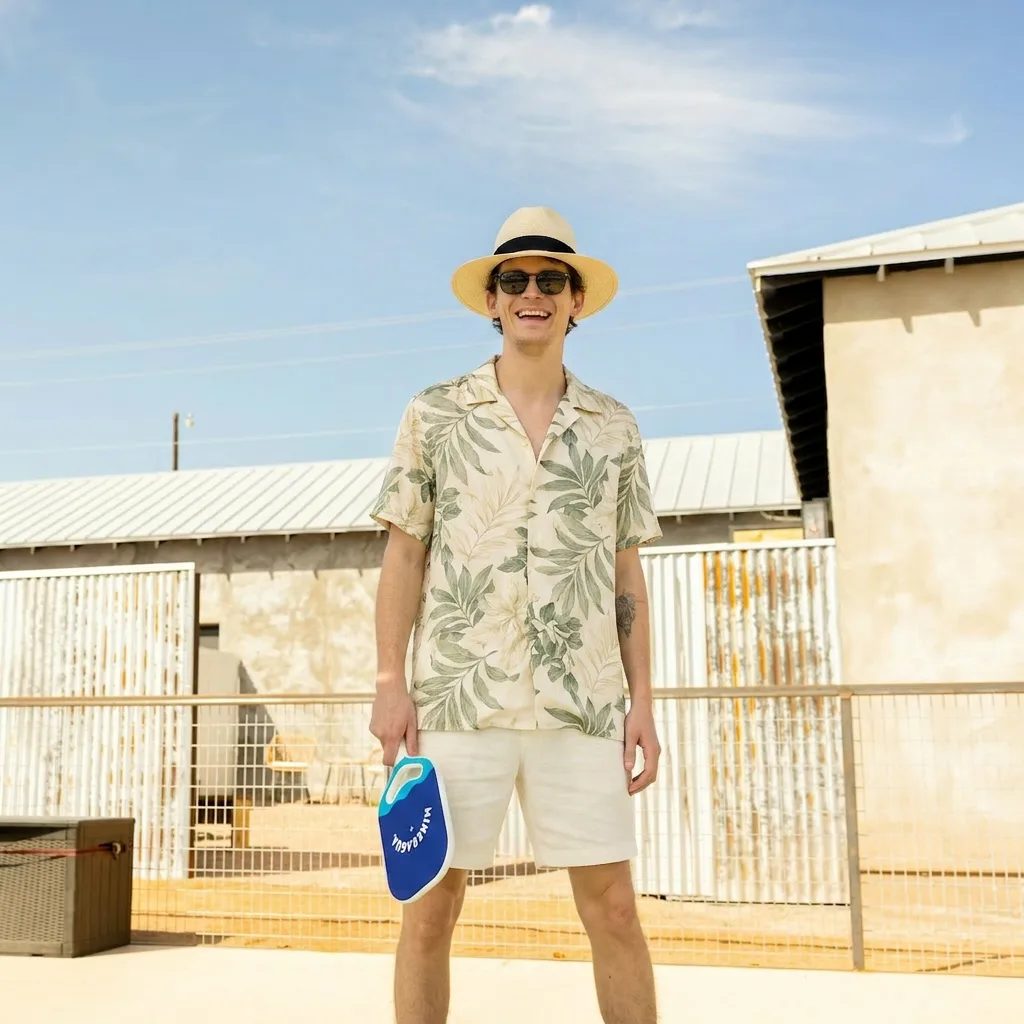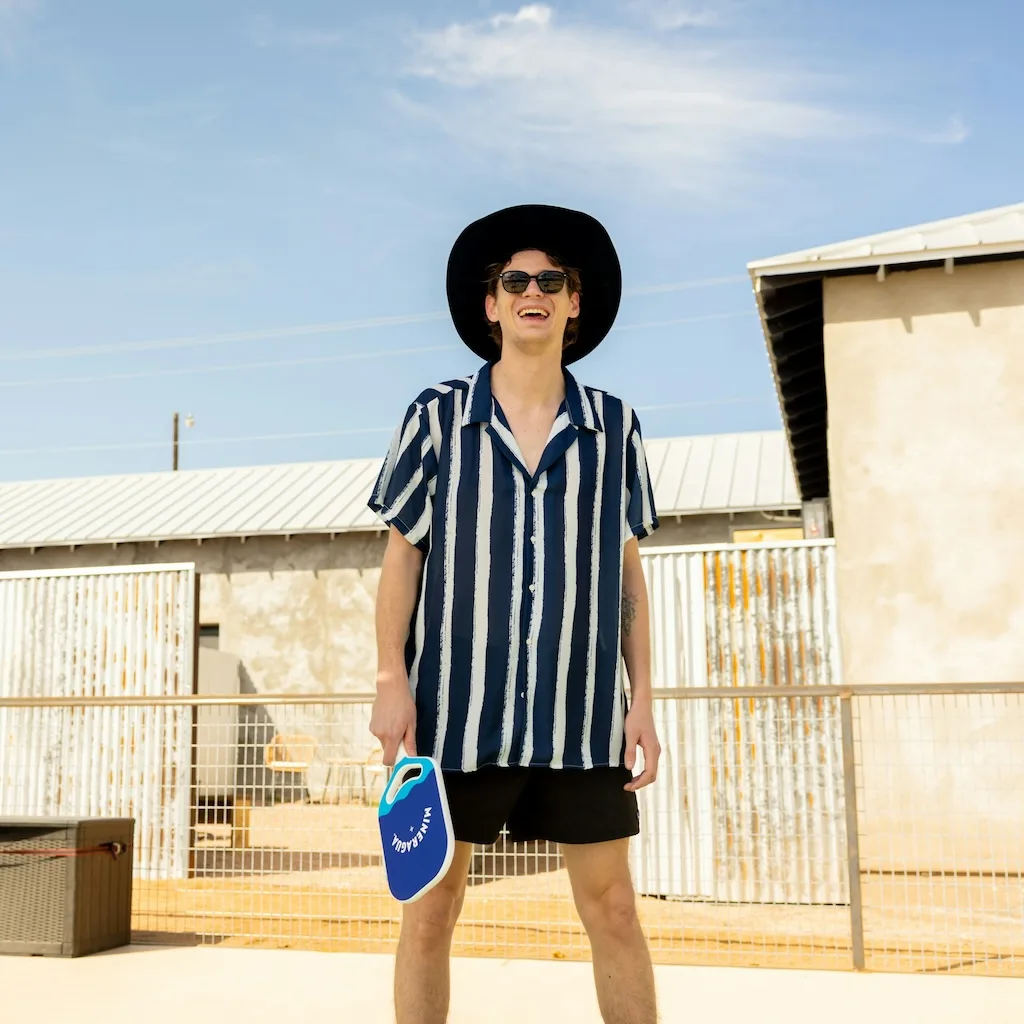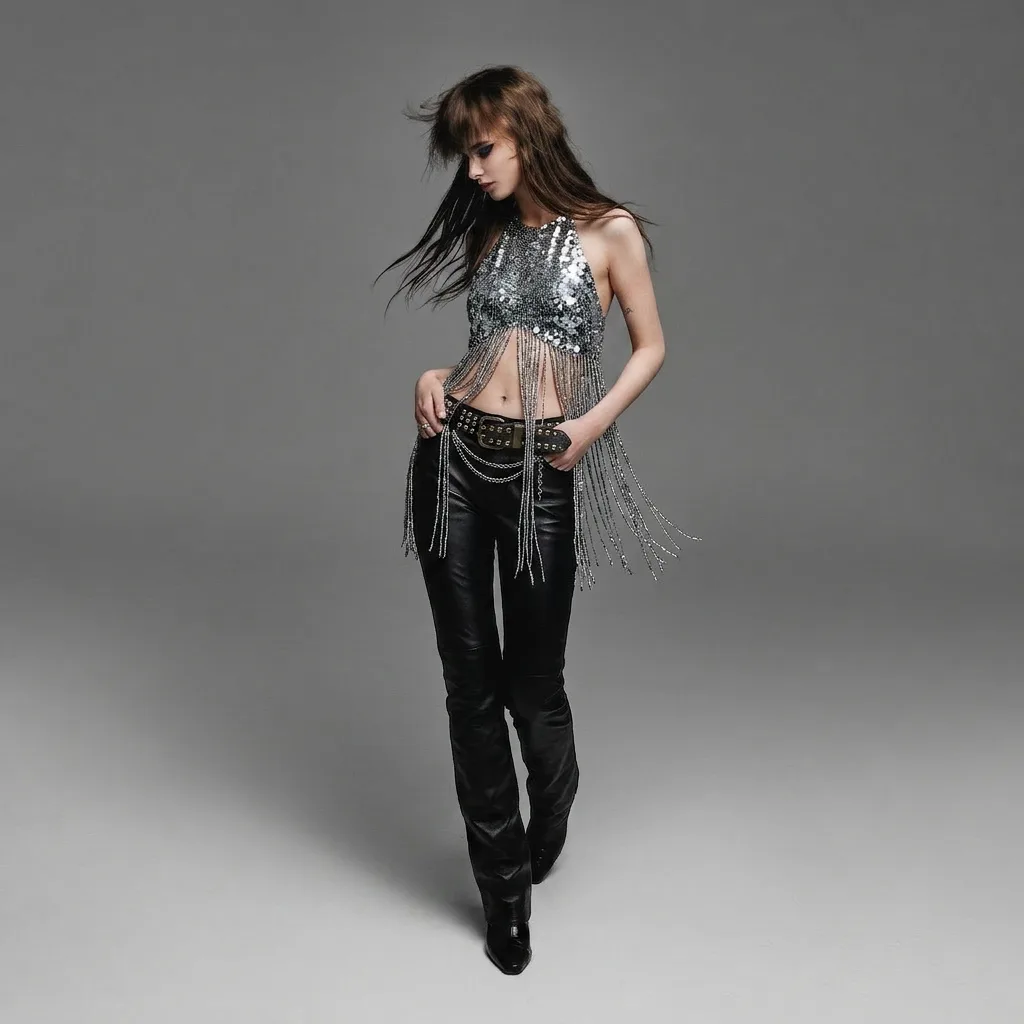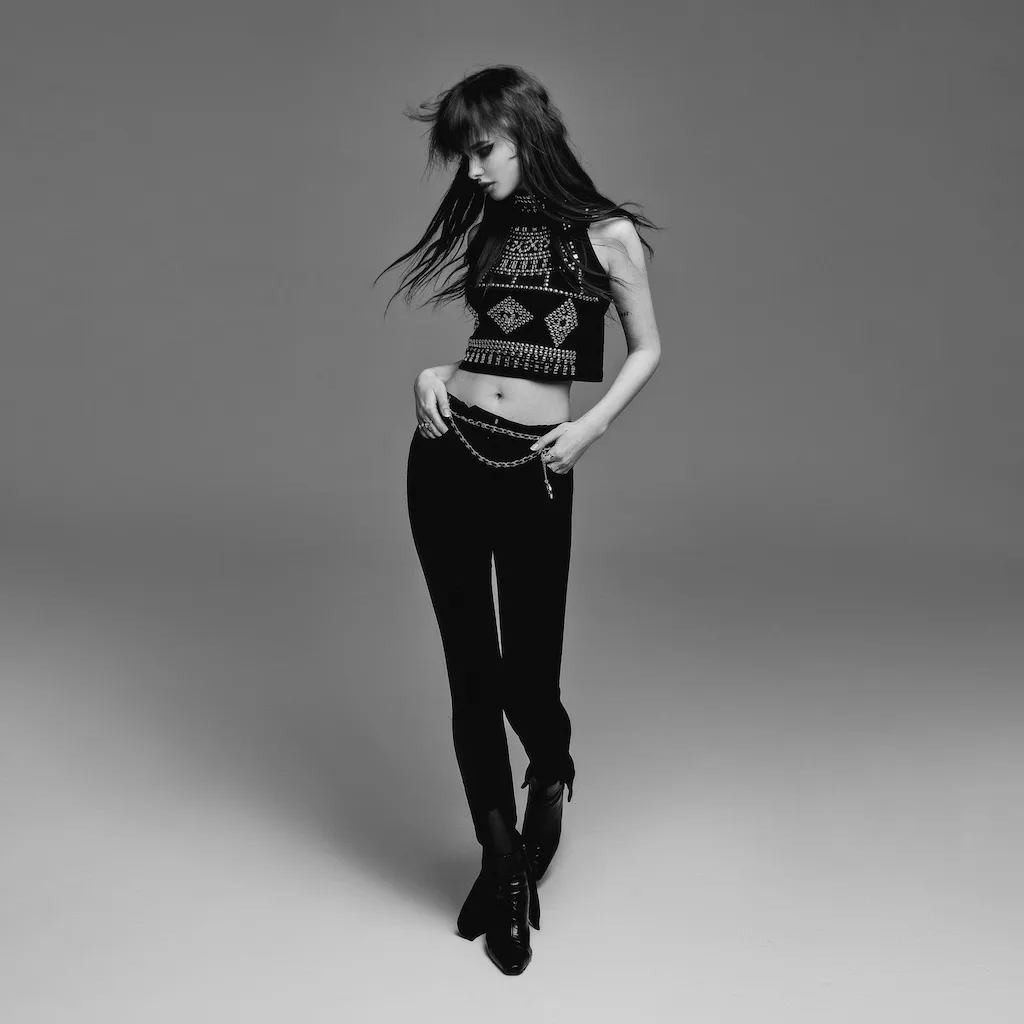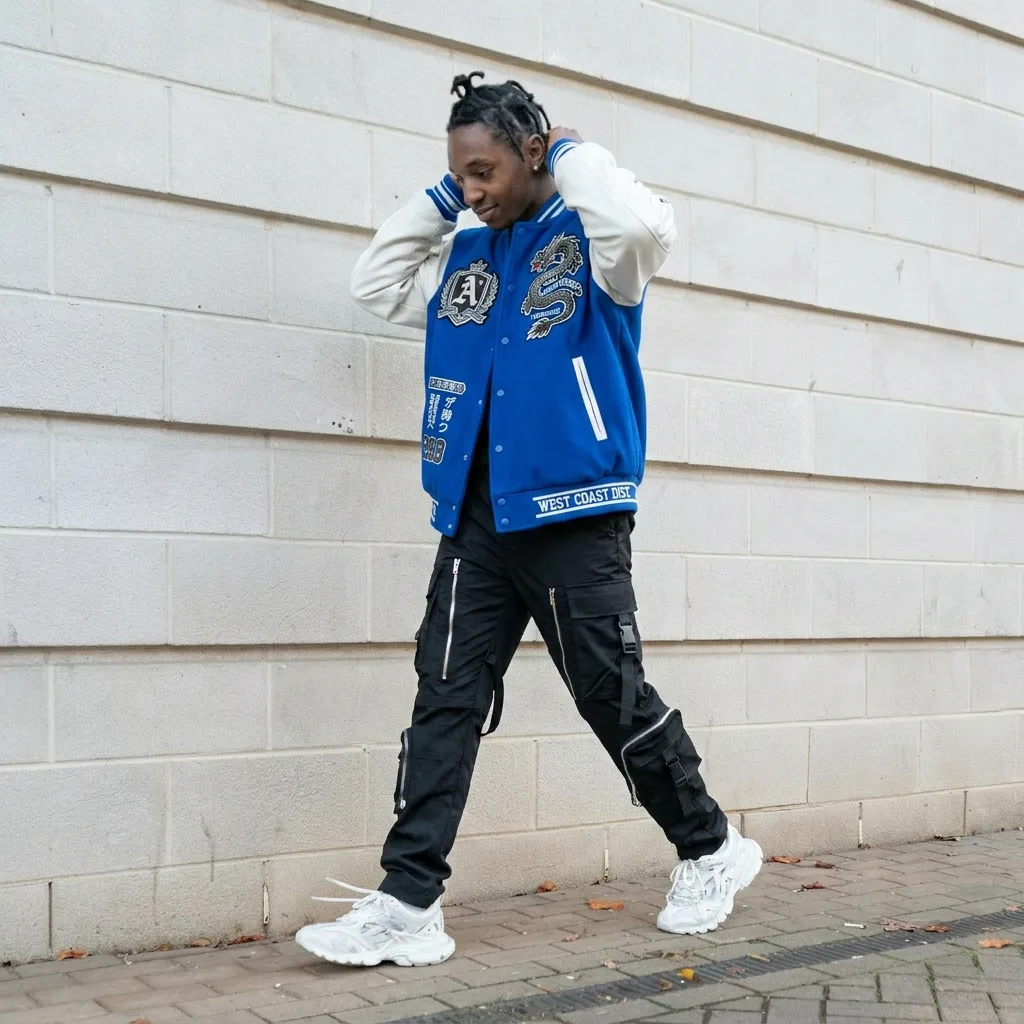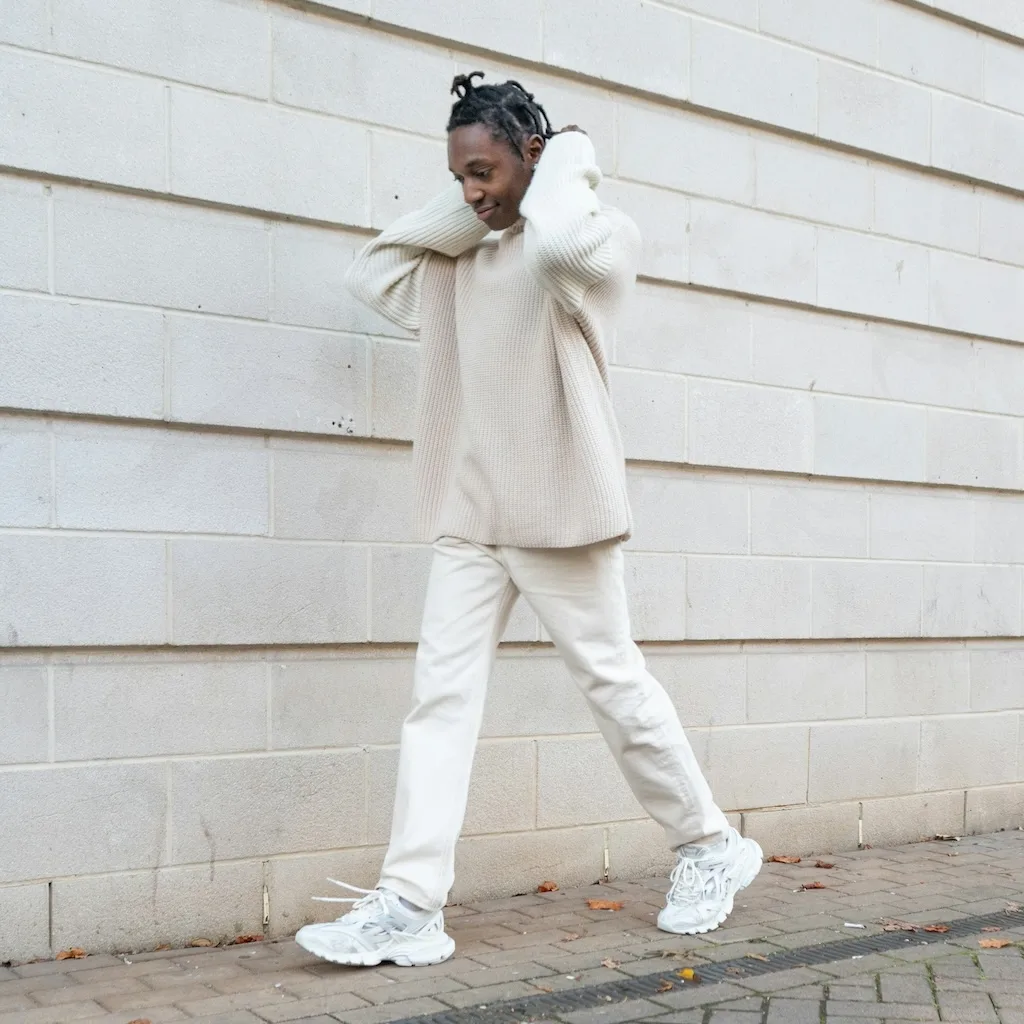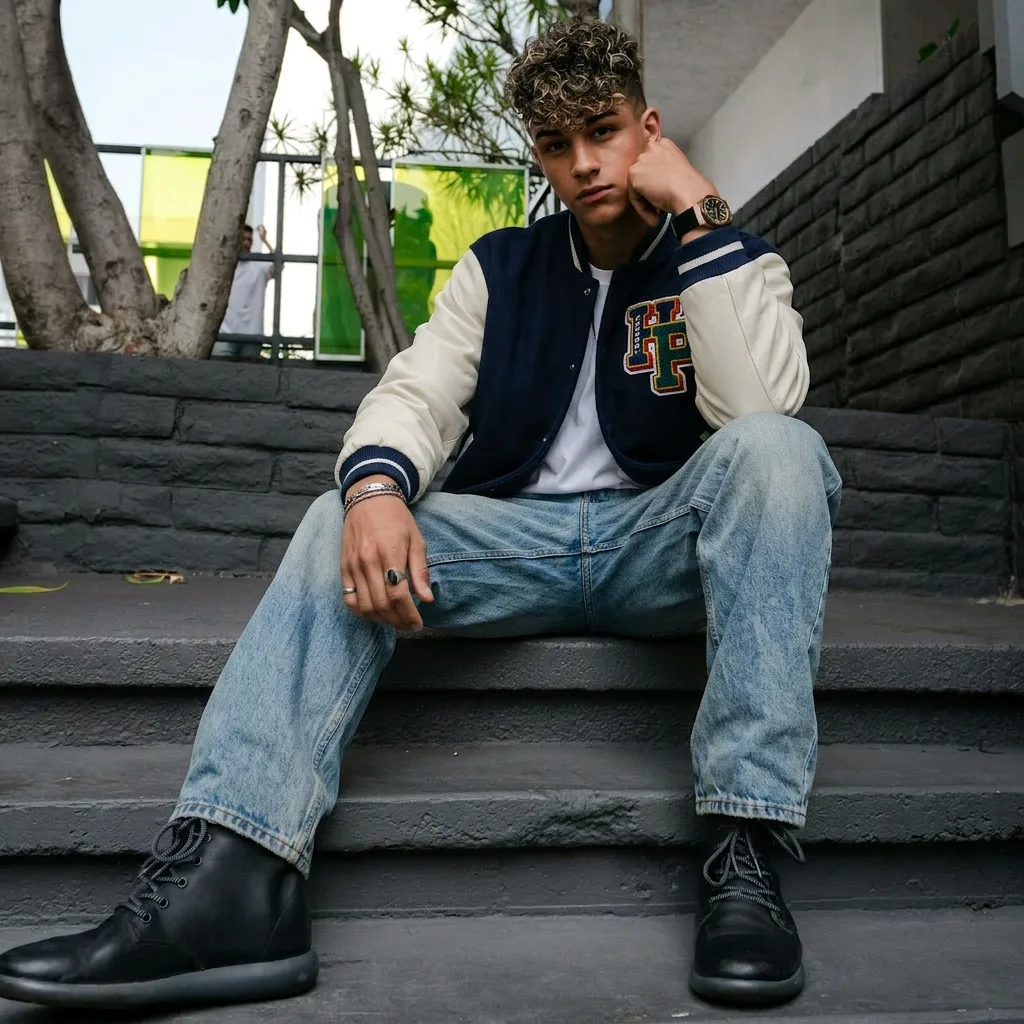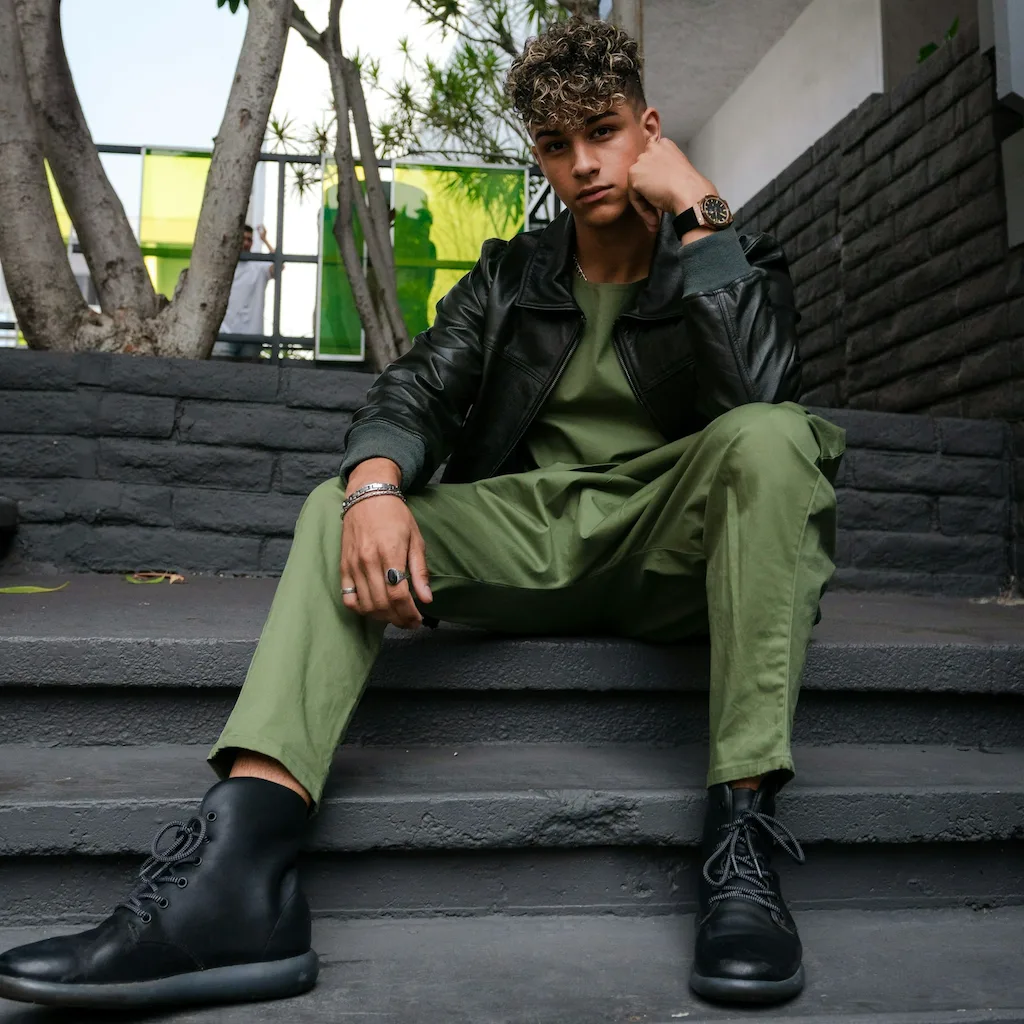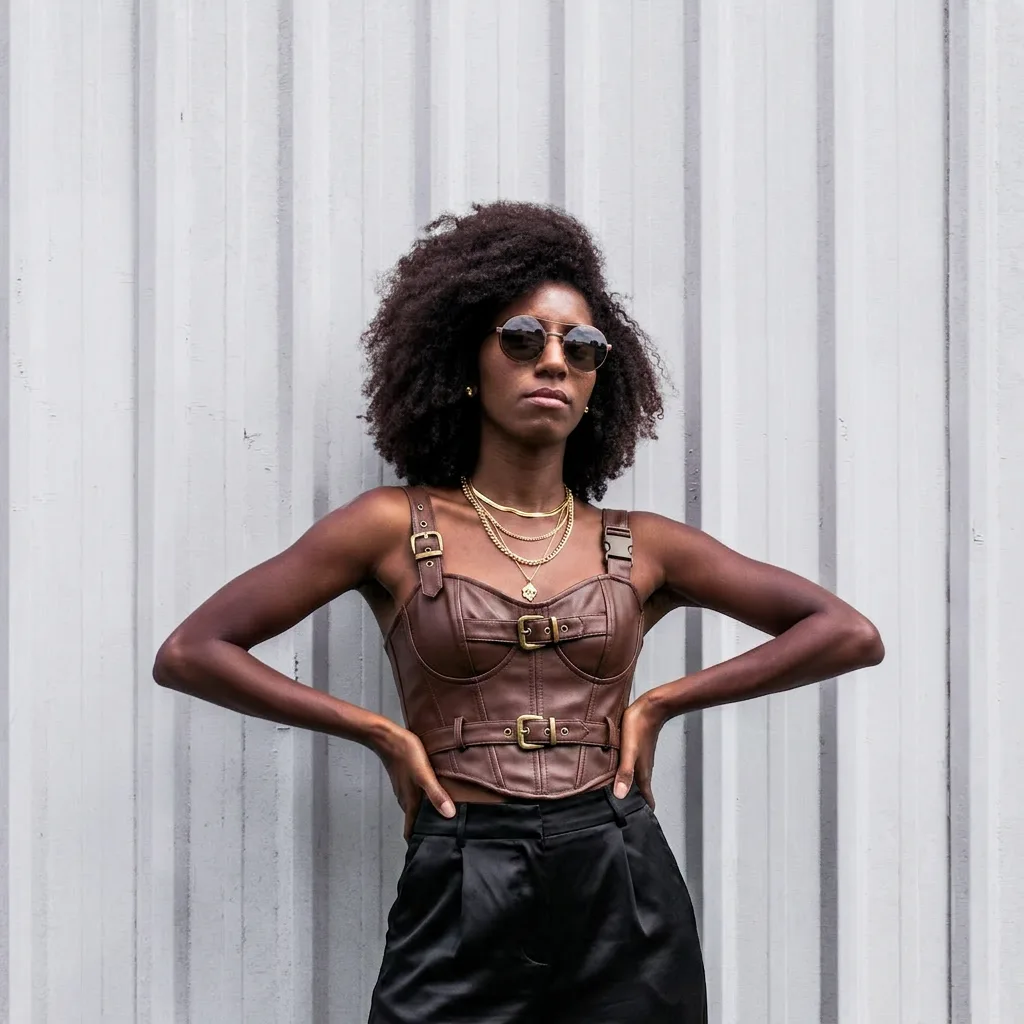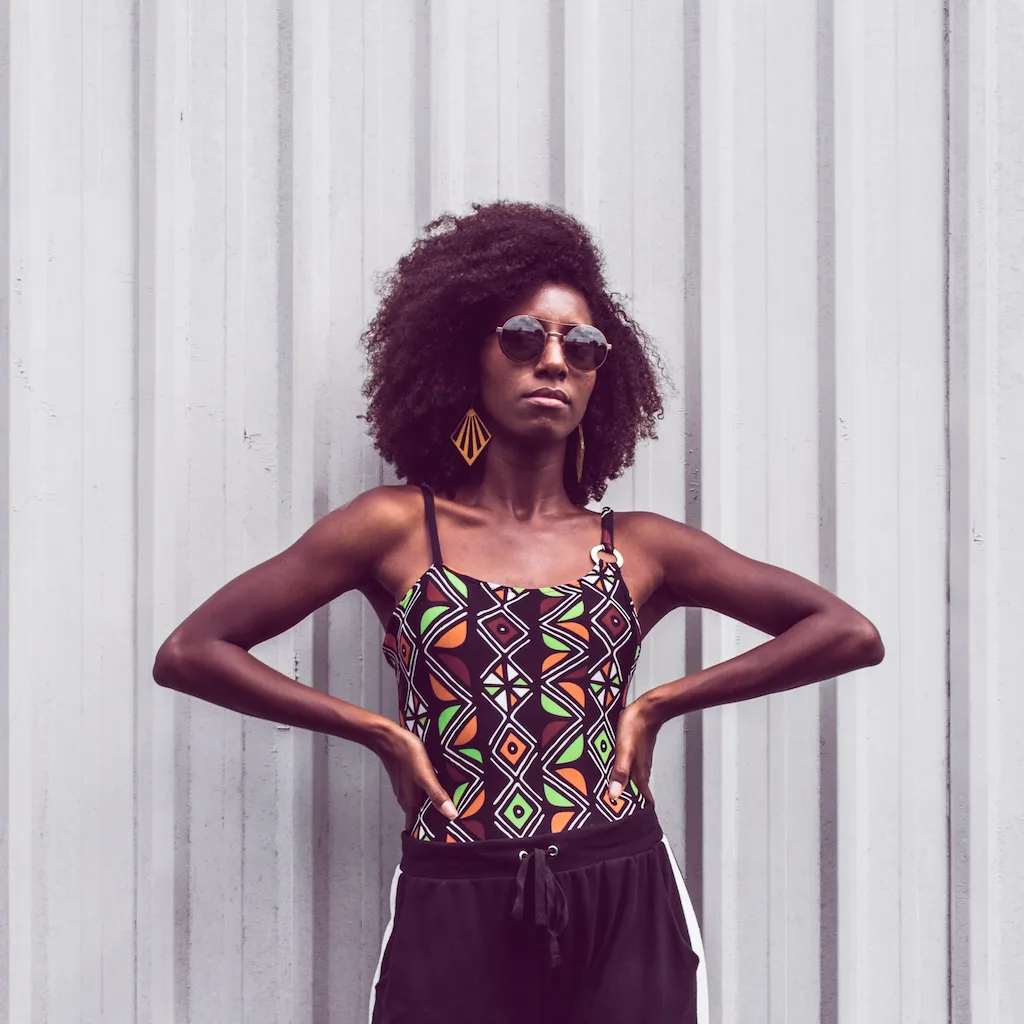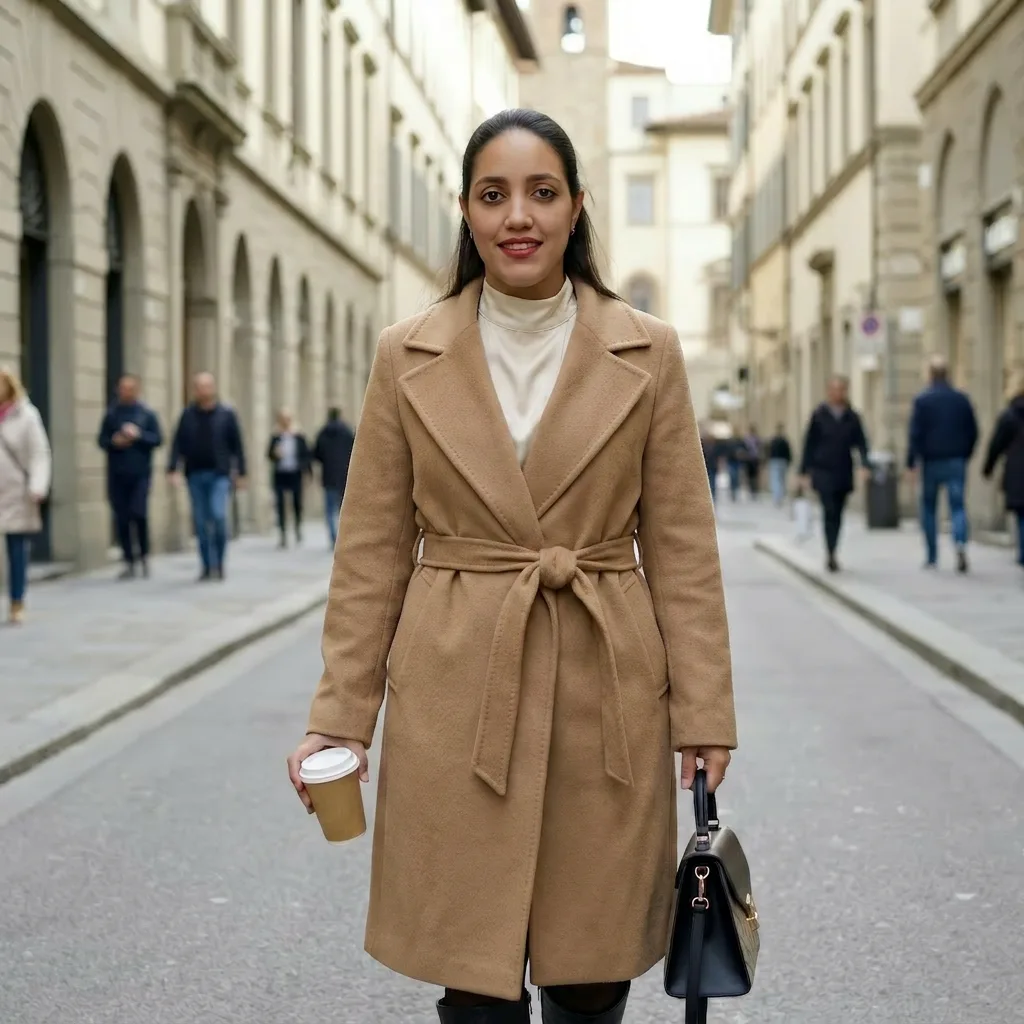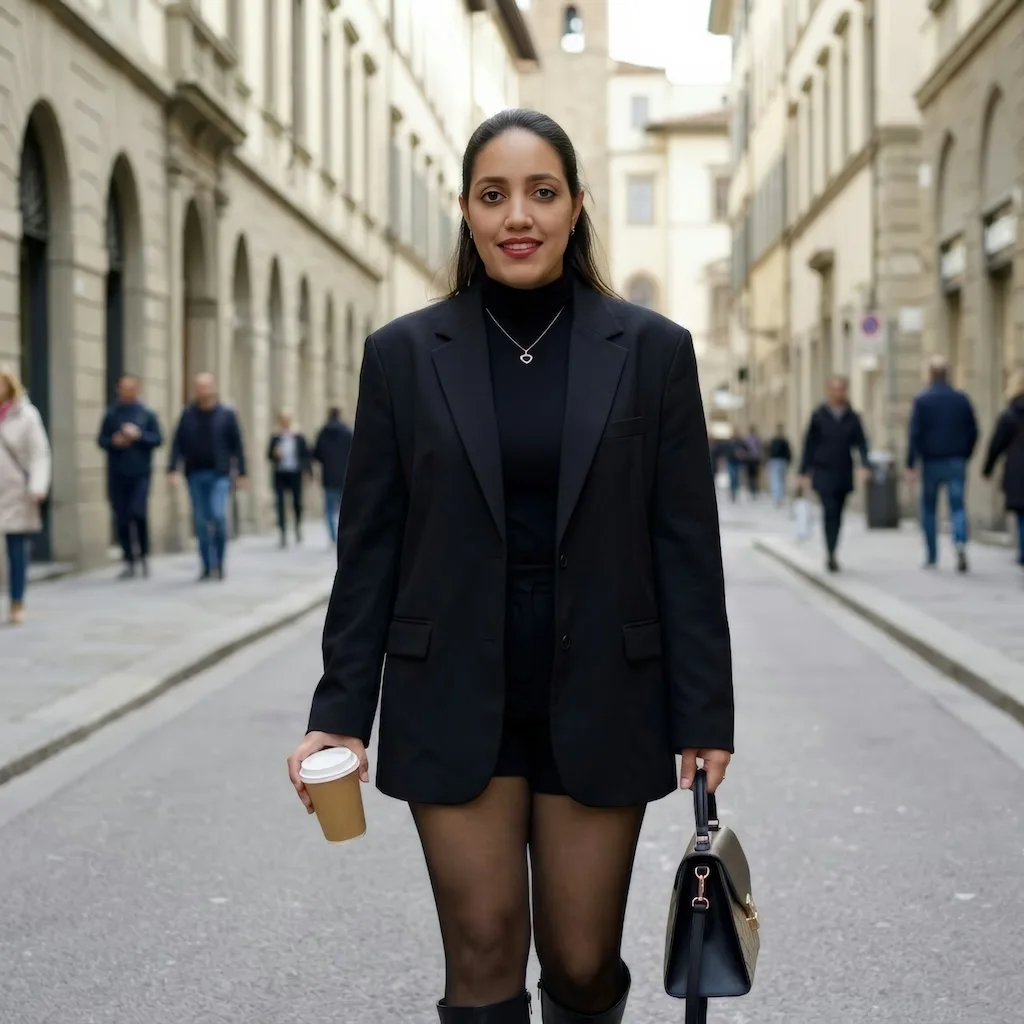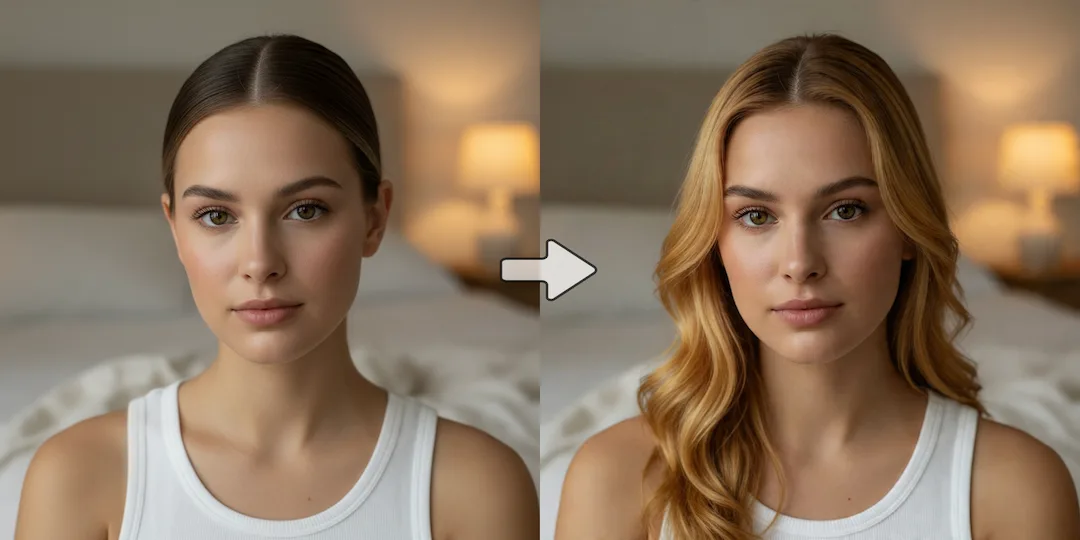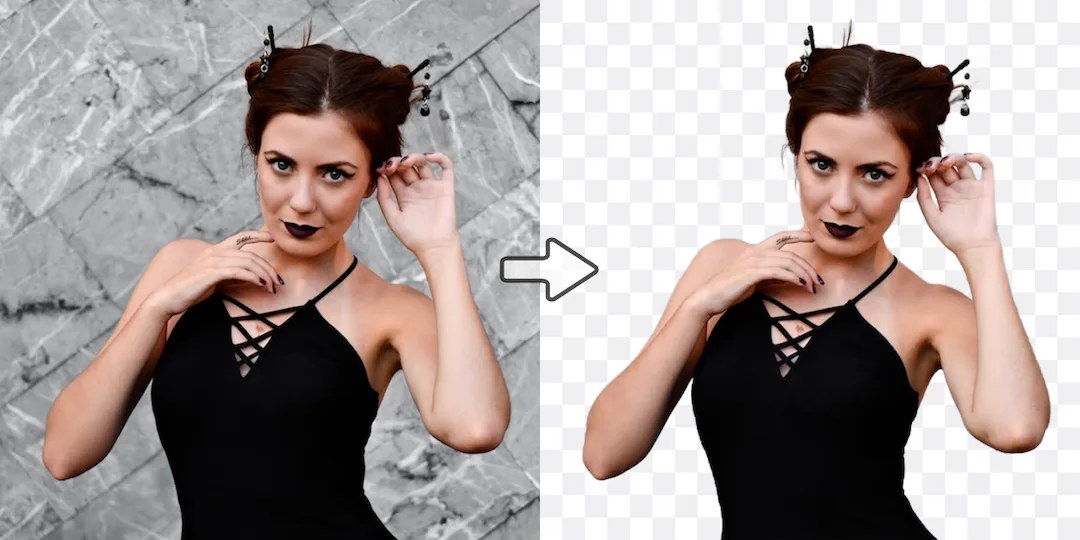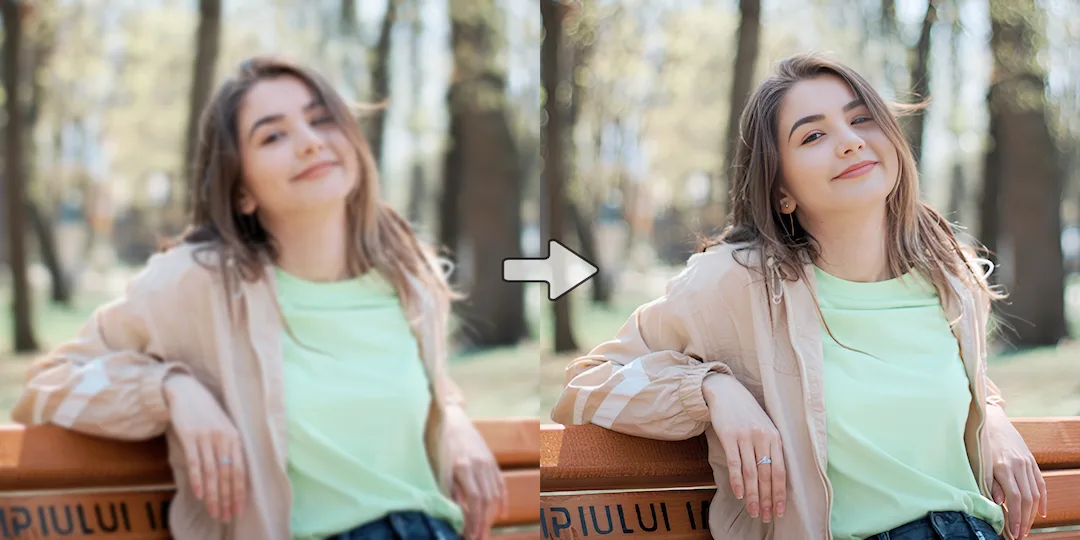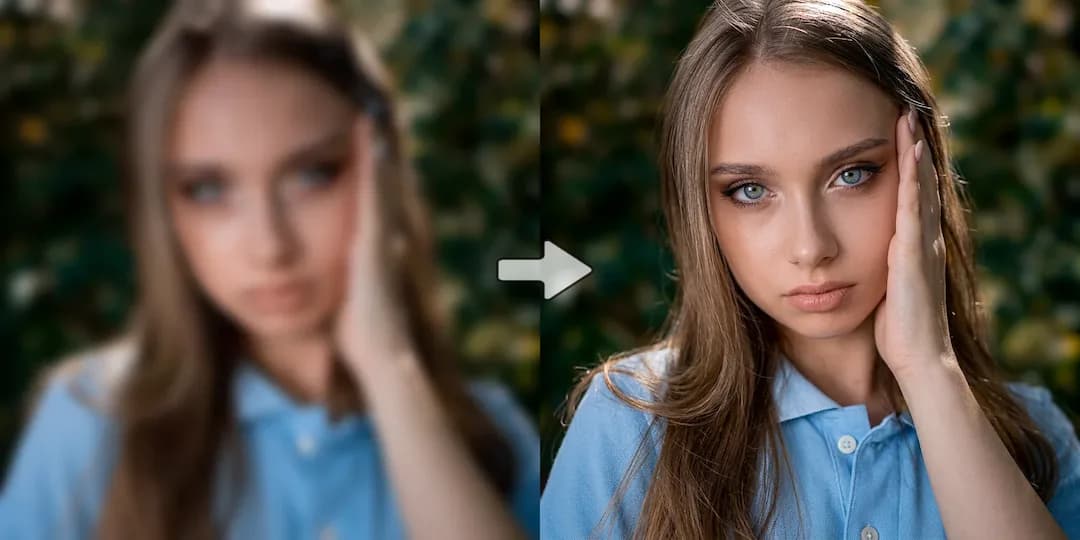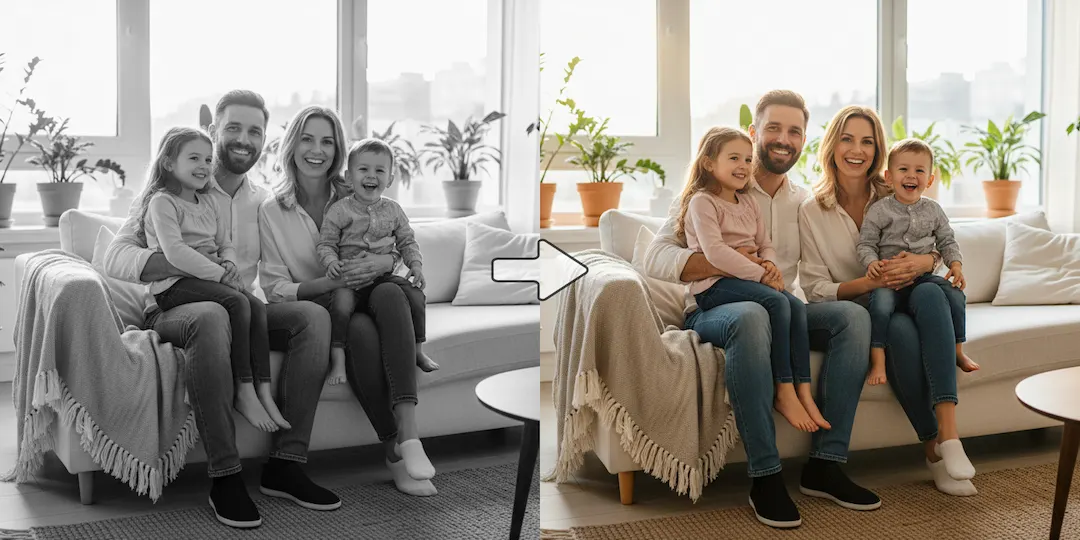
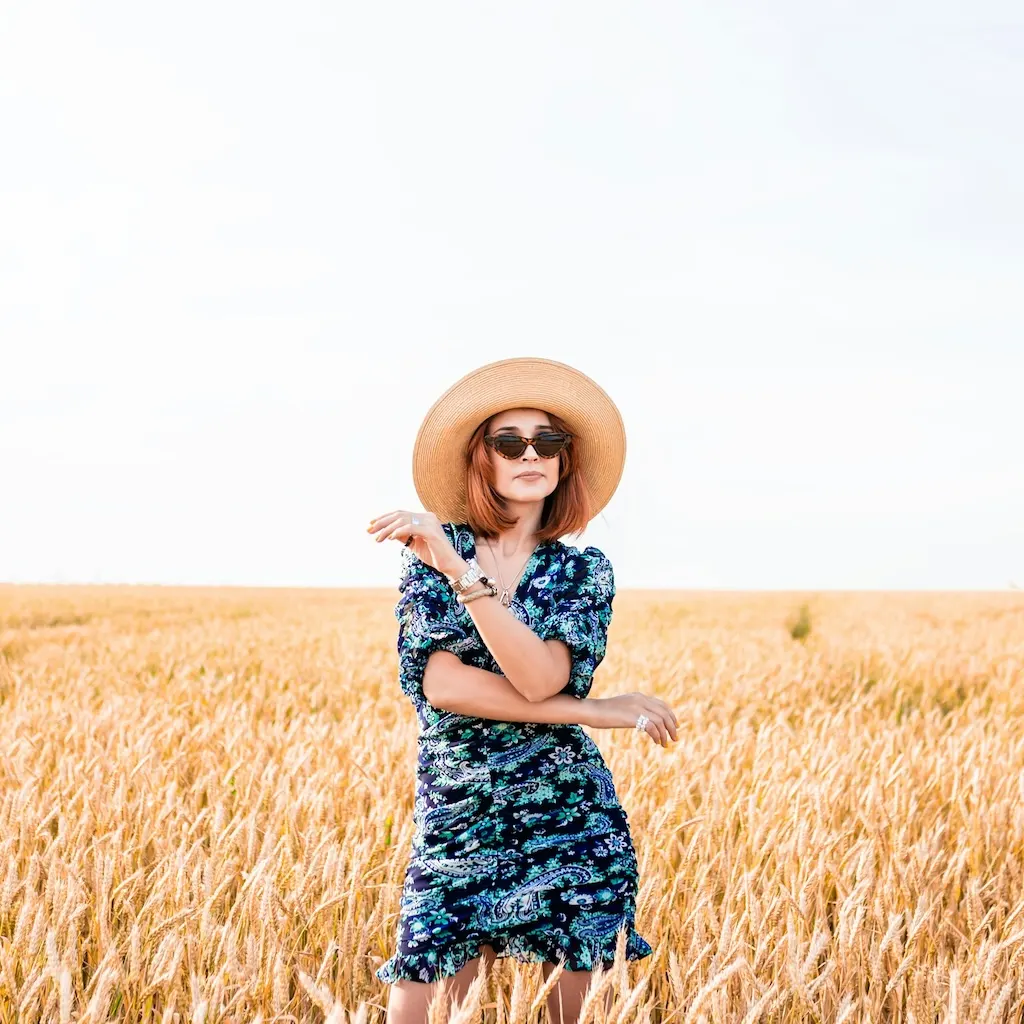

Instantly place garments on a real model photo with AI virtual try-on. Create realistic outfit previews for product pages, marketplaces, social campaigns, and creative fashion storytelling.
Model Image
Click or drag to upload
A clear, front-facing, half/full body portrait. Supports JPG/PNG/WEBP, up to 10MB.
No images? Try one of these
Please provide a clothing image, a text description, or both:
Clothing Image (Optional)
Click or drag to upload
Use flat-lay clothing images for best results and faster processing. Supports JPG/PNG/WEBP, up to 10MB.
Try-On Description (Optional)
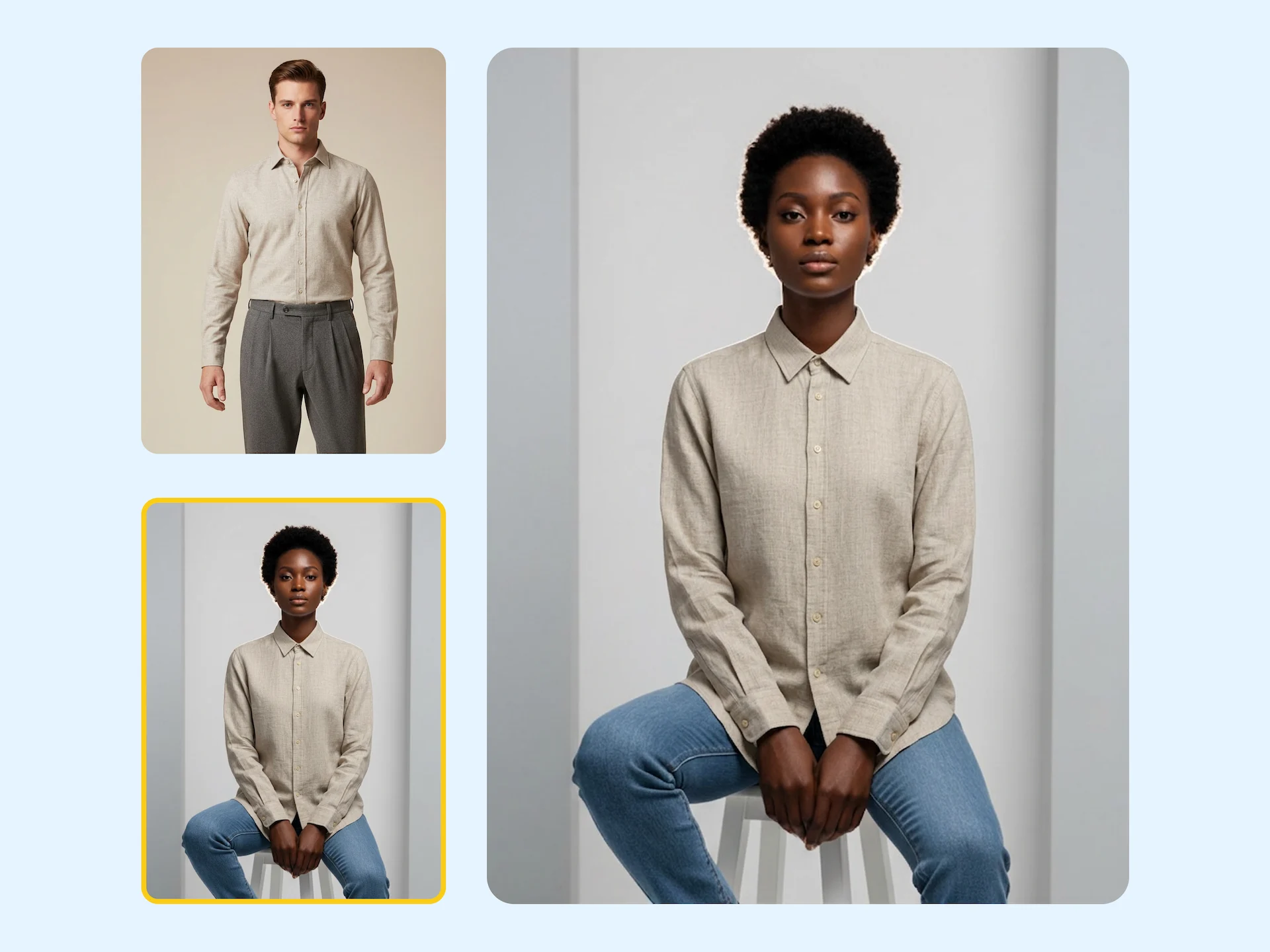
Skip scheduling-heavy photo cycles and generate on-model previews for new products in hours, not weeks. Your team can validate styling direction earlier and move to campaign launch faster.
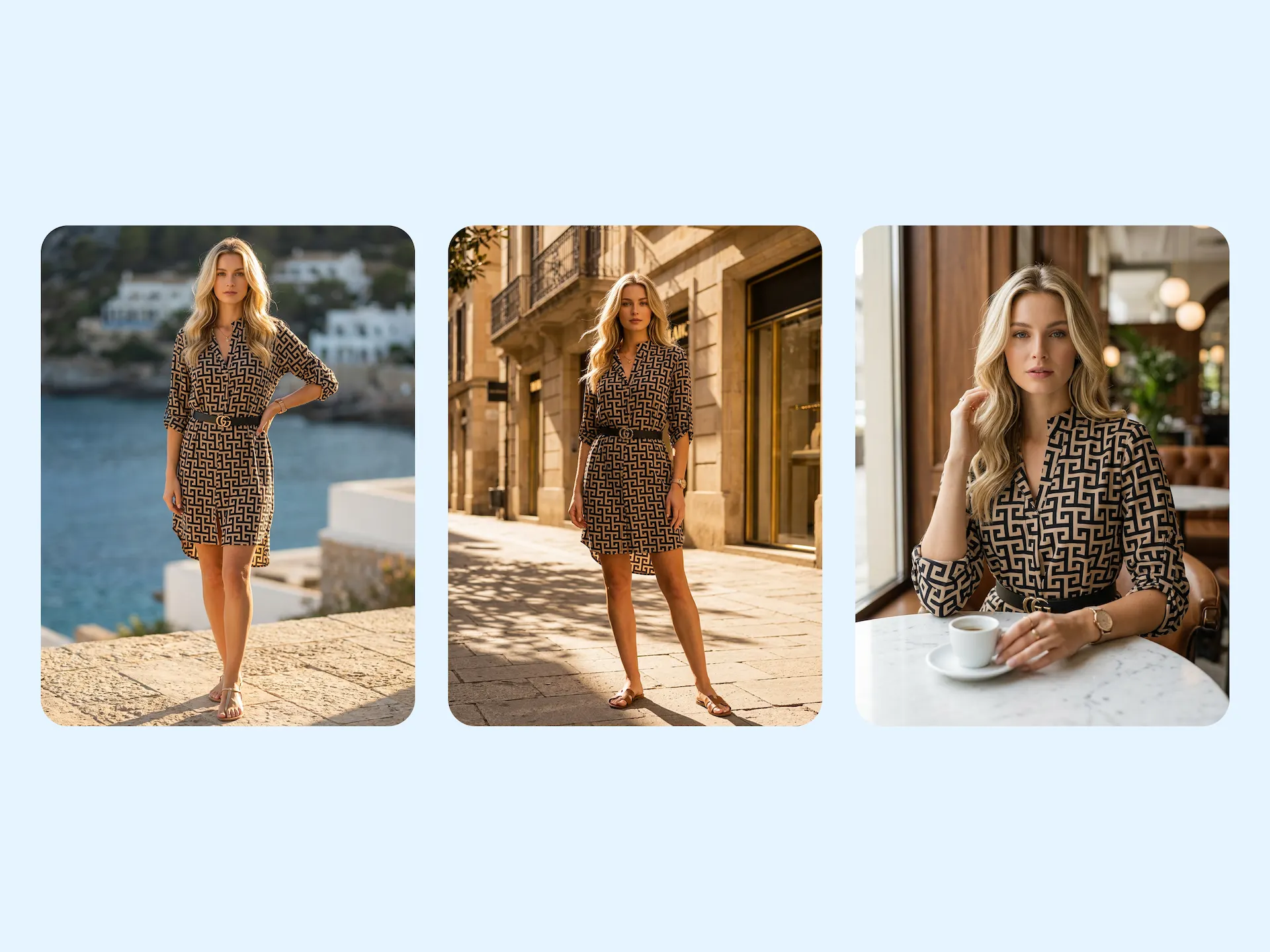
Produce aligned clothing imagery for website PDPs, marketplace listings, paid ads, and social commerce. A consistent look improves brand recognition and helps shoppers trust what they see.
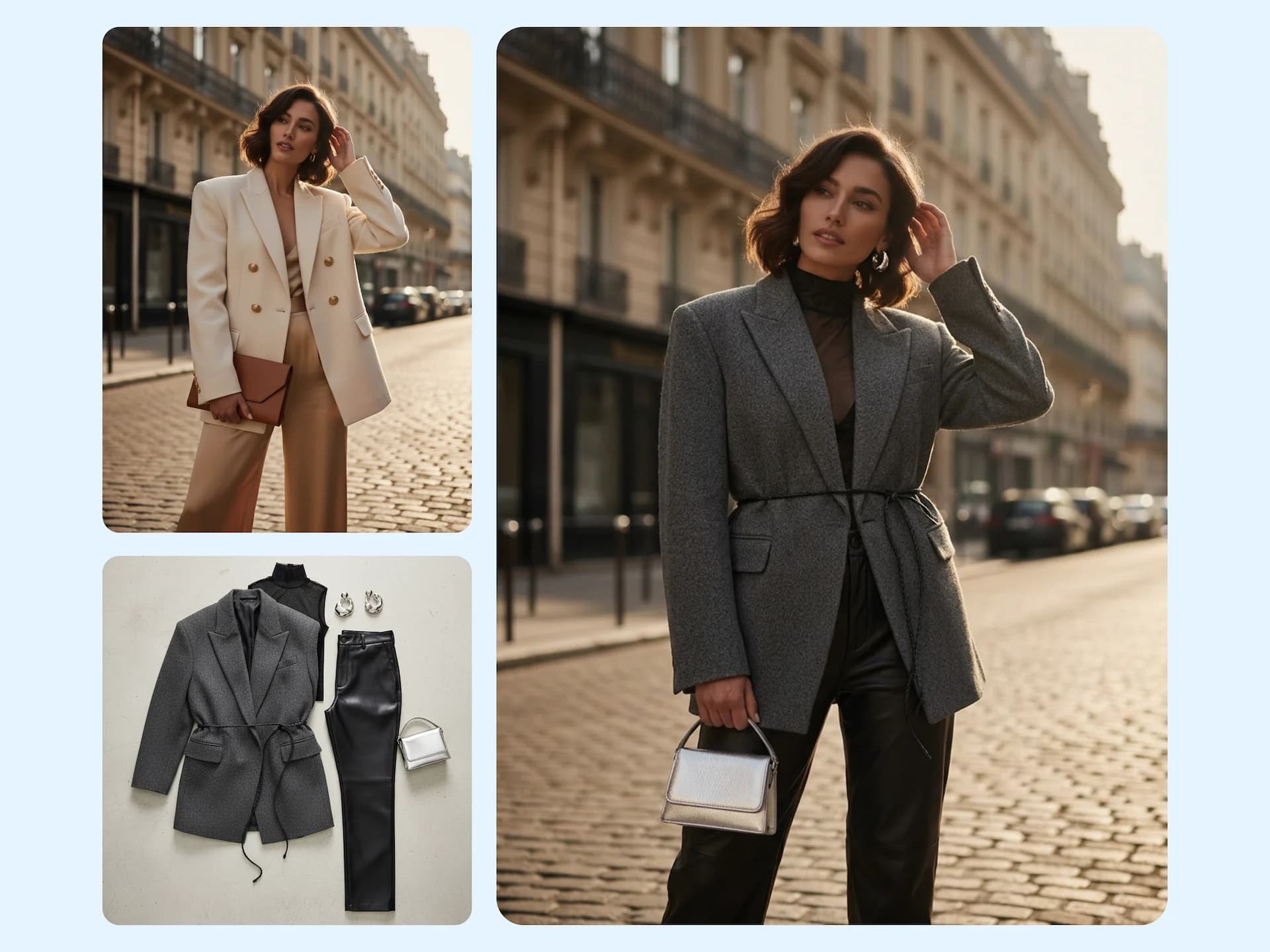
Generate social-first virtual outfit photos for reels, lookbooks, and trend posts. Test multiple style ideas quickly while keeping realistic texture, body shape, and scene continuity.
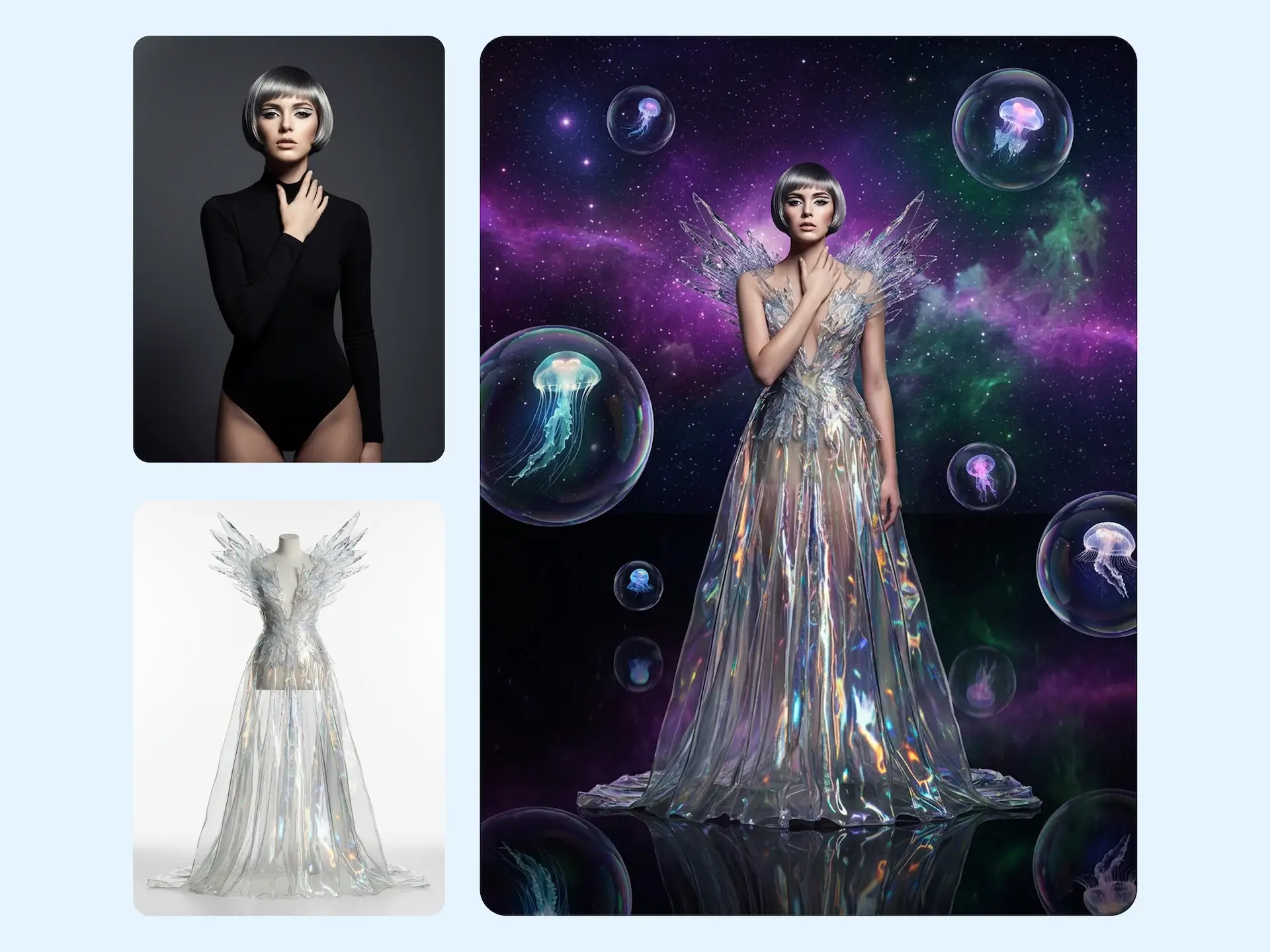
Push beyond traditional photography with concept-led styling and imaginative compositions. Build hero visuals for brand storytelling while preserving garment structure and wearable details.
Add a clear full-body or half-body image. Keep the subject visible for accurate clothing replacement and fit simulation.
Upload one garment image and describe the look you want. You can fine-tune color, texture, and styling direction in the prompt.
Review before-and-after results, iterate variations, then download visuals for e-commerce listings, campaigns, or social channels.
Create realistic virtual try-on images for e-commerce catalogs, social campaigns, and trend content in minutes.
Start virtual try-on now