Best for
Reference image editing, multi-image fusion, character continuity, and campaign asset iteration.

Nano Banana 2 is a practical model for creators who work from references, not just prompts. It is especially useful when you want to keep the same subject across multiple images, combine several references, or iterate quickly without losing control.
Best for reference-driven workflows
Useful for continuity across scenes
Fast enough for iterative creative work
At a glance
Reference image editing, multi-image fusion, character continuity, and campaign asset iteration.
Fast feedback loops, better workflow continuity, style transfer, and visuals built around several inputs.
If your top priority is finished poster typography or highly polished ad layout, another model can be a better first choice.
You are building from references, revising the same concept repeatedly, or trying to keep a visual subject stable.
Best fit
Some image models look impressive in isolated demos but become less useful once you start revising the same subject over and over. Nano Banana 2 feels more practical when the work depends on continuity: the same face in different scenes, the same product across several campaign directions, or multiple reference files that need to end up inside one coherent visual.
Before you use it
If your brief depends on polished poster typography, highly structured layouts, or a more finished first-pass output, Nano Banana 2 may not be the first model to test. It earns its place when you care more about continuity, references, and editing momentum than about getting a near-final ad creative immediately.
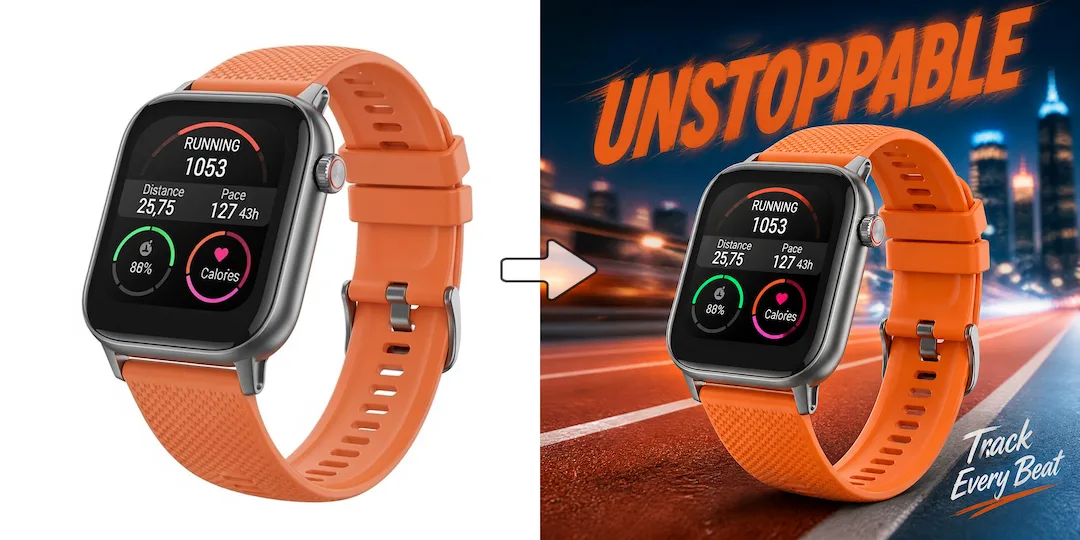
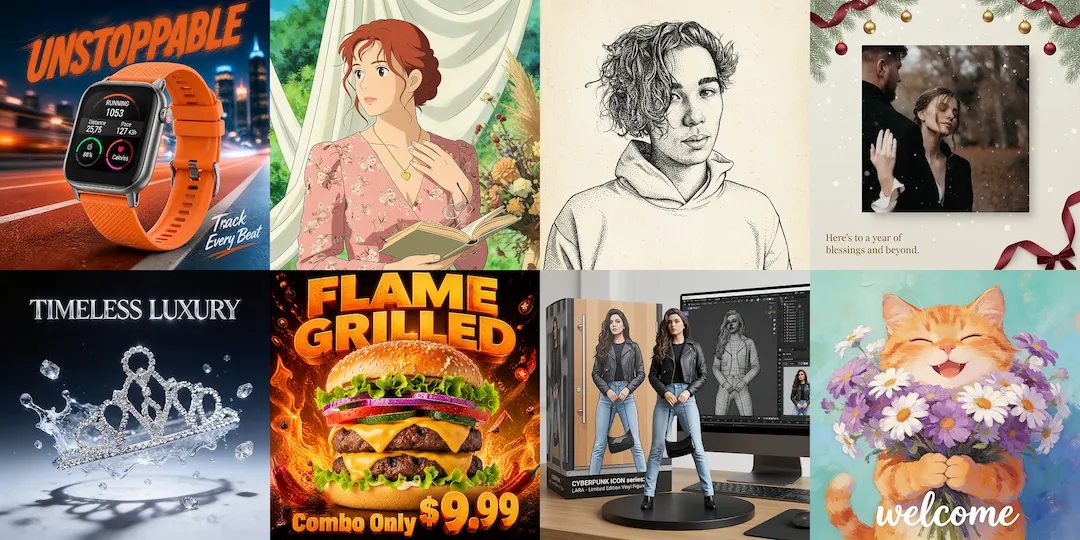
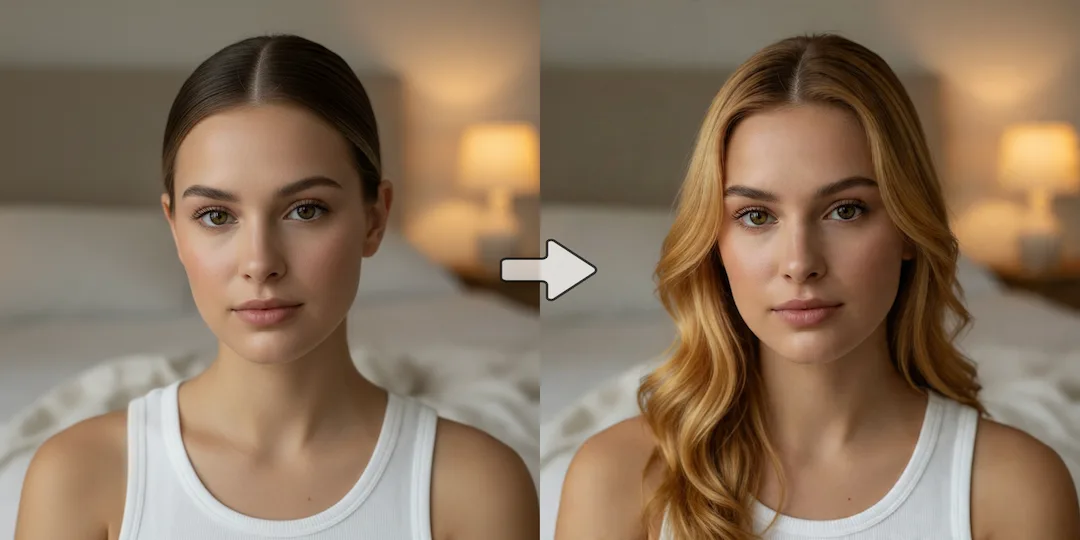
These examples highlight the kinds of edits and workflows Nano Banana 2 is especially useful for, from reference-based image building to consistent character and campaign iteration.
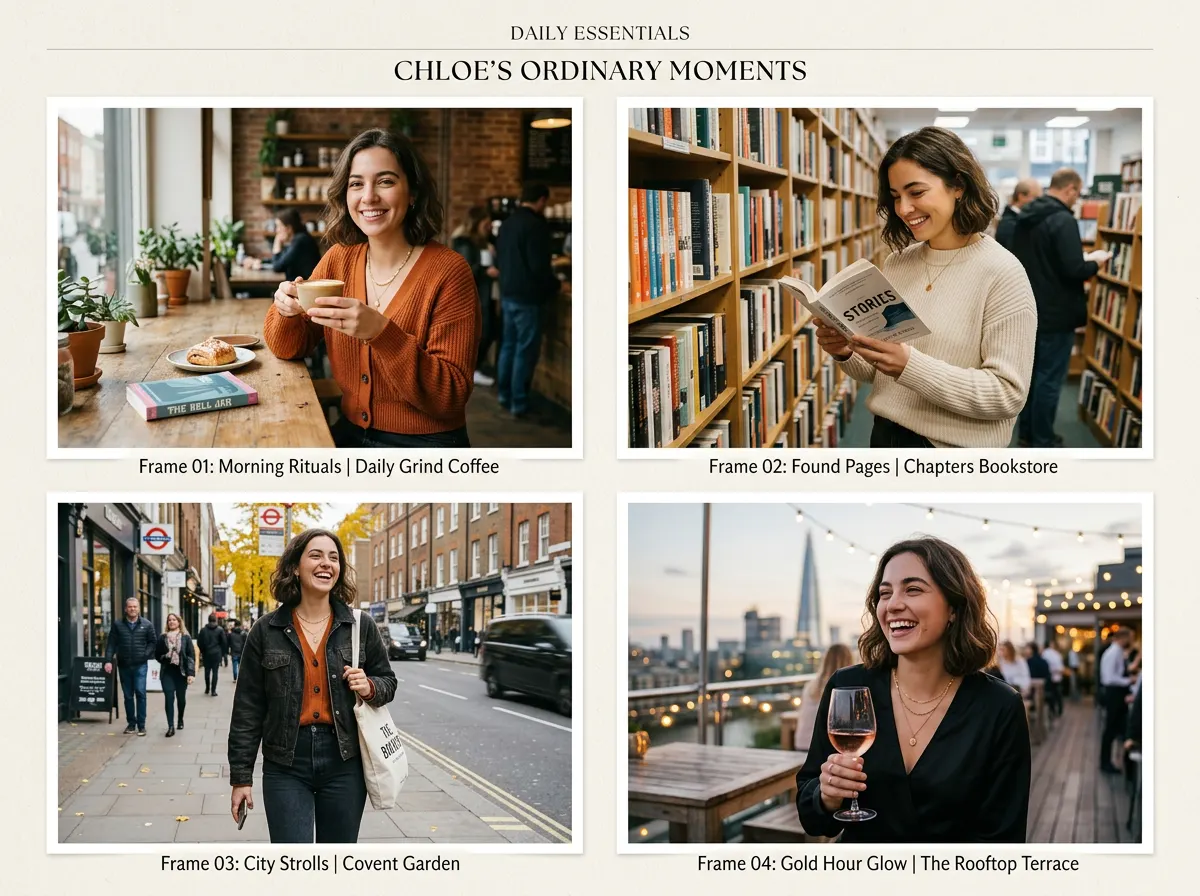
This is the kind of output people usually want when they search for Nano Banana 2: the same subject carried across different scenes without drifting into a different identity every time.
Prompt used for this visual
Create a four-frame editorial collage featuring the same young woman across different everyday scenes: a coffee shop, a bookstore, a city sidewalk, and an evening rooftop. Keep the same facial identity, hairstyle, proportions, and overall appearance across all four frames. Use natural lifestyle photography, realistic lighting, subtle fashion styling, and a cohesive magazine-style layout with clean spacing.
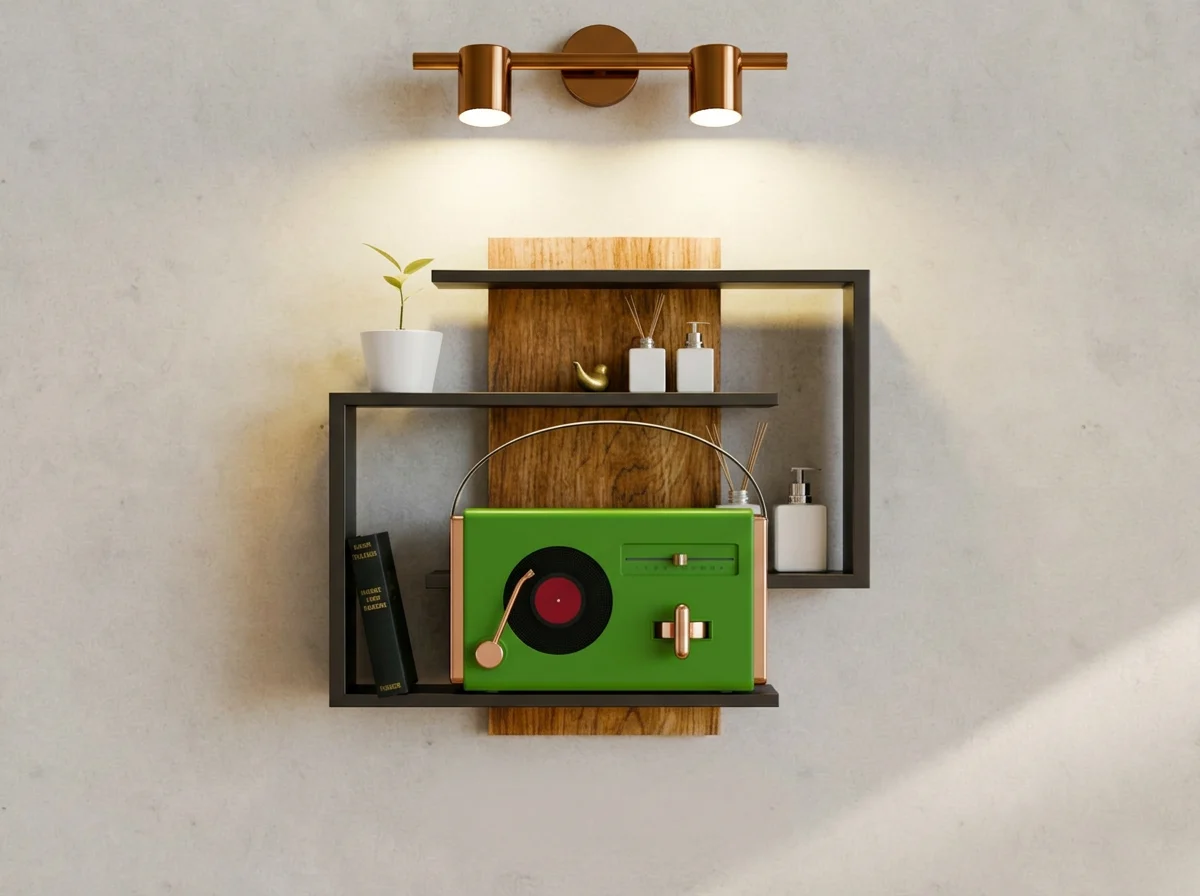
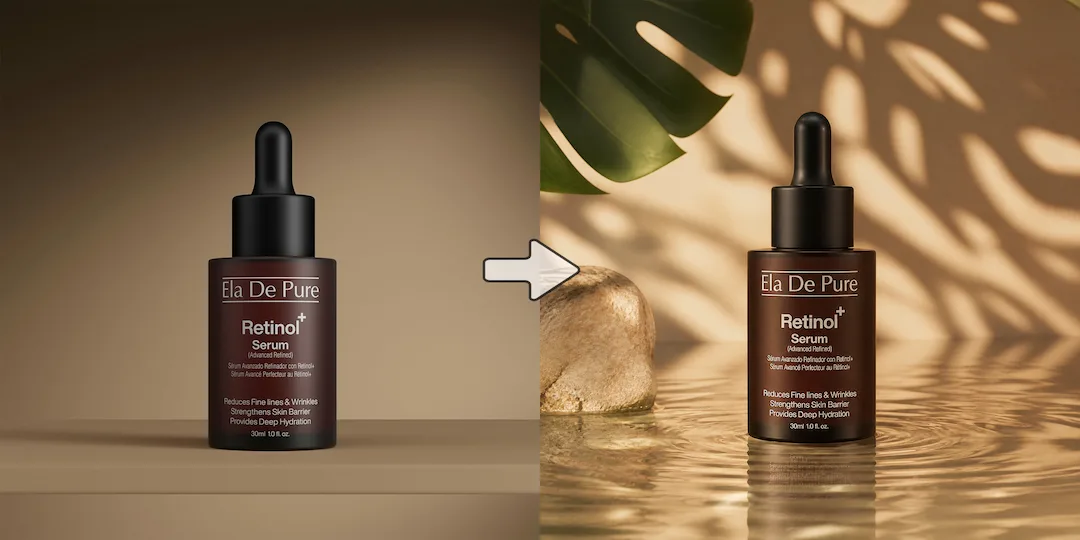
Nano Banana 2 is often most useful when the job depends on combining several references into one believable output. This prompt mirrors a real creative workflow rather than a one-shot art experiment.
Prompt used for this visual
Use the uploaded product cutout, shelf reference, and lighting reference to create one cohesive ecommerce hero image. Keep the product proportions unchanged, place it naturally on a modern shelf, match the lighting direction to the reference, and make the final scene feel realistic and brand-ready. Avoid exaggerated props or surreal styling.
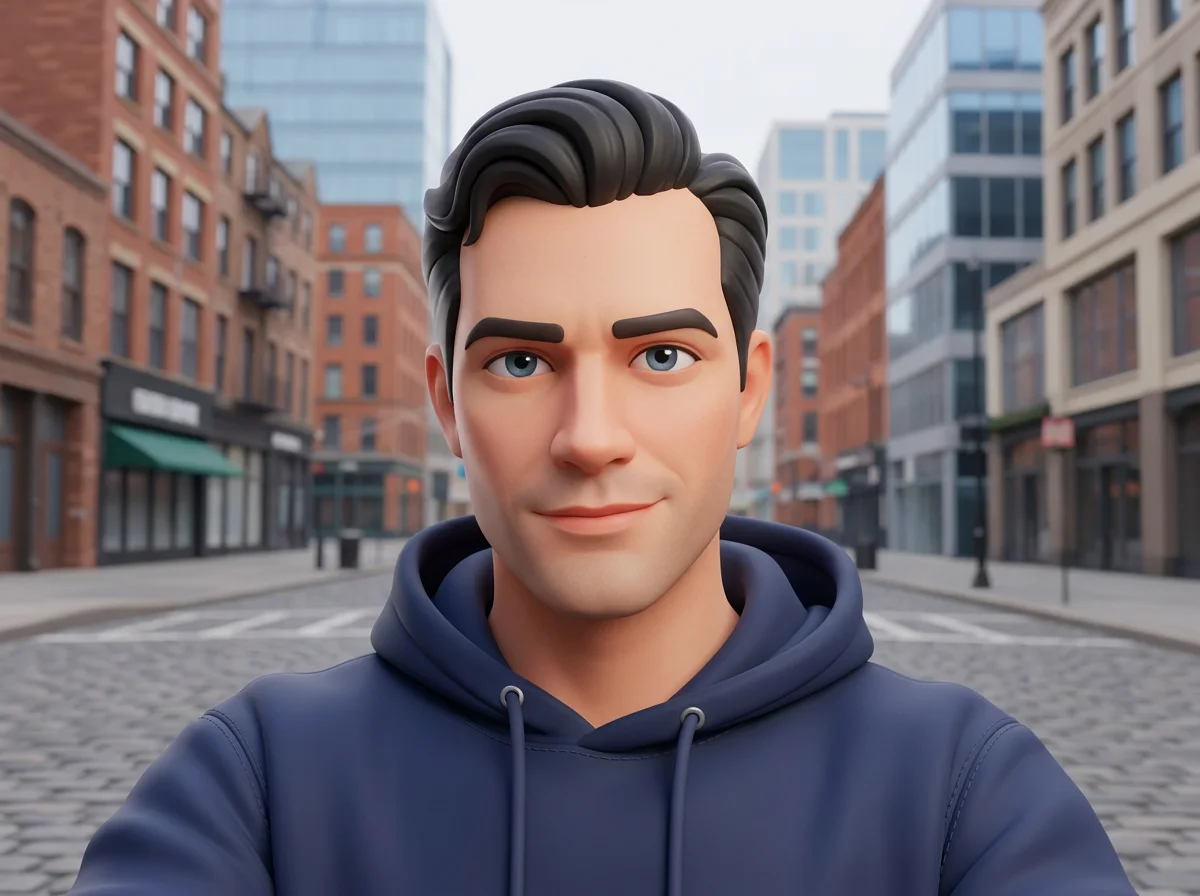
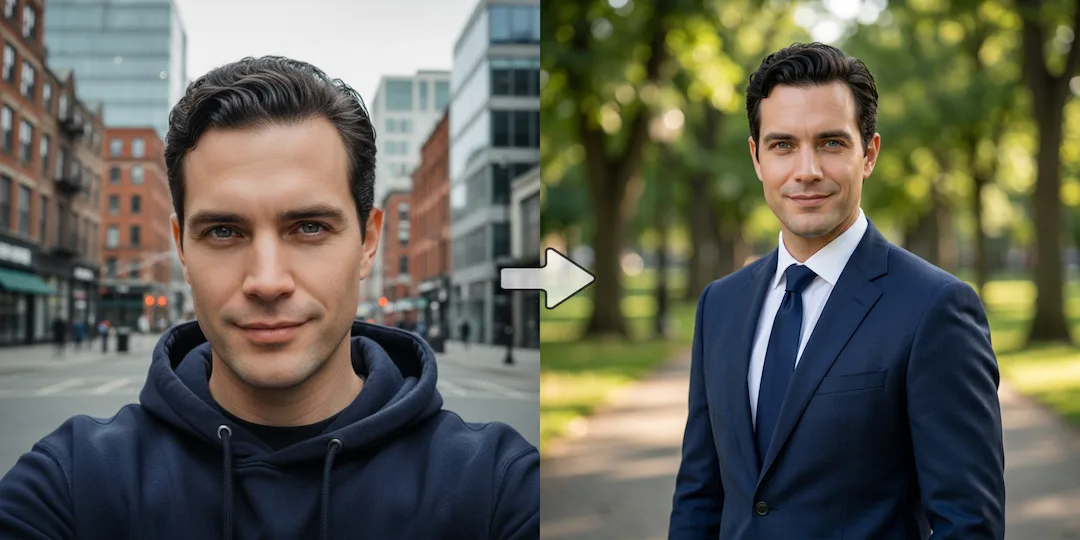
A strong Nano Banana 2 use case is changing visual style without throwing away the face, expression, and overall feel of the source image. That makes it practical for repeatable creator and brand workflows.
Prompt used for this visual
Transform the uploaded portrait into a polished stylized 3D character illustration while preserving the subject's facial identity, hairstyle, and expression. Use rounded forms, soft pastel materials, subtle studio shadows, and a premium animation-art look. Keep the pose and framing close to the original image.
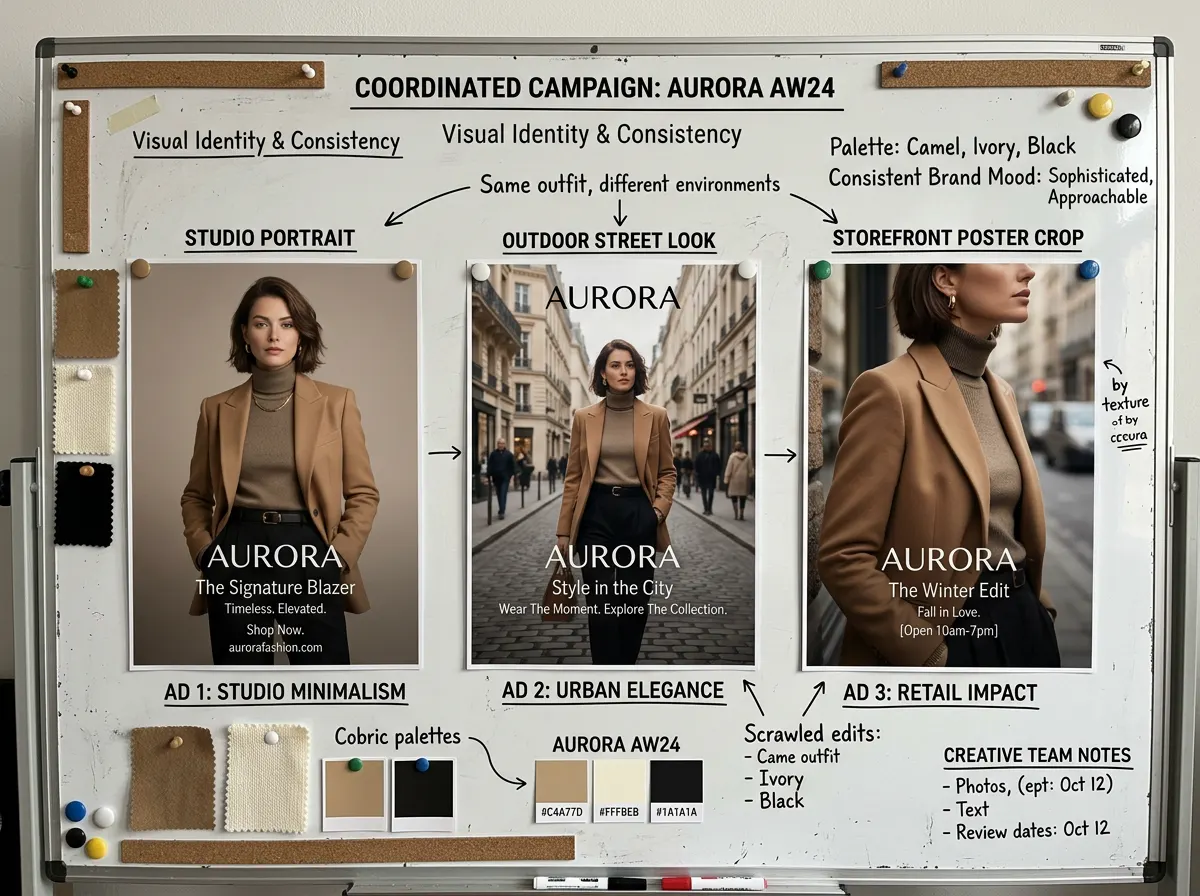
This example is designed for marketers and teams who need several assets that still feel like part of the same campaign. It shows why continuity matters more than raw novelty in many commercial workflows.
Prompt used for this visual
Create a campaign planning board style image showing the same fashion model in three coordinated ad variations for one clothing brand: studio portrait, outdoor street look, and storefront poster crop. Keep the model identity, outfit palette, and brand mood consistent across all three visuals. The composition should feel like a real creative team's presentation board.
Try Nano Banana 2 in NanoVibe and build faster, more controllable image workflows for campaigns, character systems, and creative iteration.
Try Nano Banana 2 nowIt is especially useful for reference-driven image work: keeping a subject more consistent, merging several references, and iterating on the same idea across a campaign or content series.
Yes. That is one of the main reasons to test it. It becomes more valuable when the prompt is only part of the job and the reference images carry the real direction.
Use Nano Banana 2 when continuity, reference fusion, and fast back-and-forth changes matter most. Use GPT Image 2 when polished final output, stronger text rendering, or fewer retries matter more.
It is a practical model to test for that task. Results still depend on prompt clarity and references, but subject continuity is one of the reasons people reach for it first.
A better first stop when your brief depends on commercial polish, text-heavy visuals, or tighter editing precision.
Useful when poster structure, ad layouts, and small-text rendering matter more than fast iterative experimentation.
Compare Nano Banana 2 against other models directly inside NanoVibe instead of jumping between tools.