Best for
Photoreal product visuals, premium posters, diagrams, and work that needs cleaner first-pass results.

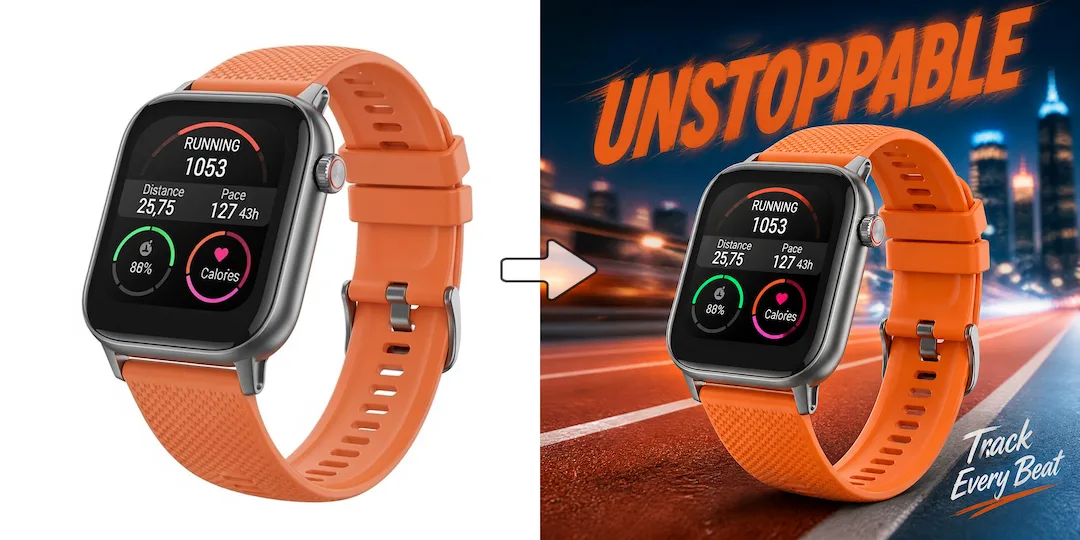
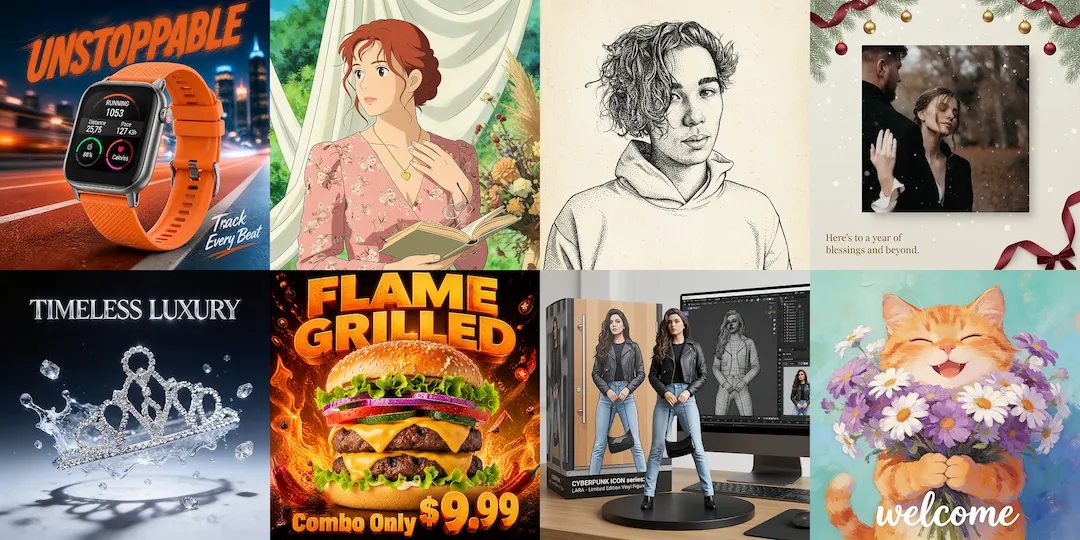
GPT Image 2 is a strong choice when image quality, prompt accuracy, and clean text rendering matter more than raw speed. In NanoVibe, it works especially well for product ads, brand visuals, image editing, and polished marketing assets that need fewer retries.
Best for polished commercial output
Useful for posters and readable text
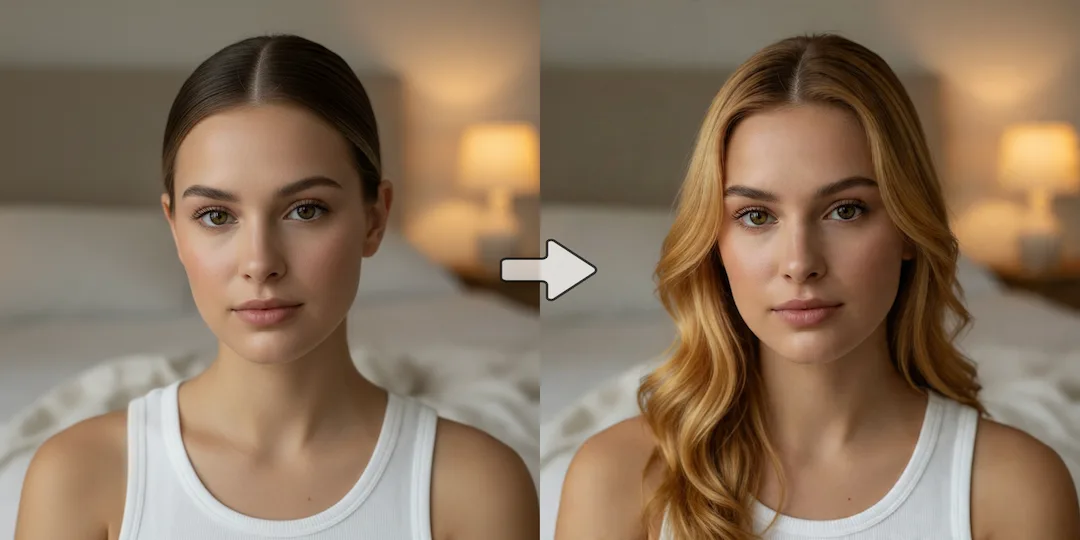
Strong fit for reference-based edits
At a glance
Photoreal product visuals, premium posters, diagrams, and work that needs cleaner first-pass results.
Accurate prompt following, better text handling, strong lighting realism, and edits that preserve the original brief.
Not always the fastest way to explore loose directions when you want many quick variants.
You already know the look you want and need a model that can get closer to final without a long cleanup pass.
Best fit
If your workflow depends on finished-looking visuals instead of rough drafts, GPT Image 2 is usually one of the first models worth trying. It is especially useful for product marketing, poster concepts, diagrams, and image editing jobs where readable text and prompt precision affect whether the result is usable.
Before you use it
GPT Image 2 is not always the quickest model for wide-open ideation. If you are still exploring direction and mostly want dozens of fast variations, a lighter model can feel more efficient early on. Once brand polish, editing reliability, or text clarity becomes important, GPT Image 2 becomes easier to justify.
These examples show the kinds of work GPT Image 2 handles especially well, including product ads, image editing, infographic generation, and polished commercial poster concepts.
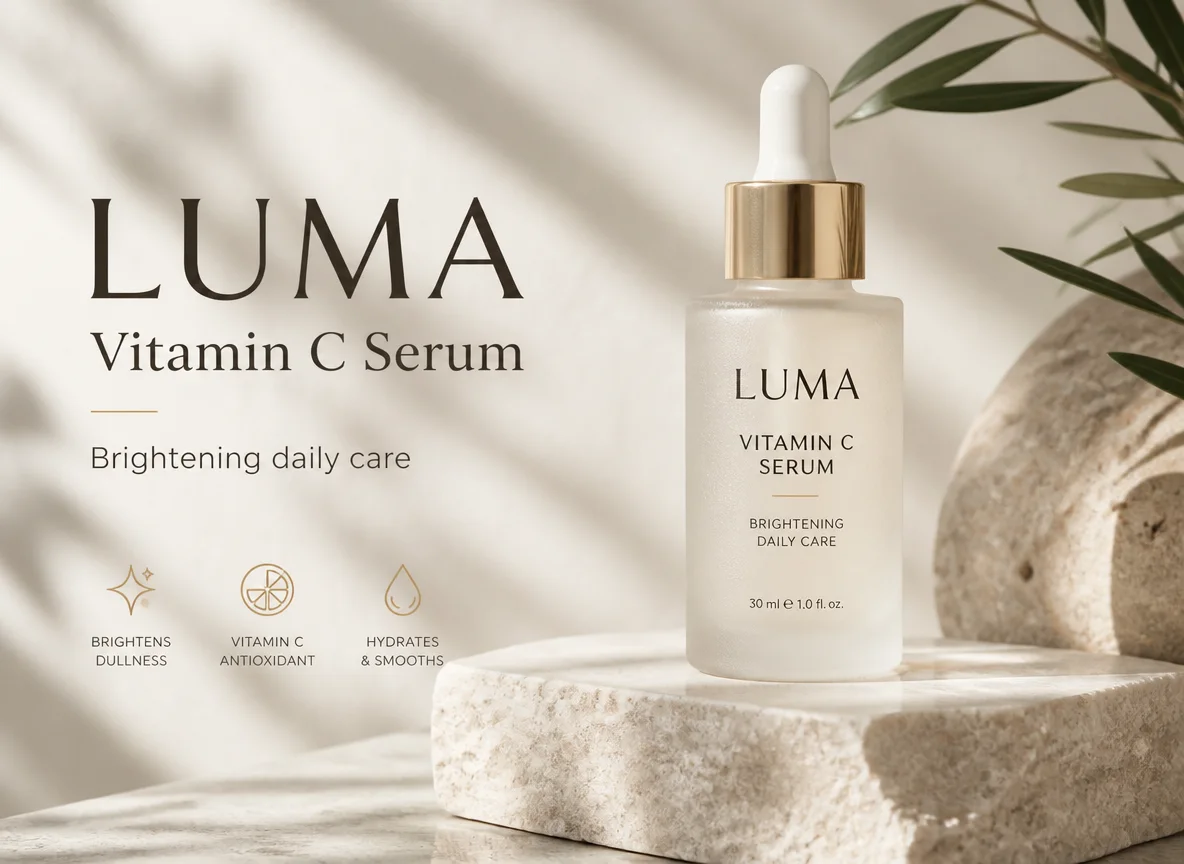
This hero-style visual shows where GPT Image 2 shines in practice: premium product photography, believable materials, and readable campaign text that looks close to final on the first pass.
Prompt used for this visual
Create a premium skincare campaign poster for a fictional brand called LUMA. A frosted glass serum bottle stands on a pale stone pedestal with soft morning light, subtle shadows, realistic reflections, and clean studio depth. Add elegant readable text in the composition: "LUMA Vitamin C Serum" and a smaller subheading "Brightening daily care". The layout should feel like a real beauty campaign, with restrained typography, balanced negative space, natural material textures, and polished commercial photography quality.
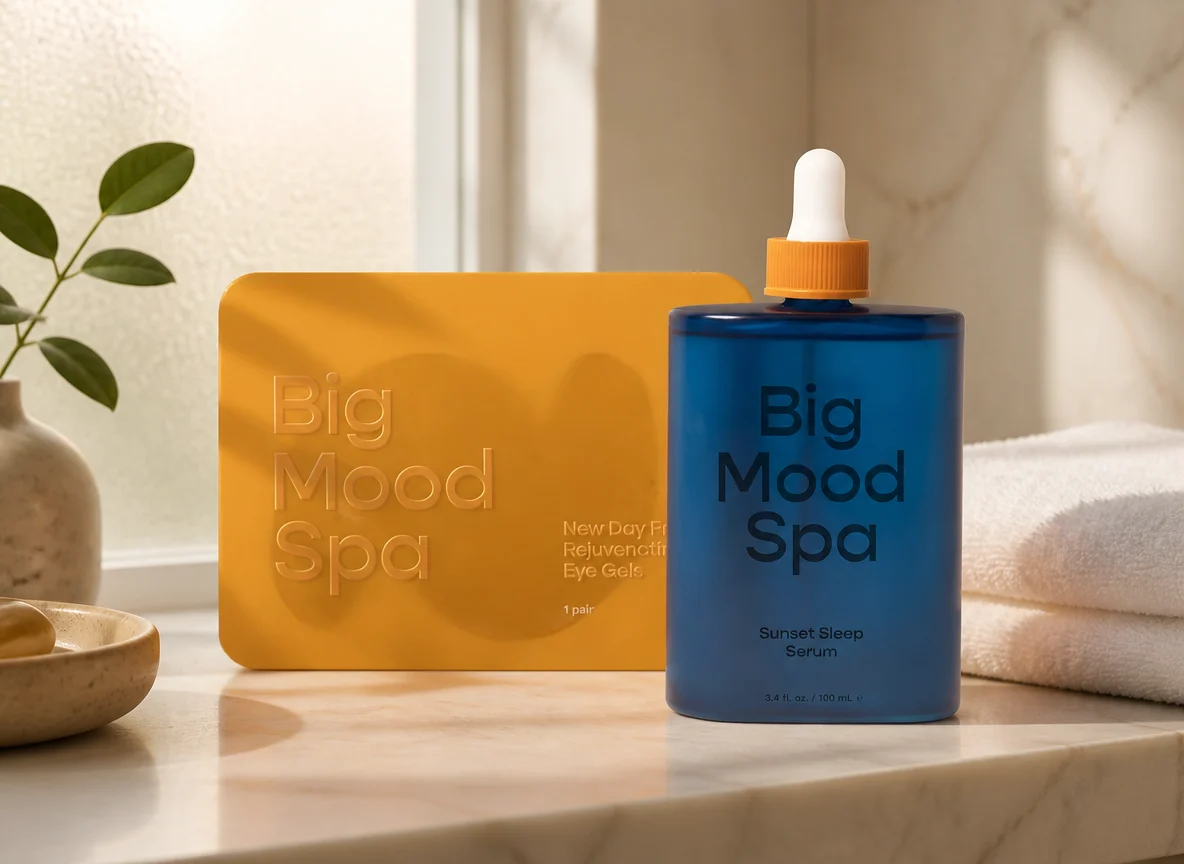
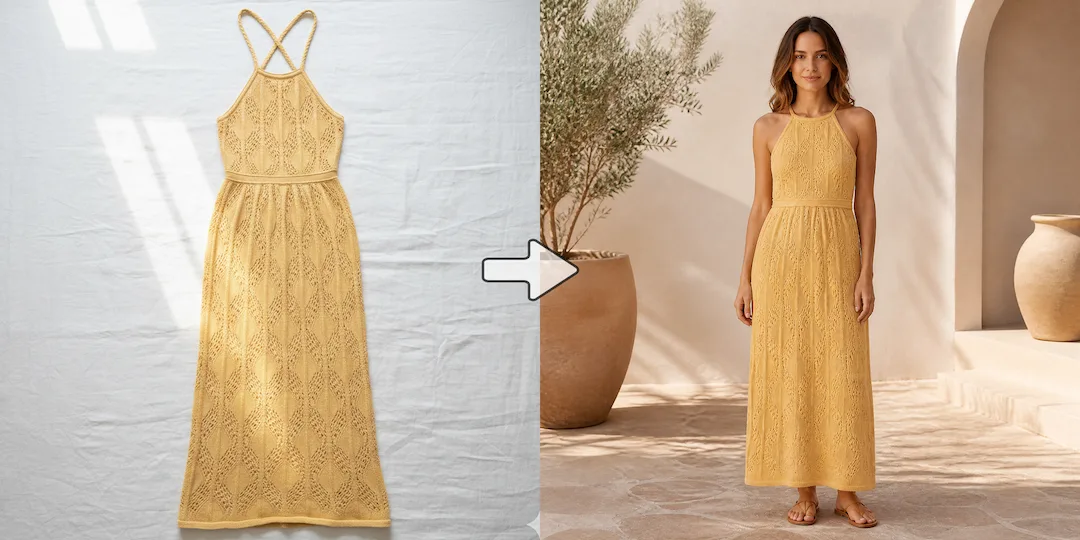
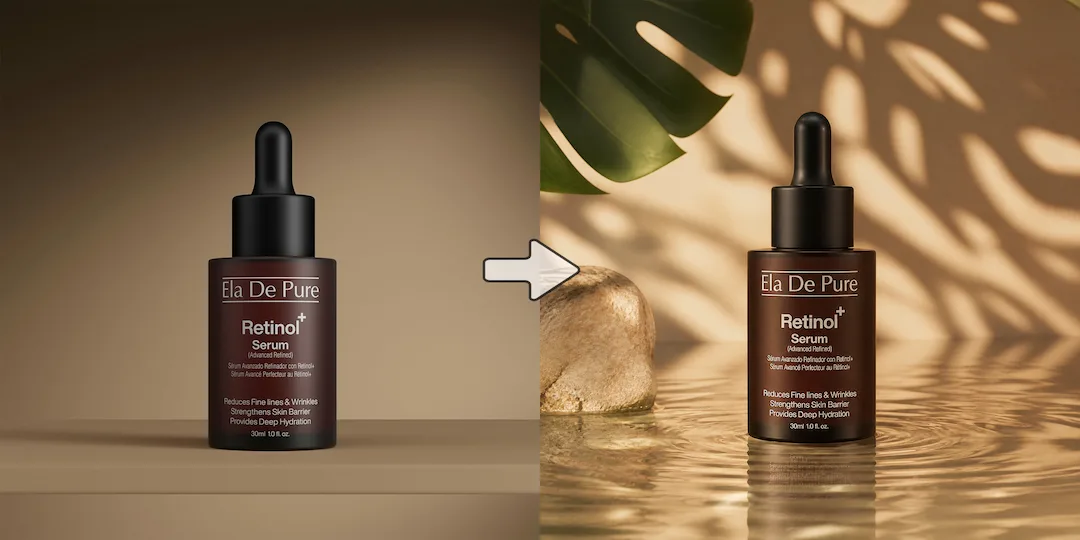
A common commercial workflow is upgrading an existing image instead of starting from zero. GPT Image 2 works well when the brief depends on preserving packaging, composition, or other identity-sensitive details.
Prompt used for this visual
Using the uploaded product photo as the main reference, preserve the bottle shape and label placement exactly, but replace the plain background with a warm editorial bathroom shelf scene. Add soft daylight through frosted glass, subtle marble texture, realistic reflections, and a neatly folded white towel in the background. Keep the composition believable and commercially usable, not overly stylized.
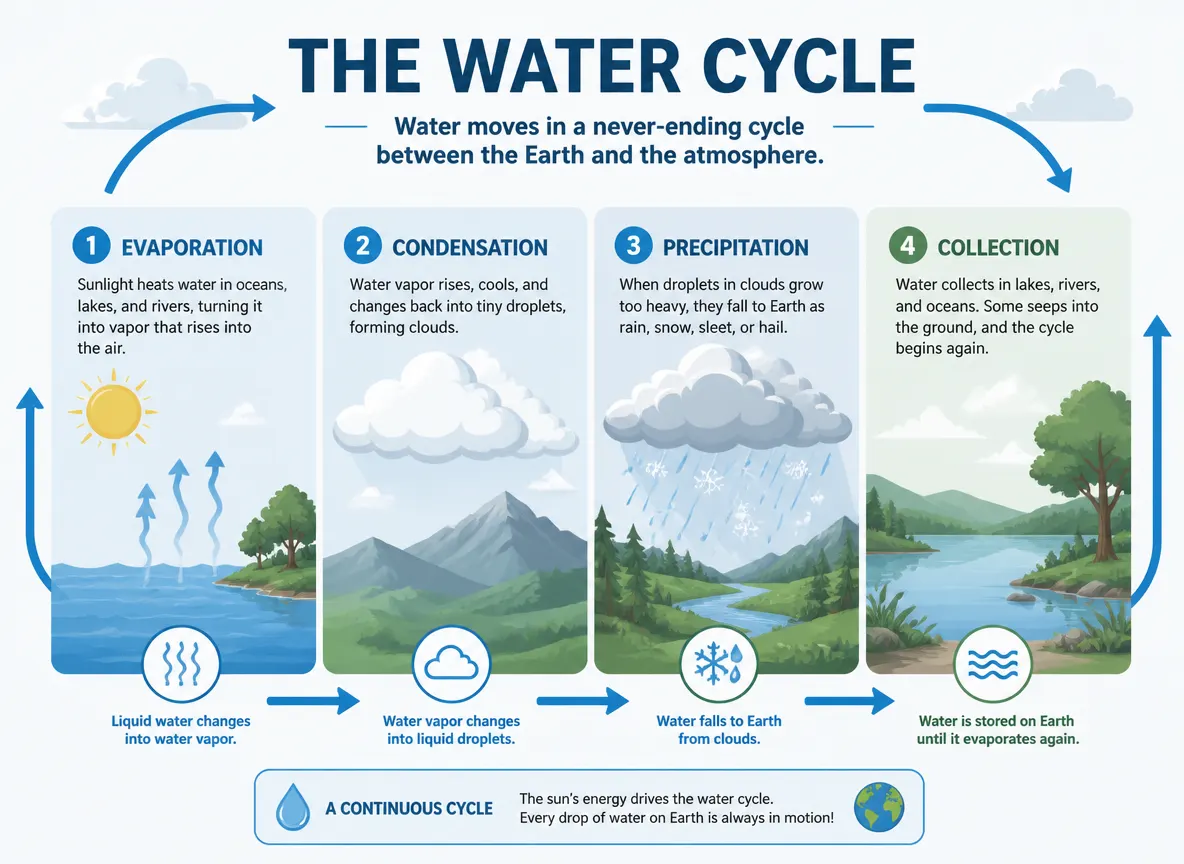
Searches around GPT Image 2 often come from users who need more than pretty visuals. This example is built to show structured information design, crisp section labels, and balanced layout spacing.
Prompt used for this visual
Design a clean educational infographic explaining the water cycle. Include four clearly separated sections with readable headings: Evaporation, Condensation, Precipitation, and Collection. Use modern flat illustration, muted blue and green tones, crisp arrows, balanced spacing, and small supporting labels that remain legible. The final image should look like a real classroom or publisher-ready infographic.
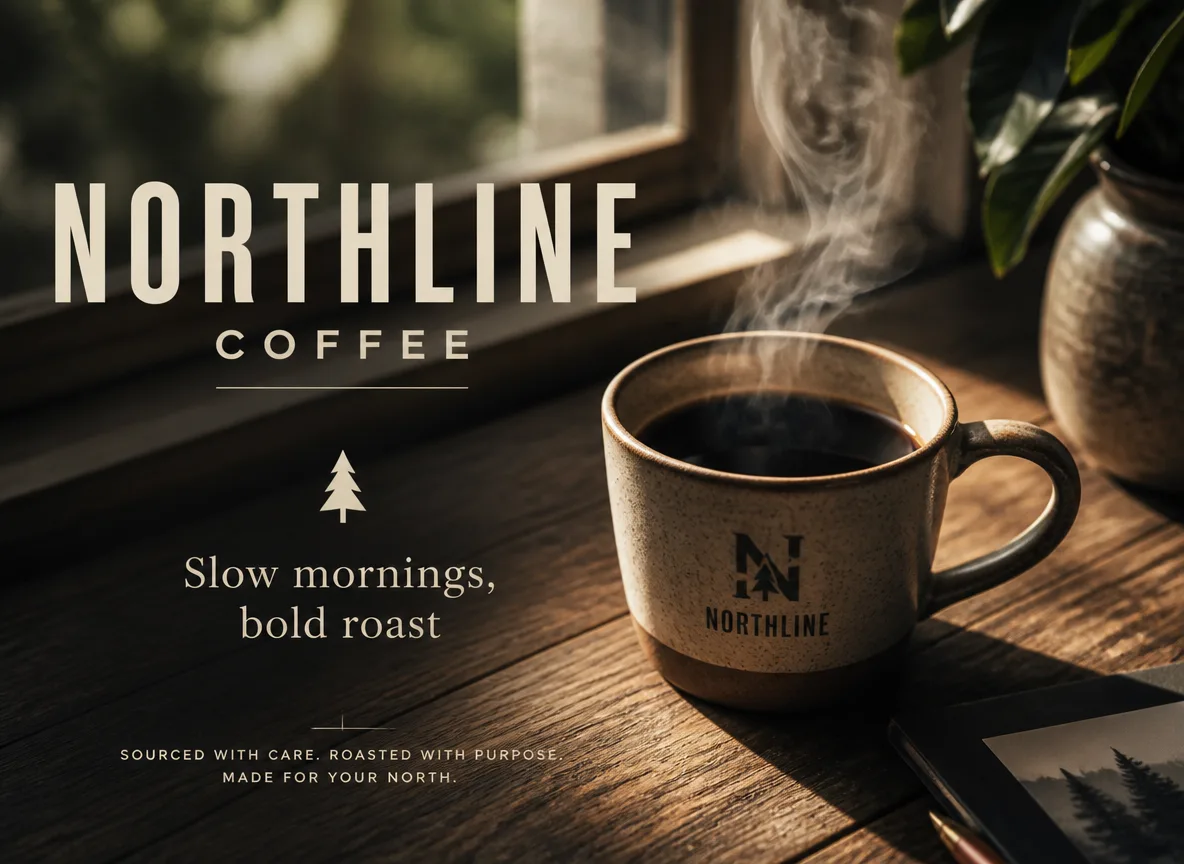
The model is also a good fit when art direction matters as much as realism. This type of prompt is useful for landing page heroes, social ads, and polished campaign mockups with short brand copy.
Prompt used for this visual
Create a cinematic coffee poster for a fictional cafe named NORTHLINE. Show a ceramic cup of black coffee on a wooden table near a sunlit window, with soft steam, realistic wood grain, and a calm morning atmosphere. Add clean readable poster text: "NORTHLINE COFFEE" and "Slow mornings, bold roast". Use premium editorial composition, subtle color grading, and high-end commercial photography style.
Use GPT Image 2 in NanoVibe to generate, edit, and refine campaign-ready images inside one workflow.
Try GPT Image 2 nowYes. GPT Image 2 is especially worth testing when your output includes headlines, labels, diagrams, or poster copy. It is not perfect in every case, but it is one of the more practical options for text-heavy visuals.
It works well for both, but it becomes especially valuable when you need controlled edits, product upgrades, or commercial visuals where preserving details matters.
Start with GPT Image 2 when the brief depends on polished output quality, reliable poster text, or fewer retries. Nano Banana 2 is often a better fit for faster iterative workflows driven by several reference images.
Yes. It is a strong option for product hero shots, campaign mockups, posters, and landing-page-ready visuals where lighting, material quality, and composition need to feel more finished.
Better when your workflow depends on reference images, continuity, and fast iterative editing.
A strong candidate when poster structure, small text rendering, and ad layouts matter most.
Jump straight into NanoVibe and compare models in one workflow instead of switching tools.