Create unique gifts
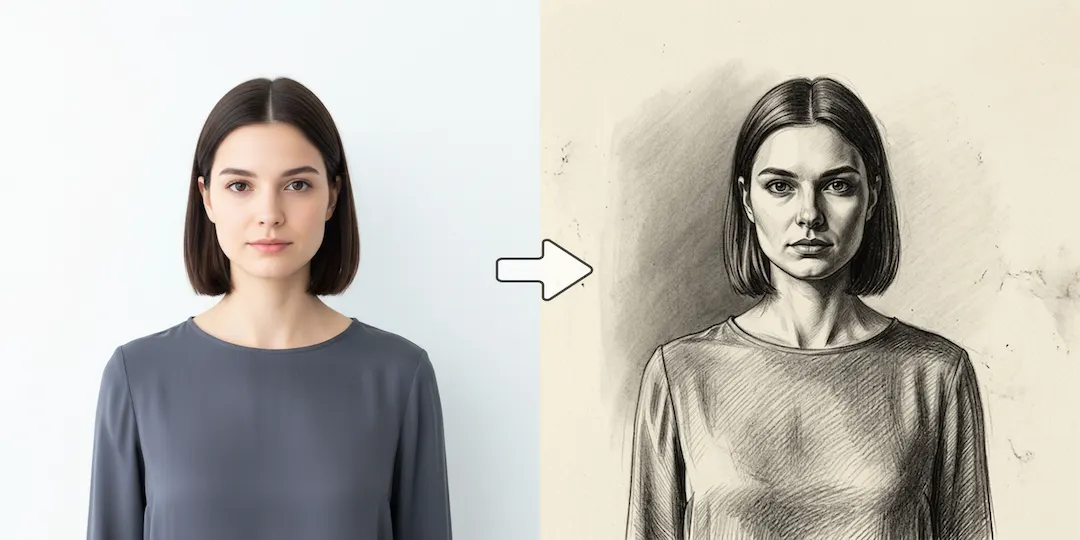
Turn a family portrait or pet photo into a beautiful sketch, print it, and frame it for a thoughtful gift.

AI Art Styles
Transform your favorite photos into realistic pencil drawings, charcoal sketches, or line art. Our AI captures the essence of your image and applies authentic artistic strokes in seconds.
Try it out
Upload your image below and let our AI do the heavy lifting. No design skills required.
Click or drag to upload photo
Supports JPG/PNG/WEBP, up to 10MB.
No images? Try one of these
Benefits
Turn a family portrait or pet photo into a beautiful sketch, print it, and frame it for a thoughtful gift.
Get the look of a commissioned artist's sketch instantly, without picking up a pencil.
Choose between rough sketches, detailed pencil drawings, charcoal, or clean line art.
How it works
Choose a photo with good contrast. Portraits and landscapes work exceptionally well.
Choose the level of detail and the specific drawing medium you want to emulate.
Watch your photo transform into art, then download the high-res file.
Start now
Join thousands of professionals and creators who use NanoVibe to power their creative workflows.
Get Started For FreeFAQ
Photos with clear subjects, good lighting, and strong contrast between light and dark areas produce the most dramatic and realistic sketches.
No, unlike old Photoshop filters, our AI actually redraws the image, analyzing edges and applying intelligent stroke patterns for a hand-drawn look.
Yes, the generated sketches are high quality and look excellent when printed on textured paper.
Explore
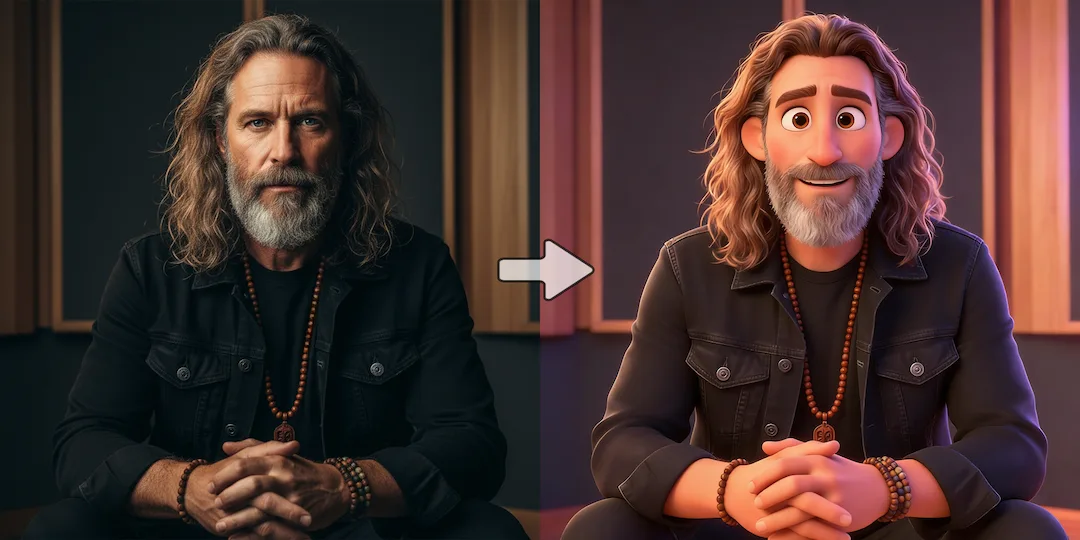
Turn your photos into cartoons instantly. Create fun avatars, 3D Pixar-style characters, or comic book illustrations from your selfies.
Use our AI anime filter to turn your photos into anime characters. Get high-quality, authentic Japanese animation style art.
Generate stunning images from text prompts instantly. Use our free AI image generator for marketing, social media, and creative projects.
More tools