NanoVibe logo
Fantasy warrior style

God of War Avatar Maker

Build a mythic warrior avatar with heavy armor, cold Nordic lighting, rugged texture, and a powerful close-up portrait feel. These prompts are tuned for profile-friendly character art that still feels cinematic enough for banners, creator icons, and fantasy mood boards.

Try the tool

Create your God of War avatar

Start with the main prompt below or open one of the warrior-ready examples to generate a stronger mythic portrait in one click.

Login

Looks to try

Three God of War avatar styles to try

Each option keeps the heavy mythic warrior direction, then shifts the portrait from icy realism to a brighter heroic finish or darker battle mood.

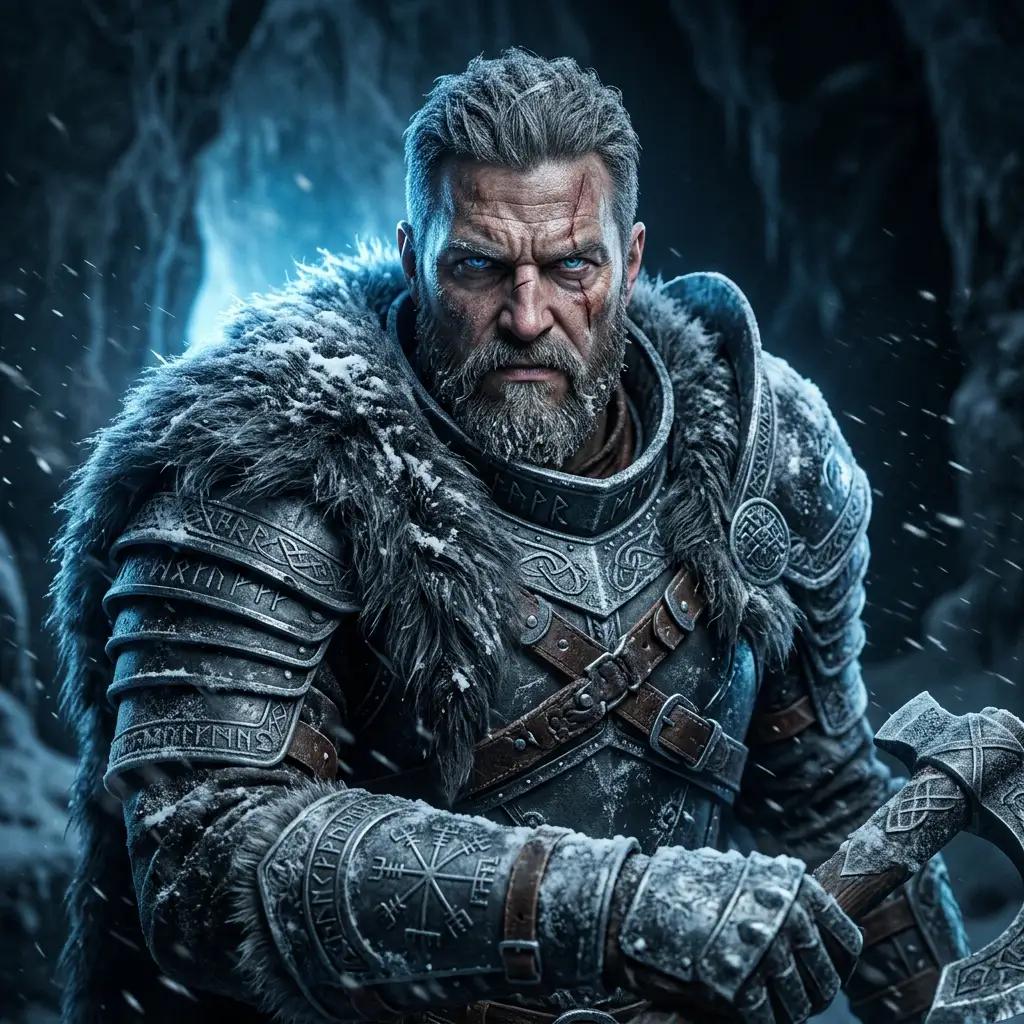
A God of War-inspired avatar close-up with full frost-touched armor, fur collar, stern warrior expression, icy blue backlight, subtle facial scars, drifting snow particles, clean dark background, and cinematic fantasy portrait realism

Frozen Warrior Close-Up

A tight profile-friendly portrait for users who want cold Nordic lighting and battle-worn realism without a busy background.

A God of War-inspired avatar close-up with full frost-touched armor, fur collar, stern warrior expression, icy blue backlight, subtle facial scars, drifting snow particles, clean dark background, and cinematic fantasy portrait realism
Use this template
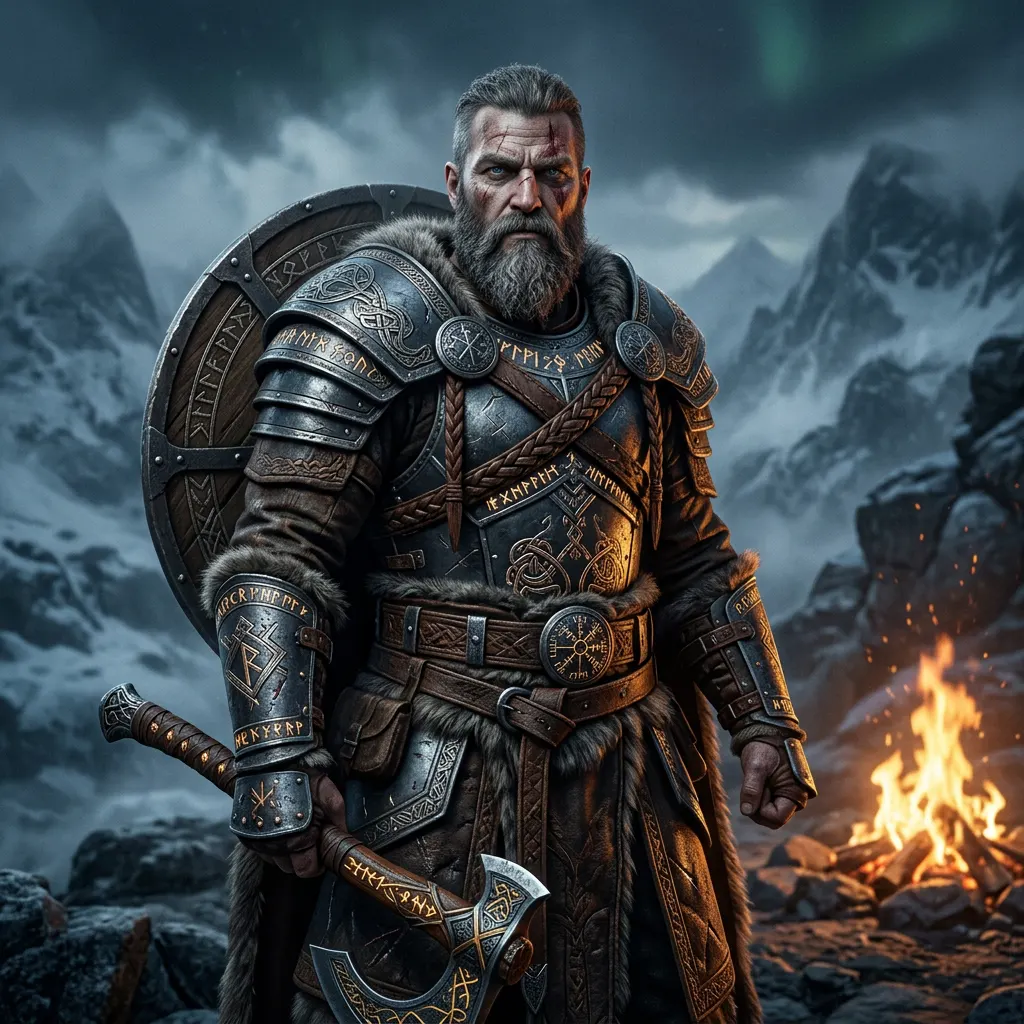
A polished God of War-inspired hero portrait with engraved runic armor, layered leather and metal battle gear, warm firelight against cold mist, confident expression, cinematic beard detail, mythic Nordic atmosphere, and premium fantasy key art styling

Runic Hero Portrait

A cleaner fantasy look with brighter highlights for creator avatars, banners, and polished gaming profile art.

A polished God of War-inspired hero portrait with engraved runic armor, layered leather and metal battle gear, warm firelight against cold mist, confident expression, cinematic beard detail, mythic Nordic atmosphere, and premium fantasy key art styling
Use this template
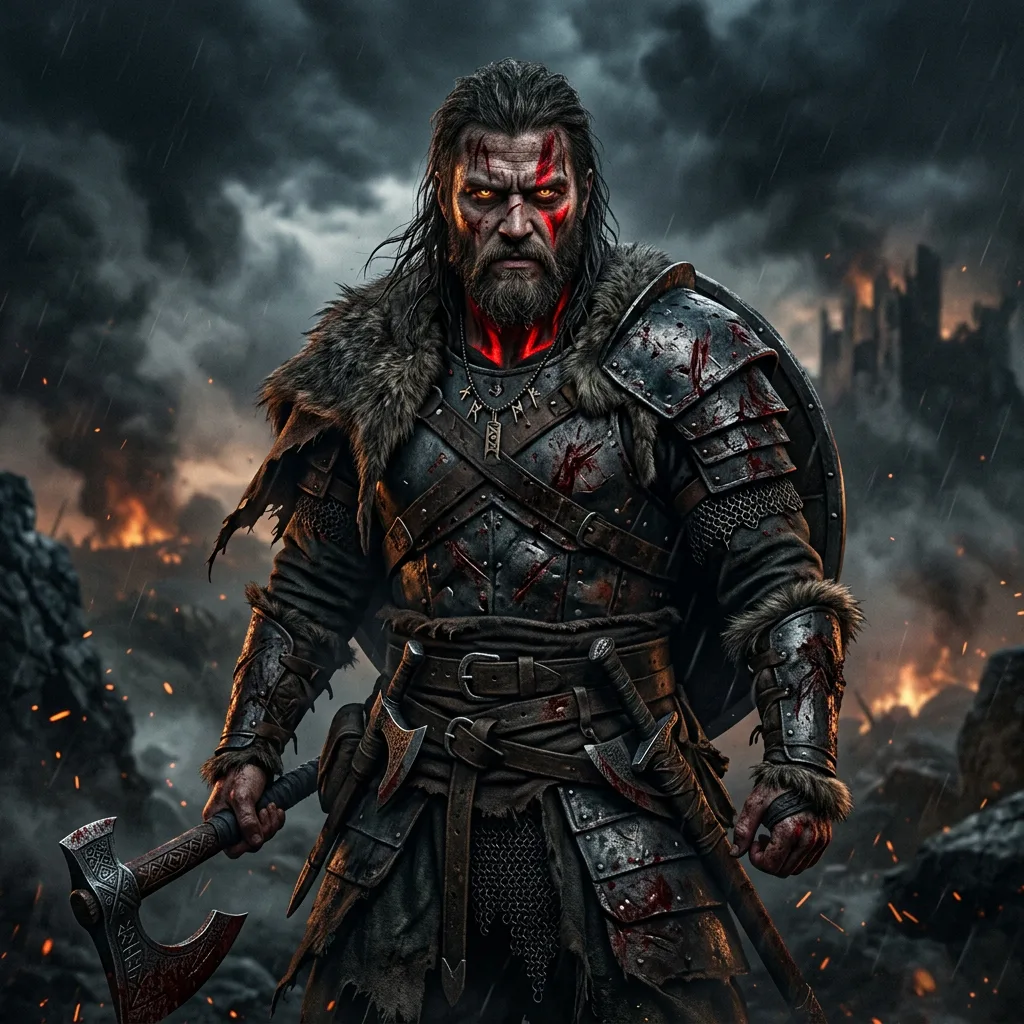
A dark God of War-inspired character portrait with battle-damaged armor, layered warrior clothing, deep shadows, red war paint accents, stormy smoke, intense eye contact, moody side lighting, and gritty mythic action-game poster realism

Shadow Realm Fighter

A darker battle variant for users who want more contrast, heavier mood, and a stronger action-game identity.

A dark God of War-inspired character portrait with battle-damaged armor, layered warrior clothing, deep shadows, red war paint accents, stormy smoke, intense eye contact, moody side lighting, and gritty mythic action-game poster realism
Use this template

FAQ

God of War Avatar Maker FAQ

What makes a strong God of War avatar prompt?

The best prompts combine mythic armor, cold atmosphere, rugged facial detail, and controlled cinematic lighting. That mix makes the portrait feel game-inspired without turning into a generic medieval warrior.

Should I include weapons in a God of War avatar maker prompt?

Usually no for avatars. A tight portrait with armor, scars, fur, and lighting reads better at small sizes. Save axes, swords, or shields for wider poster-style compositions.

Why does this page use AI Image Generator?

This style depends on fantasy costume detail, facial realism, atmosphere, and lighting all at once. AI Image Generator gives you the most flexible way to control those elements in one workflow.

What colors work best for a mythic warrior avatar?

Cold blues, slate gray, charcoal, muted silver, and a small amount of warm orange firelight usually create the clearest Nordic action-fantasy mood.

Can I make this look cleaner for a profile picture?

Yes. Use a square crop, simplify the background, and focus the prompt on one face, one lighting setup, and readable armor detail. That keeps the warrior theme strong without making the image cluttered.

What ratio should I use for a God of War avatar maker?

A 1:1 ratio is the safest default for gaming avatars and creator icons. If you want more shoulder armor or weapon silhouette, generate a second portrait in a taller format later.

More styles

Explore related style pages

More tools

Explore more NanoVibe workflows