NanoVibe logo
Horror poster style

Silent Hill Poster Generator

Build a fog-heavy horror poster with abandoned-town lighting, unsettling contrast, and a slow-burn psychological mood. These prompts are tuned for game-inspired artwork that feels eerie and cinematic without relying on gore, making them useful for posters, thumbnails, dark creator art, and horror mood boards.

Try the tool

Create your Silent Hill-style poster

Use the starter prompt below or open one of the horror-ready examples to generate a stronger foggy psychological poster in one click.

Login

Looks to try

Three horror poster styles to try

Each version keeps the foggy psychological-horror direction, then shifts the image from lonely street atmosphere to creature tension or a cleaner poster layout.

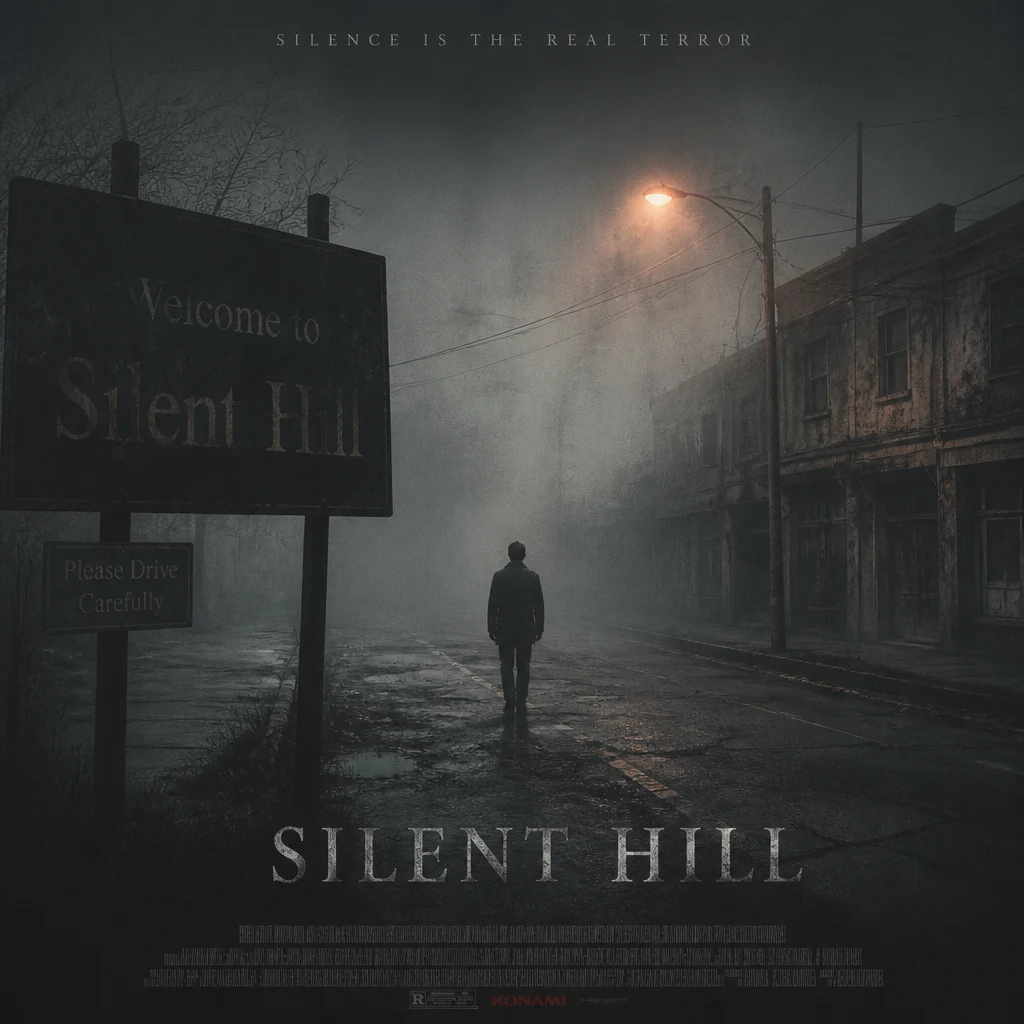
A Silent Hill-inspired horror poster with dense fog, empty street, dim orange streetlight, a fully clothed lone figure silhouette, cracked road, peeling walls, muted gray palette, and cinematic psychological horror atmosphere

Fog Street One-Sheet

A classic horror-poster direction for users who want lonely streetlight atmosphere and strong abandoned-town mood.

A Silent Hill-inspired horror poster with dense fog, empty street, dim orange streetlight, a fully clothed lone figure silhouette, cracked road, peeling walls, muted gray palette, and cinematic psychological horror atmosphere
Use this template
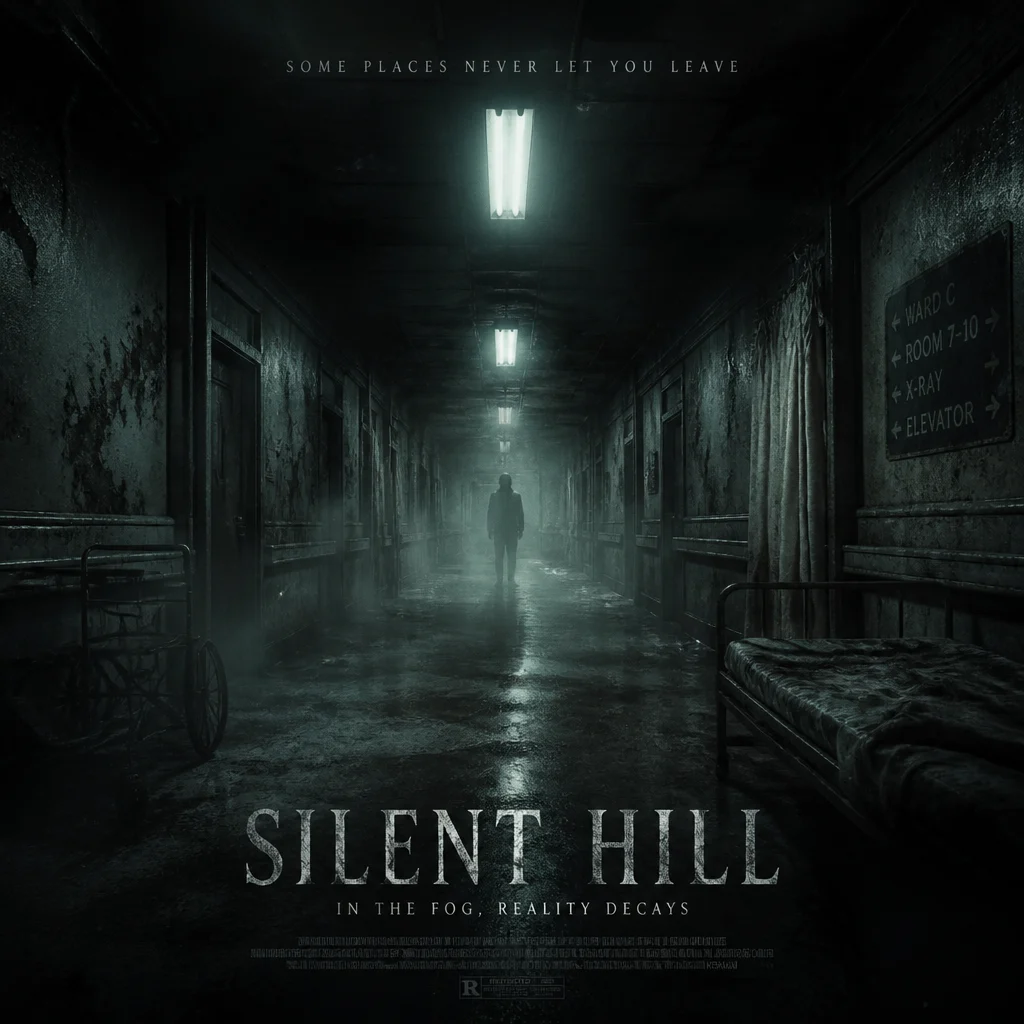
A psychological horror poster inspired by Silent Hill with an abandoned hospital corridor, pale fluorescent glow, drifting fog, rusted metal details, an ominous fully clothed shadow at the end of the hall, and premium eerie cinematic poster realism

Hospital Corridor Dread

A tighter interior version with stronger suspense for users who want unsettling space design and darker tension.

A psychological horror poster inspired by Silent Hill with an abandoned hospital corridor, pale fluorescent glow, drifting fog, rusted metal details, an ominous fully clothed shadow at the end of the hall, and premium eerie cinematic poster realism
Use this template
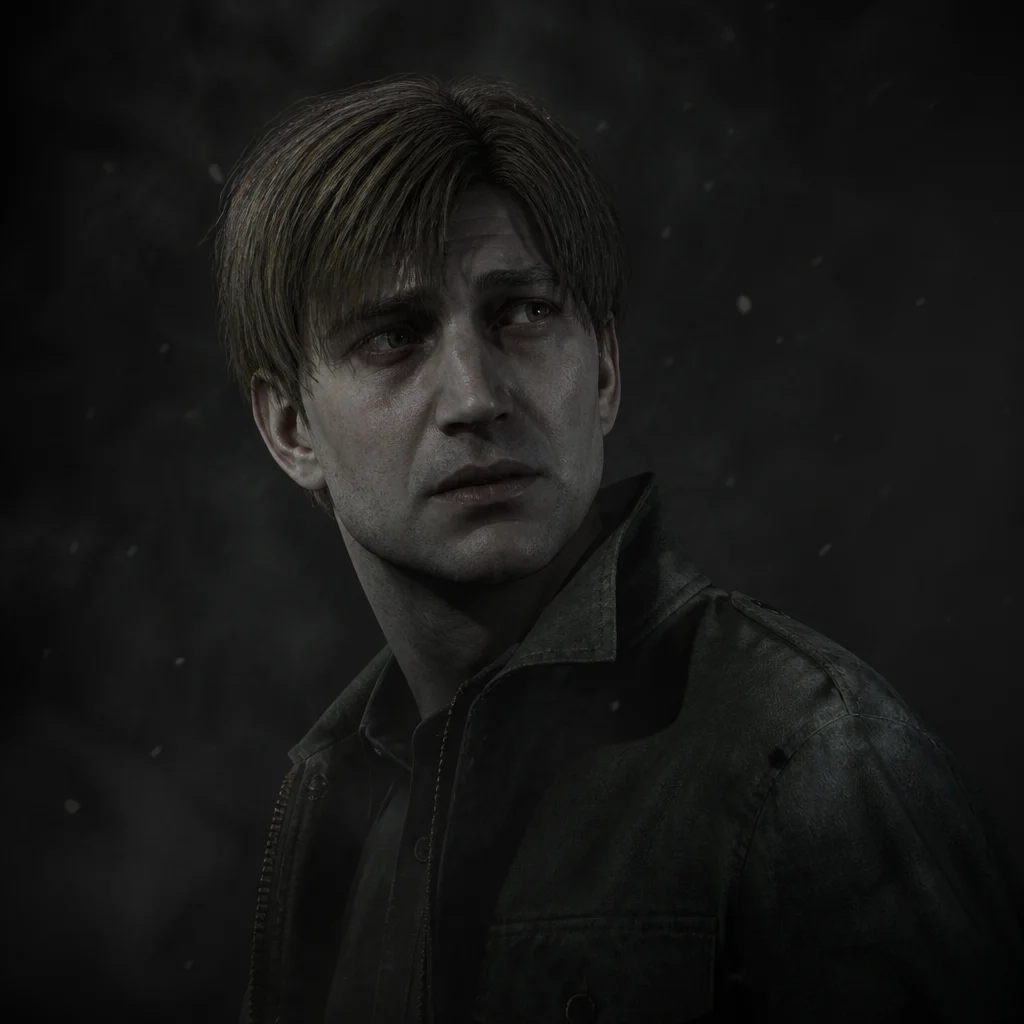
A Silent Hill-inspired horror portrait with pale skin, anxious expression, a worn high-collar coat, drifting ash, gray fog, harsh side light, dark empty backdrop, subtle texture grain, and polished atmospheric horror game art realism

Ashen Figure Portrait

A more character-led horror image for dark avatars, poster covers, and moody creator art with readable facial focus.

A Silent Hill-inspired horror portrait with pale skin, anxious expression, a worn high-collar coat, drifting ash, gray fog, harsh side light, dark empty backdrop, subtle texture grain, and polished atmospheric horror game art realism
Use this template

FAQ

Silent Hill Poster Generator FAQ

What makes a Silent Hill-style poster feel effective?

Fog, emptiness, desaturated color, and restrained lighting usually create the strongest psychological-horror mood. The image works best when it feels tense and uncanny instead of loud or overly graphic.

Should I add monsters to a Silent Hill poster generator prompt?

Only if the composition still stays readable. Many of the strongest horror posters rely on silhouettes, corridors, streetlights, and atmosphere more than detailed creature design.

Why does this page use AI Image Generator?

This style depends on scene design, weather, lighting, grain, and emotional tone more than a simple filter effect. AI Image Generator gives you more control over the full horror composition.

Which colors work best for foggy horror posters?

Muted gray, dirty white, charcoal, pale amber, and small hints of rust usually create the clearest abandoned-town horror look.

Can I make this style work for a profile image too?

Yes. Switch from a full poster scene to a tighter portrait with fog, side light, and one clear facial expression. That keeps the horror mood while making the image more readable at smaller sizes.

What ratio should I use for a horror poster generator?

Square works well for thumbnails and social covers, but you can also regenerate in a taller format later if you want a more traditional vertical one-sheet layout.

More styles

Explore related style pages

More tools

Explore more NanoVibe workflows