Skip the awkward phase
Bangs take months to grow out if you hate them. Trying them virtually removes all the risk.

Virtual fringe test
Bangs change your whole face shape. Before making the chop, upload your photo to our AI bangs simulator and test out curtain, wispy, or blunt bangs in seconds.
Try it out
Upload your image below and let our AI do the heavy lifting. No design skills required.
Click or drag to upload your photo
Supports JPG/PNG/WEBP, up to 10MB. Front face with clear features and no obstruction.
No images? Try one of these
Hair Color
Benefits
Bangs take months to grow out if you hate them. Trying them virtually removes all the risk.
Not sure between wispy bangs and curtain bangs? Generate both and compare them side by side.
Get an immediate visual answer to the classic 3 AM question: 'Should I cut bangs?'
How it works
Make sure your forehead is clearly visible so the AI can place the bangs naturally.
Enter prompts like 'curtain bangs', 'blunt fringe', or 'wispy bangs' depending on the look you want.
The AI will generate the bangs, matching them perfectly to your existing hair color and texture.
Start now
Join thousands of professionals and creators who use NanoVibe to power their creative workflows.
Get Started For FreeFAQ
Yes. The generator analyzes your current hair color and texture to ensure the new bangs look like they belong to you.
Yes! Curtain bangs are one of the most popular requests. Just specify 'curtain bangs' in the prompt.
A straight-on selfie with your hair down (but pushed back slightly from your face) works best for simulating bangs.
Explore
Try on different haircuts virtually before you go to the salon. Upload a selfie and see how you look with bangs, bobs, fades, and more.
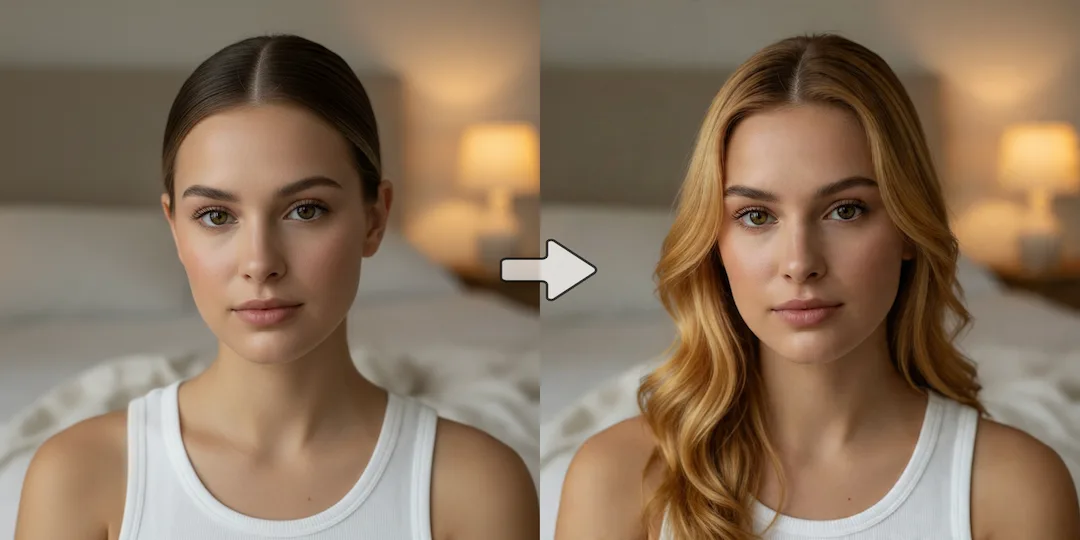
Use our AI blonde hair filter to see yourself with blonde hair. Test different shades of blonde before bleaching or dyeing.
More tools